Outlook Bulk Sender Rules: What Microsoft Requires
Microsoft's bulk sender rules: over 5,000 emails a day to Outlook.com needs SPF, DKIM and DMARC. The 550 5.7.515 fix, M365 limits and Gmail compared.

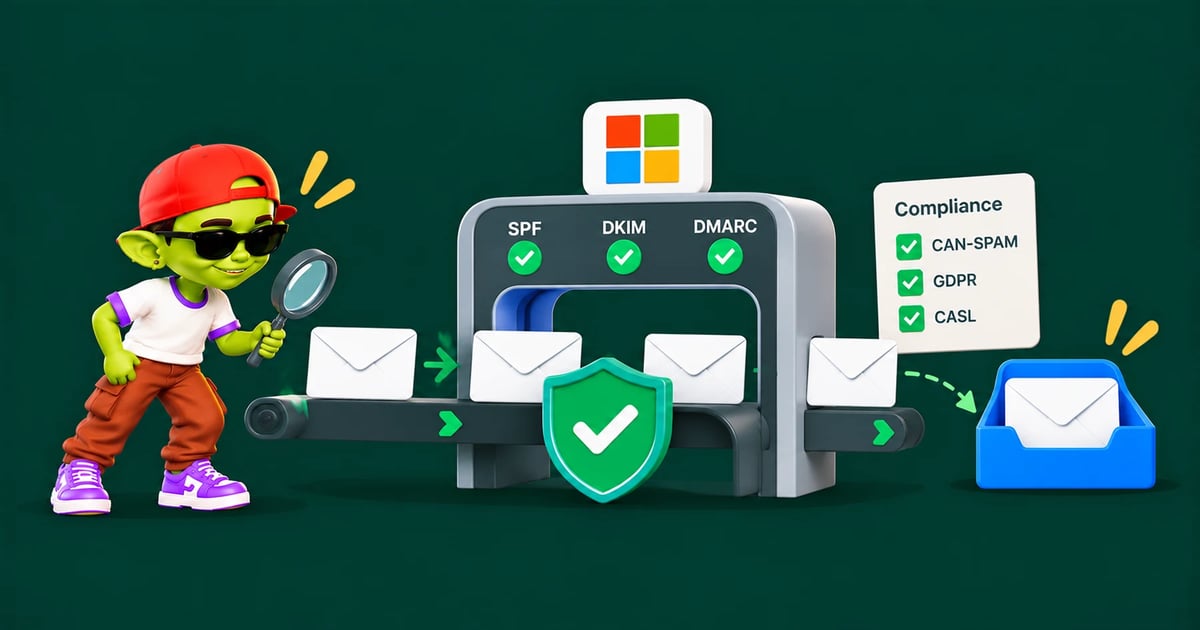
Microsoft's Outlook bulk sender requirements apply to anyone sending large volumes to Outlook.com, Hotmail and Live addresses. Here is what they require and how to comply.
The short answer: Since 5 May 2025, any domain sending more than 5,000 emails a day to Outlook.com, Hotmail, Live.com or MSN addresses must pass SPF and DKIM and publish a DMARC record of at least p=none that passes. Mail that fails can go to junk or be rejected with "550 5.7.515 Access denied". Microsoft 365 business mailboxes have separate sending limits: 10,000 recipients a day per user.
Bulk sender requirements at Gmail, Yahoo and Outlook
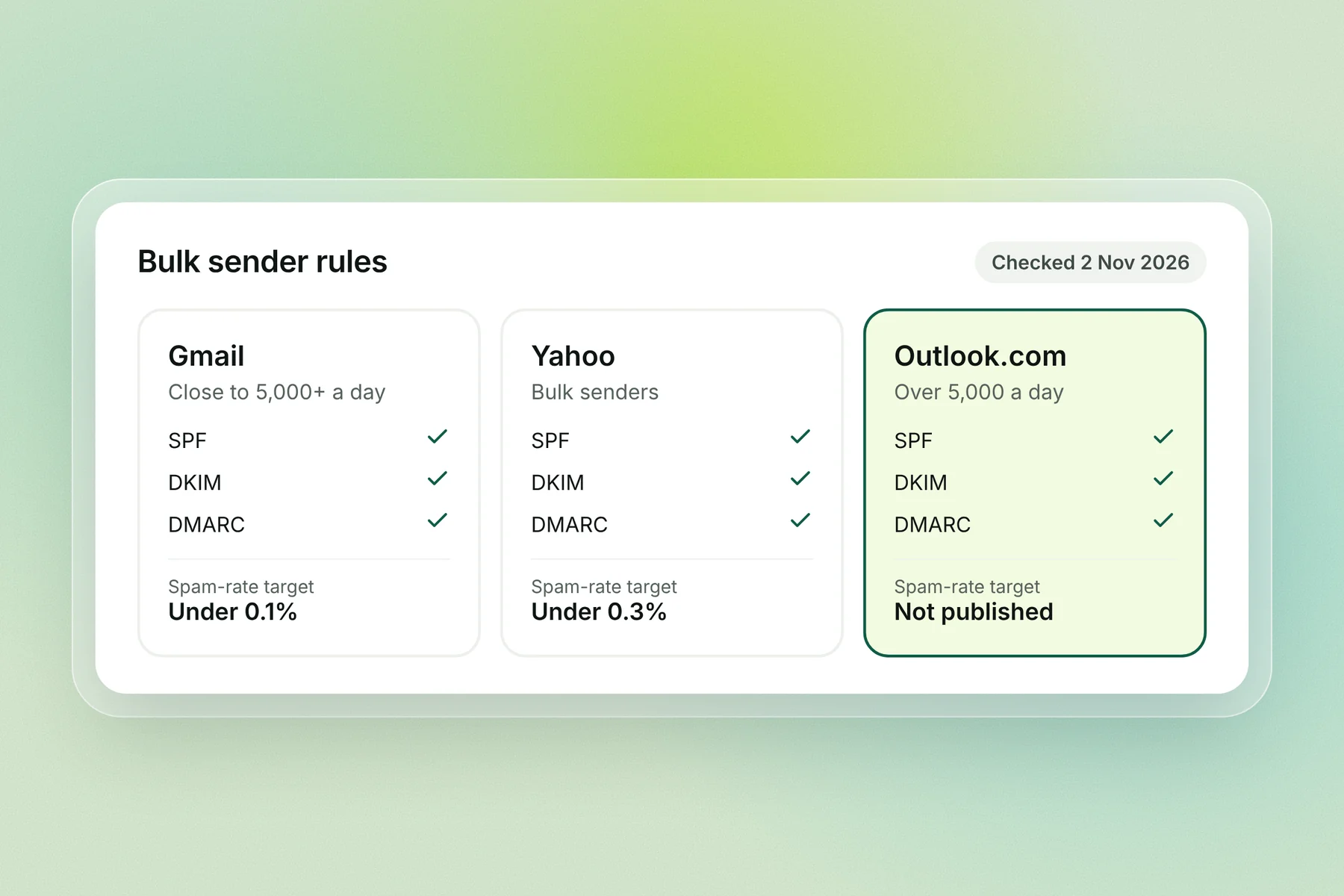
All three big inbox providers now ask high-volume senders for SPF, DKIM and DMARC. Only Google publishes a spam-rate target.
Gmail | Yahoo | Outlook.com | |
|---|---|---|---|
Who counts as bulk | Close to 5,000 or more a day to personal Gmail accounts | Bulk senders | More than 5,000 a day to Outlook.com, Hotmail, Live.com and MSN |
SPF | Required | Required | Must pass |
DKIM | Required | Required | Must pass |
DMARC | Required, p=none or stricter | Required | At least p=none, passing through SPF or DKIM |
Spam-rate target | Under 0.1%, never 0.3% | Under 0.3% | Not published |
If you fail | Spam folder or rejection | Spam folder or rejection | Junk or rejection with 550 5.7.515 |
Gmail and Yahoo figures come from their sender guidelines; Outlook.com from Microsoft's Postmaster policies. Checked 2 Nov 2026.
What Microsoft requires from high-volume senders
Microsoft's Postmaster policies say: "Domains sending more than 5,000 emails per day to Outlook.com accounts must fully be compliant with SPF, DKIM, and DMARC." The count is per sending domain, so mail from every mailbox on that domain adds up.
Requirement | What Microsoft asks | How to check |
|---|---|---|
SPF | Must pass for the sending domain | Header shows spf=pass |
DKIM | Must pass, signed with your domain | Header shows dkim=pass |
DMARC | At least p=none (p=reject recommended), aligned with SPF or DKIM, ideally both | Header shows dmarc=pass |
Unsubscribe | A clearly documented, easy-to-find way to opt out | Read your own email as a recipient |
Reverse DNS | Sending servers need valid reverse DNS records | Your mailbox provider handles this |
Retries | Don't retry a recipient after a permanent failure (a 5xx code) | Your sending tool's bounce handling |
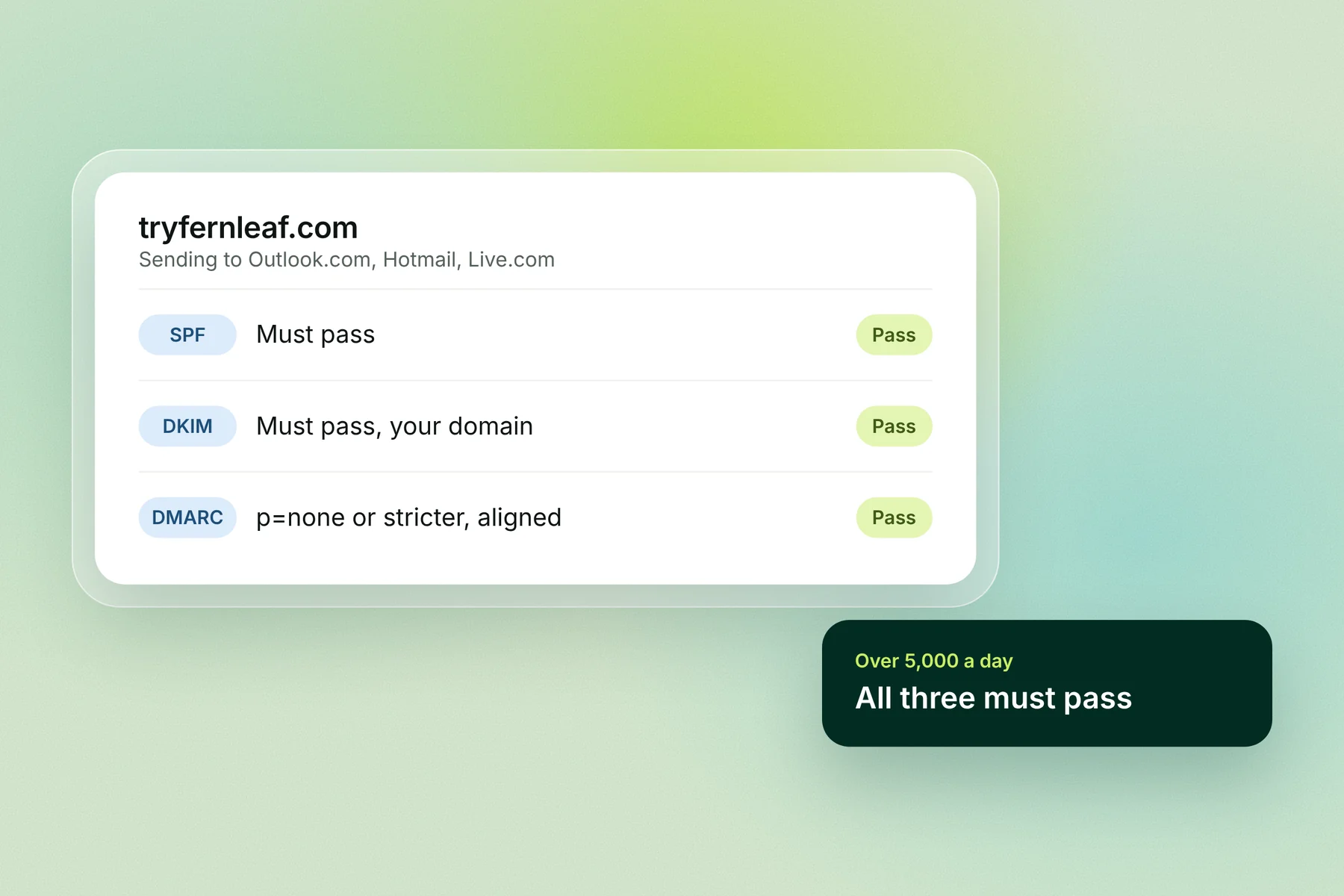
Microsoft's support page for the 550 error adds one detail: SPF and DKIM should both pass, and DMARC passes when at least one of them aligns with your From domain. For the record formats, see SPF, DKIM and DMARC explained and our DMARC record guide.
Outlook.com rules vs Microsoft 365 sending limits
These are two different things, and the old advice often mixes them up. The Outlook.com rule is about who you send to; Microsoft 365 limits are about the mailbox you send from.
Outlook.com bulk sender rule | Microsoft 365 sending limits | |
|---|---|---|
Applies to | Anyone sending to Outlook.com, Hotmail, Live.com or MSN | Mailboxes on a Microsoft 365 or Exchange Online plan |
What it checks | Authentication: SPF, DKIM, DMARC | Volume: how much one mailbox or tenant sends |
Key numbers | More than 5,000 a day per domain | 10,000 recipients a day per user, 30 messages a minute, up to 1,000 recipients per message |
Trial and starter limits | None | Trial tenants: 5,000 external recipients a day; onmicrosoft.com addresses: 100 external recipients a day |
If you go over or fail | Junk or 550 5.7.515 | Sending pauses until the 24-hour count drops (or 550 5.7.236 on onmicrosoft.com) |
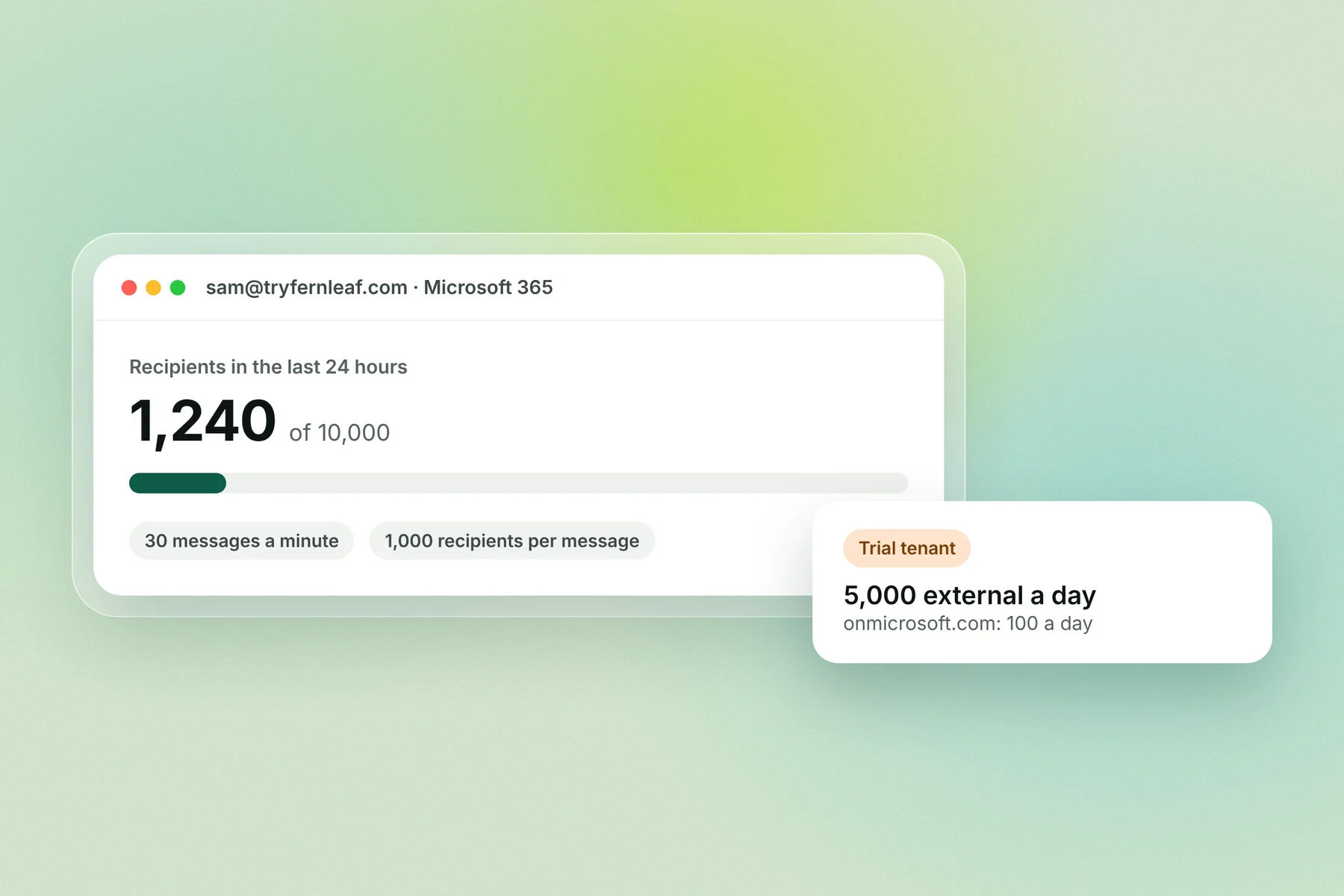
Microsoft also says Exchange Online "isn't suited to bulk mailing". For cold email, that means spreading volume across several mailboxes on secondary domains, not pushing one mailbox to its limit. See secondary domains for cold email.
Do Outlook's bulk sender rules apply to cold email?
The rejection rule only applies above 5,000 emails a day to consumer Outlook addresses from one domain, and most cold email senders stay far below that. Set up SPF, DKIM and DMARC anyway: they're free, Gmail and Yahoo expect them too, and mail without them is easier for filters to treat as junk.
Two things are worth knowing for cold email:
Most B2B prospects use Microsoft 365, not Outlook.com. The announced rule covers consumer addresses. Business inboxes are filtered by the recipient company's own Microsoft 365 settings, which Microsoft doesn't publish as a fixed rule.
The count is per domain. Ten mailboxes on one domain sending 600 a day each is 6,000 for that domain. Spreading volume across secondary domains keeps each one small.
The 550 5.7.515 error and how to fix it
"550 5.7.515 Access denied, sending domain <domain> does not meet the required authentication level" means Outlook.com rejected your email because your From domain failed Microsoft's authentication check for high-volume senders.
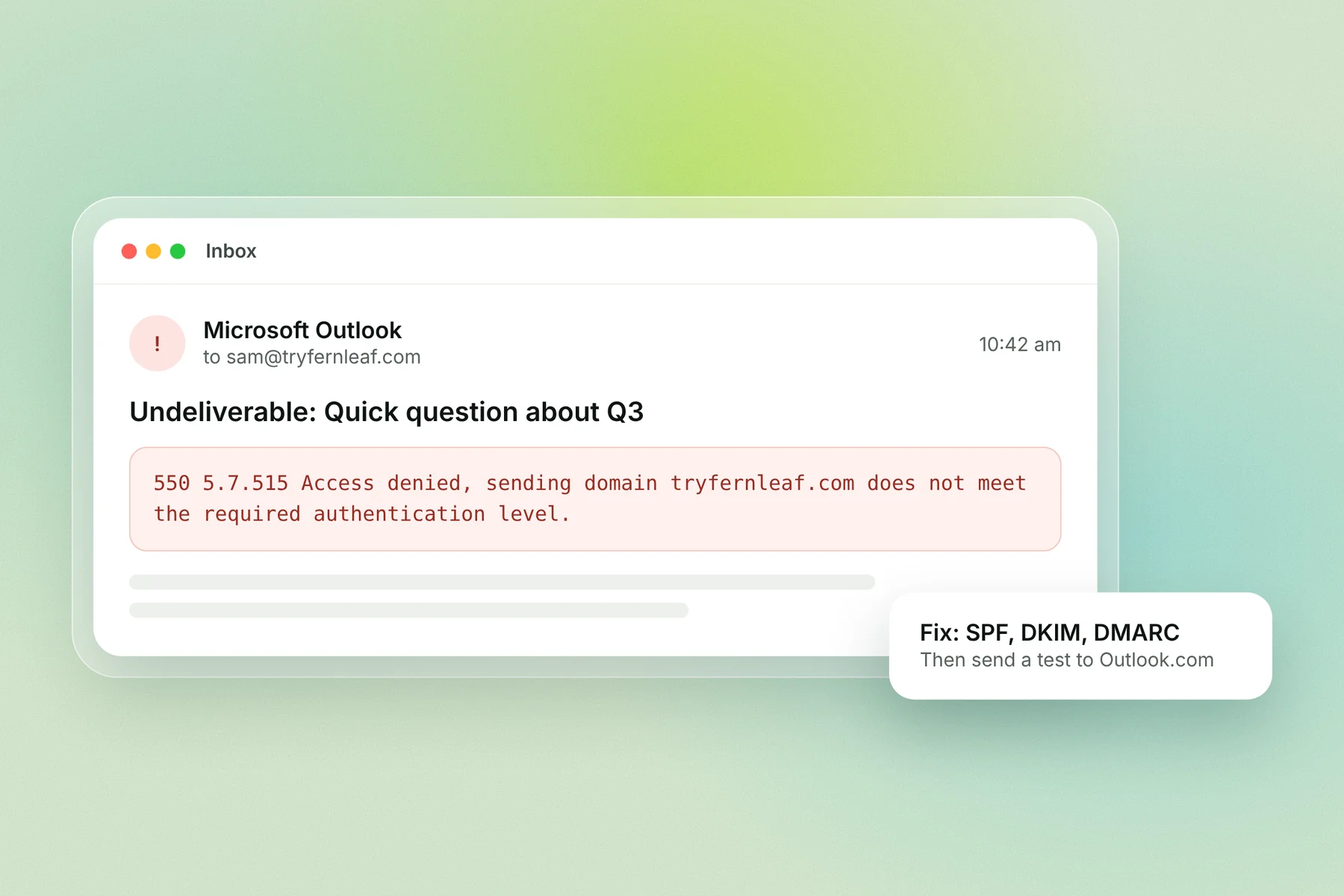
Microsoft's fix, in order:
Check the headers. Open a message you sent to an Outlook address and look for spf=pass, dkim=pass and dmarc=pass. Confirm the return-path domain matches your From domain.
Fix SPF. Make sure your record lists every service that sends for the domain, and stays under 10 DNS lookups.
Fix DKIM. Sign with your own domain, not your sending tool's shared domain.
Publish DMARC. At minimum, a TXT record at
_dmarcwith:
v=DMARC1; p=none; rua=mailto:[email protected]Check third-party senders. Any tool that sends as your domain must use your domain in the return path, sign DKIM with your domain and be included in your SPF record.
Send a test to an Outlook.com address and check the headers again. DNS changes can take a few hours to spread.
Outlook bulk sender checklist
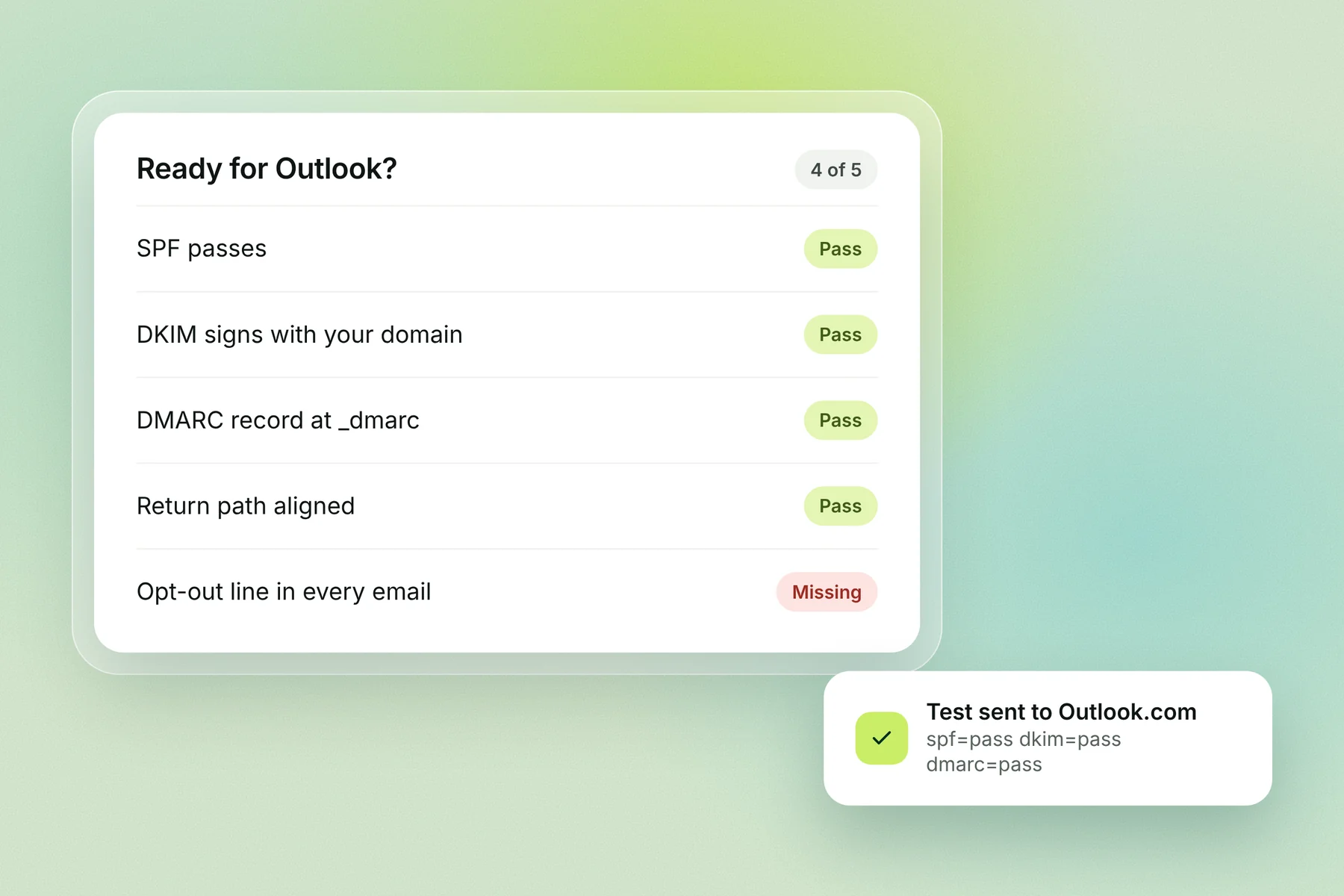
SPF record lists every sending service and passes
DKIM signs with your own domain and passes
DMARC record published at
_dmarc, at least p=none, and passingReturn-path domain aligns with your From domain
A visible way to opt out in every email
Permanent bounces (5xx) removed and never retried
Volume per domain well under 5,000 a day to consumer Outlook addresses
A test email to an Outlook.com address shows spf=pass, dkim=pass and dmarc=pass
How Alien Mail handles Outlook's rules
Alien Mail checks SPF, DKIM and DMARC on every domain you connect and flags a missing or failing record before a campaign sends. It spreads sending across your mailboxes and keeps each one to a daily cap, around 30 cold emails per warmed inbox in our guidance. Start free with 100 credits and no card.
Start free → · See cold email software
Frequently asked questions
What are Microsoft's bulk sender requirements? Domains sending more than 5,000 emails a day to Outlook.com, Hotmail, Live.com or MSN must pass SPF and DKIM and publish a DMARC record of at least p=none that passes through an aligned SPF or DKIM result.
When did Outlook's sender rules start? 5 May 2025, according to Microsoft's Postmaster policies.
What does 550 5.7.515 mean? Outlook.com rejected the email because the From domain didn't meet Microsoft's authentication level: SPF, DKIM or DMARC failed or was missing.
Do the rules apply to Microsoft 365 business inboxes? The announced rule covers Microsoft's consumer services. Business inboxes are filtered by each company's Microsoft 365 settings, so set up the same three records for them too.
What are Microsoft 365's sending limits? 10,000 recipients a day per user, 30 messages a minute and up to 1,000 recipients per message. Trial tenants can send to 5,000 external recipients a day, and onmicrosoft.com addresses to 100.
Do I need SPF, DKIM and DMARC if I send under 5,000 a day? The rejection rule doesn't apply, but you should still set all three. Gmail and Yahoo expect them, and unauthenticated mail is more likely to land in junk.
Does Outlook require one-click unsubscribe? Microsoft's Postmaster page asks for an unsubscribe method that is "clearly documented and easy for recipients to find and use". It doesn't name the one-click standard.
Key terms
Bulk sender: a domain sending more than 5,000 emails a day to one provider's consumer inboxes.
5322.From domain: the domain in the From address the reader sees; DMARC checks against it.
Alignment: SPF or DKIM passing for the same domain as the From address.
NDR: a non-delivery report, the bounce email that carries an error code such as 550 5.7.515.
Tenant: your organisation's Microsoft 365 account; some limits apply to the whole tenant.