Know your emails are landing — before the campaign tanks
Track inbox placement, spam rate and domain reputation in real time. AlienMail alerts you before deliverability drops — not after your campaign has already tanked.
No credit card required · Free unlimited warmup included · 250 free credits

Email deliverability is the rate at which your messages reach the inbox rather than the spam folder or a block. It depends on domain reputation, authentication records, list quality and recipient engagement. AlienMail monitors all four continuously and alerts you when any metric drifts toward the danger zone.
How it works
A modern, three-step pipeline engineered for inbox delivery and high conversion.
DNS & Authentication audit
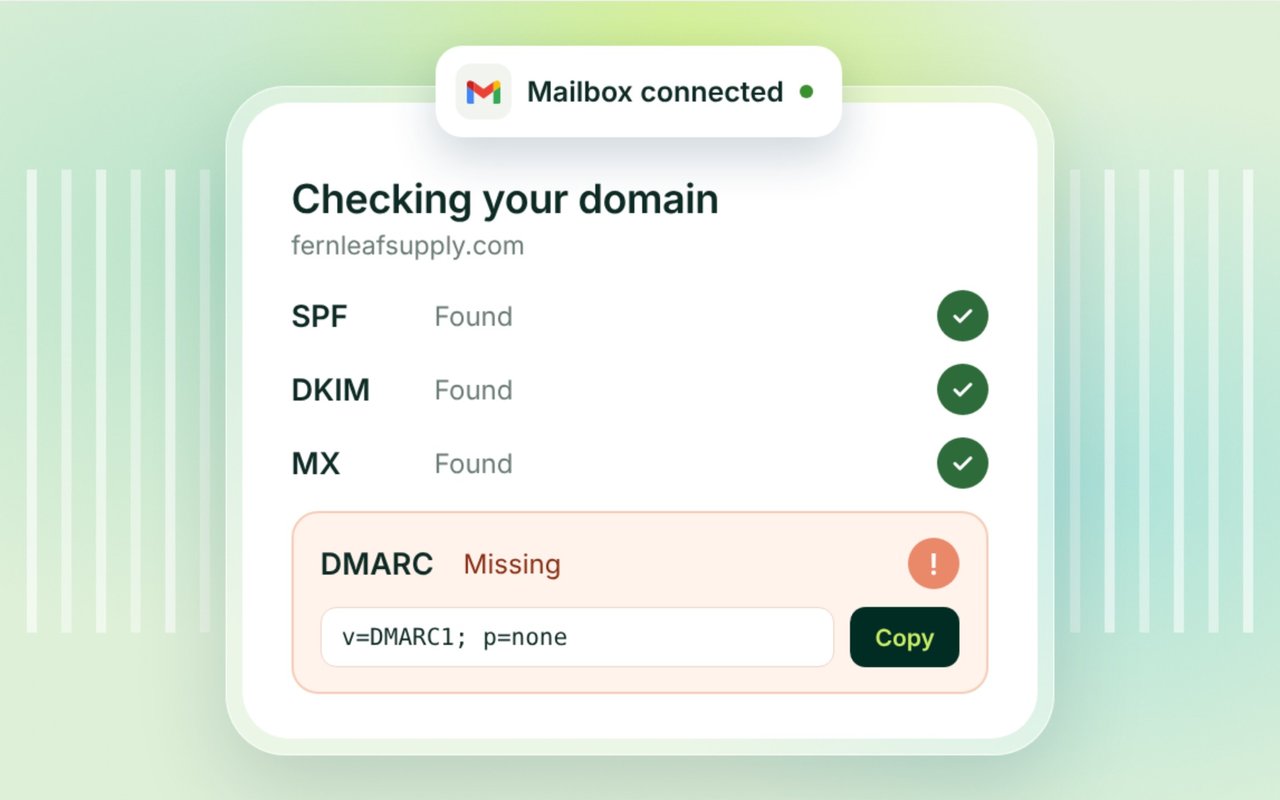
AlienMail scans and validates your SPF, DKIM, DMARC, and MX records to ensure 100% ISP compliance and cryptographic verification before sending.
Continuous reputation & health tracking
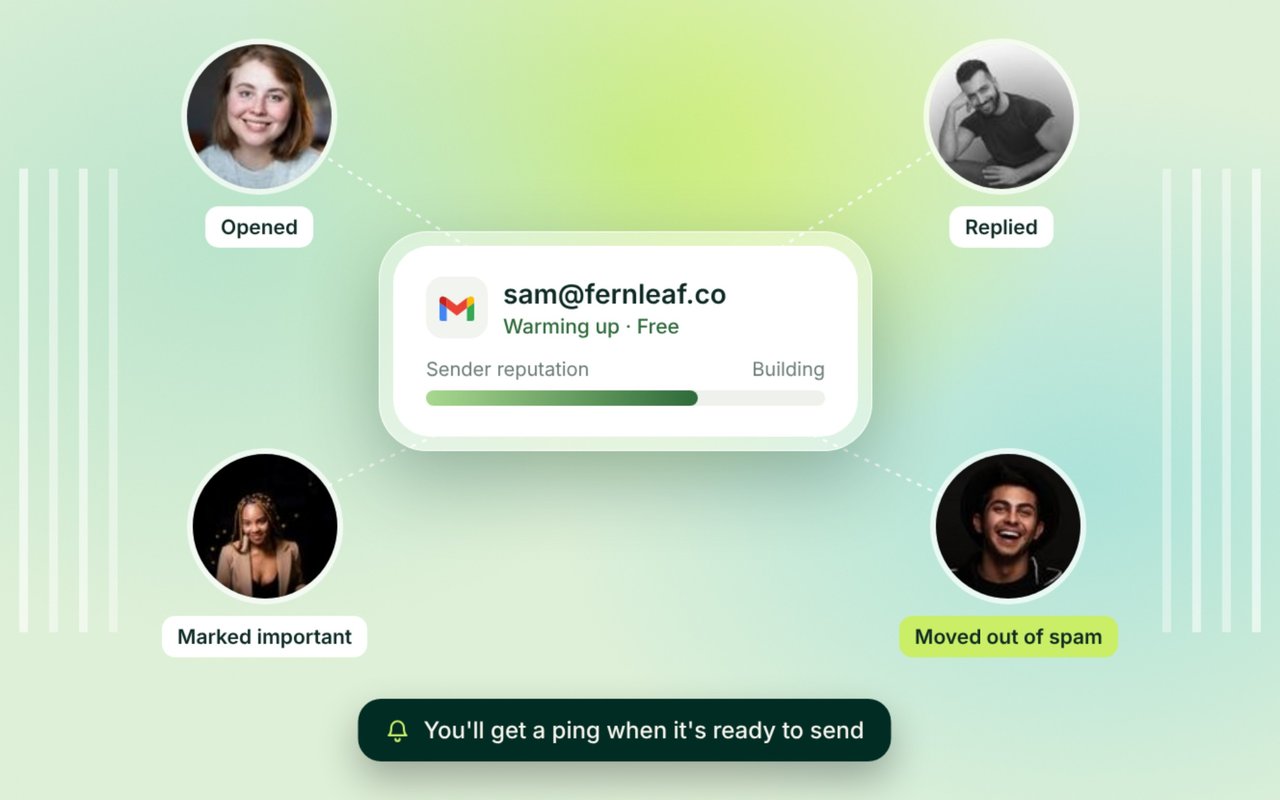
Real-time algorithms monitor your sender score, spam complaints, bounce rates, and volume consistency across all connected mailboxes.
Proactive drift alerts & recovery
Instant alerts warn when bounce rates approach 2%, while automated peer warm-up kicks in to protect domain reputation and maintain primary inbox placement.
Delivery rate vs. Deliverability: Why 99% delivery is misleading
A 99% delivery rate only means the receiving mail server accepted your message without a hard bounce—it says nothing about where that message landed. If 40% of those delivered emails ended up in the junk or spam folder, your actual inbox placement rate is only 60%. AlienMail measures true inbox placement and engagement health, not just basic server handshakes.

The five core pillars that determine your sender reputation
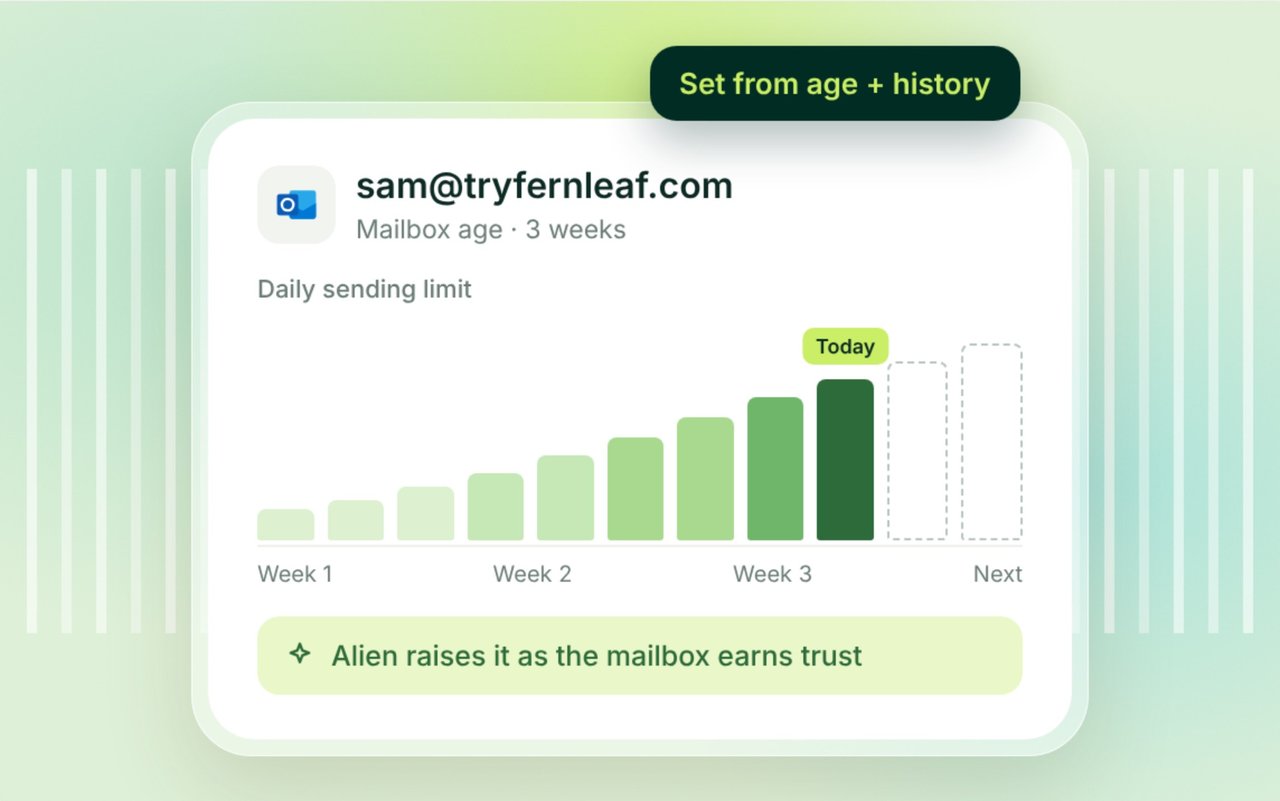
1. Domain & IP Reputation: Historical trust score with ISPs. 2. DNS Authentication: Valid SPF, DKIM, and DMARC alignment. 3. List Cleanliness: Keeping hard bounces strictly below 2%. 4. Recipient Engagement: High open, reply, and forward rates. 5. Volume Consistency: Avoiding sudden erratic spikes in daily sending volume.

Cold email deliverability requires strict proactive safeguards
Cold outreach faces significantly higher scrutiny than opt-in marketing newsletters. Gmail and Yahoo enforce strict spam thresholds (under 0.3% complaint rate) and require full SPF/DKIM alignment. AlienMail builds automated throttling, peer warmup, and reply intent classification directly into campaign workflows to keep cold emails safe.

Deliverability Monitoring: AlienMail vs Alternatives
Verified August 2026. Data sourced from vendor feature sheets and pricing tiers.
| Feature / Capability | Instantly | Mailreach | GlockApps | |
|---|---|---|---|---|
| Monitoring & Diagnostics | ||||
| Continuous real-time health score | ✓ Included | ✓ Included | ✓ Included | ✕ |
| Automated SPF / DKIM / DMARC verification | ✓ Included | ✓ Included | ✓ Included | ✓ Included |
| Proactive risk alerts (before campaign failure) | ✓ Included | ✕ | ✓ Included | ✕ |
| Integrated peer warm-up network | ✓ Included | ✓ Included | ✓ Included | ✕ |
| Pre-send email list verification | ✓ Included | ✓ Included | ✕ | ✕ |
| Platform & Pricing | ||||
| Base platform fee | $0 (Pay per send) | $47 / mo min | $25 / mo / inbox | $79 / mo min |
| Deliverability monitoring included | ✓ Included | ✓ Included | ✓ Included | ✓ Included |
| Unlimited monitored inboxes included | ✓ Included | ✓ Included | ✕ | ✕ |
Cold email deliverability checklist
Follow these 7 critical steps before launching any sales outbound sequence to safeguard your inbox placement.
- 1. Configure DNS Authentication:Ensure valid SPF, DKIM, and DMARC records (p=none or p=quarantine) are active on your domain.
- 2. Set Up Custom Tracking Domain:Use a dedicated sub-domain for click and open tracking to avoid shared domain flags.
- 3. Complete 14-Day Automated Warm-Up:Warm new mailboxes to 30+ daily sends before initiating cold sales outreach volume.
- 4. Clean & Verify Your Contact List:Run multi-layer validation to eliminate invalid addresses, syntax errors, and spam traps.
- 5. Distribute Across Multiple Inboxes:Cap individual inbox volume at 30–40 emails per day and rotate sends automatically.
- 6. Personalize Copy with AI Context:Leverage dynamic first lines and custom variables to avoid generic spam-trigger patterns.
- 7. Monitor Bounce Rates in Real Time:Immediately pause campaigns if hard bounce rates exceed the safe 2% threshold.
Frequently Asked Questions
Everything you need to know about AlienMail features and deliverability.
What is email deliverability?
Email deliverability (or inbox placement) is the measurement of whether your emails successfully reach the recipient's primary inbox rather than being routed to the spam folder, promotions tab, or dropped by ISP filters.
What is a good email deliverability rate?
A healthy inbox placement rate is 95% or higher for opt-in lists, and 85% to 92%+ for targeted B2B cold outbound campaigns. Any drop below 80% indicates domain reputation issues that require intervention.
What is the difference between delivery rate and deliverability?
Delivery rate simply measures emails accepted by the receiving server (100% minus bounce rate). Deliverability measures where the email lands after acceptance—specifically whether it arrives in the primary inbox or the spam folder.
How do I test my email deliverability?
You can monitor deliverability through AlienMail's real-time sender score dashboard, which continuously evaluates DNS authentication, peer warmup engagement, spam complaints, and bounce metrics.
Why are my emails going to spam?
Common causes include missing SPF/DKIM/DMARC authentication, a hard bounce rate above 2%, high spam complaint rates (above 0.1%), aggressive spam trigger words in your copy, or sending too many emails too quickly from a new domain.
What are SPF, DKIM, and DMARC?
SPF (Sender Policy Framework) lists authorized sending servers. DKIM (DomainKeys Identified Mail) cryptographically signs messages to prove they were not altered in transit. DMARC tells receiving servers what to do if SPF or DKIM fails.
How do I improve deliverability for cold email?
Authenticate all DNS records, run automated warm-up for 14+ days before launching, verify lead lists prior to sending, personalize copy with AI, and keep daily sending volume below 40 emails per inbox.
How often should I check sender reputation?
Sender reputation should be monitored continuously during active campaigns. AlienMail automates this by tracking health scores on every send batch and alerting you if metrics degrade.
Does warm-up alone guarantee 100% deliverability?
No. Warm-up is essential for building domain reputation, but it cannot overcome poor list hygiene, high spam complaints, missing DNS authentication, or irrelevant messaging.
What bounce rate is considered dangerous?
A bounce rate exceeding 2% triggers reputation penalties at major mailbox providers. Exceeding 5% can result in immediate domain suspension or ISP blacklisting.
Related Features & Guides
Email Warm-Up Tool
Free automated inbox warm-up to build and maintain high domain reputation.
Email Verification
Multi-stage list cleansing before every send to keep bounce rates under 2%.
Cold Email Software
The complete AI-powered outbound engine with unlimited inboxes.
AlienMail vs Instantly
Head-to-head deliverability monitoring and inbox placement comparison.
Platform Security & DNS
Learn about our data protection standards, SPF/DKIM validation, and encryption.
Transparent Pricing
Pay-per-email rates with included deliverability monitoring and $0 monthly retainers.
Stop sending into the spam void
Monitor sender health in real time, run free background warm-up, and achieve consistent 90%+ inbox placement.