SPF, DKIM & DMARC Explained
A practical walkthrough of the three DNS records that decide whether your email reaches the inbox — what each one does, how to configure them for Google Workspace and Microsoft 365, and how to verify they actually pass.
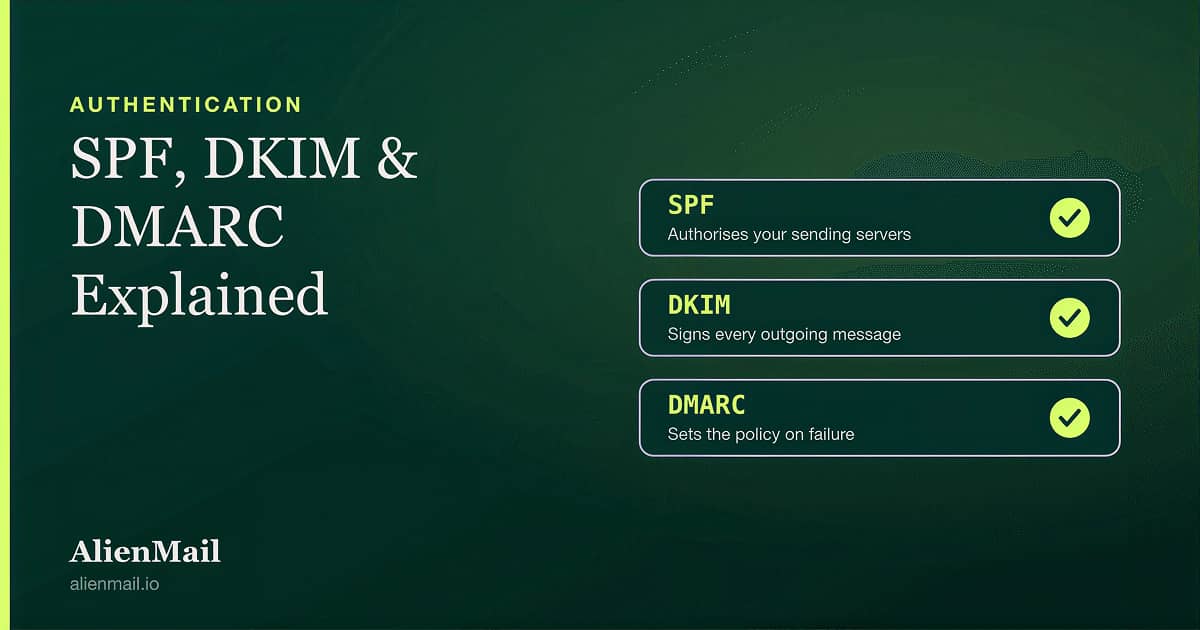

SPF, DKIM and DMARC are the three DNS records that prove an email genuinely came from your domain. Together they answer three questions a receiving mail server asks about every message: was this server allowed to send it, was it altered in transit, and what should I do if the answer to either is no?
Since Google and Yahoo tightened their bulk sender requirements, these records stopped being optional hygiene and became a hard gate. If they are missing or misaligned, your mail is filtered or rejected regardless of how good your content is. This guide explains each record and shows exactly how to configure and verify them.
The three records at a glance
RecordStands forQuestion it answersRecord type SPFSender Policy FrameworkIs this server authorised to send for this domain?TXT DKIMDomainKeys Identified MailWas this message altered after it was signed?TXT (at a selector) DMARCDomain-based Message Authentication, Reporting & ConformanceWhat should happen if SPF or DKIM fails?TXT (at _dmarc)
SPF: authorising your sending servers
SPF is a TXT record listing every server permitted to send email using your domain in the envelope sender. When mail arrives, the receiver looks up your SPF record and checks whether the connecting IP appears in it.
A record for a domain using Google Workspace plus a third-party sending platform looks like this:
v=spf1 include:_spf.google.com include:sendgrid.net ~allReading it left to right: v=spf1 declares the version; each include: delegates authorisation to another provider's SPF record; ~all is the policy for everything else.
Choosing the right "all" mechanism
-all(hard fail) — anything not listed should be rejected. The correct end state.~all(soft fail) — treat as suspicious but accept. Use during rollout while you confirm you have not missed a sender.?all(neutral) — no opinion. Effectively useless; avoid.
The SPF mistakes that break deliverability
More than one SPF record. Two
v=spf1TXT records on the same domain is a permanent error and SPF fails outright. Merge them into one.Exceeding 10 DNS lookups. Each
include,a,mxandredirectcosts a lookup. Past 10, the result ispermerror— a failure. Remove providers you no longer use, or flatten includes.Forgetting a sender. Your CRM, invoicing tool, help desk and marketing platform all send as you. Each needs an include.
Relying on SPF alone. SPF breaks whenever mail is forwarded, because the forwarding server is not in your record. This is precisely why DKIM exists.
DKIM: cryptographically signing your mail
DKIM adds a digital signature to the headers of every outgoing message. Your mail server signs with a private key; the public key lives in DNS at a selector subdomain. The receiver fetches the public key, verifies the signature, and knows both that you sent it and that nobody modified it in transit.
The record is published at selector._domainkey.yourdomain.com and looks like:
google._domainkey.yourdomain.com  TXT
v=DKIM1; k=rsa; p=MIGfMA0GCSqGSIb3DQEBAQUAA4GNADCBiQKBgQ...
The selector (google here) lets you run several keys at once — one per sending platform — and rotate them without downtime.
Enabling DKIM in Google Workspace
Open Admin console → Apps → Google Workspace → Gmail → Authenticate email.
Select your domain and click Generate new record. Choose a 2048-bit key if your DNS host supports it.
Copy the generated TXT record into your DNS at the selector Google shows.
Wait for propagation, then return and click Start authentication. This last step is the one people forget — generating the key does not switch signing on.
Enabling DKIM in Microsoft 365
Create two CNAME records,
selector1._domainkeyandselector2._domainkey, pointing at the Microsoft-provided targets.In the Defender portal, go to Email & collaboration → Policies & rules → Threat policies → Email authentication settings → DKIM.
Select your domain and toggle Sign messages for this domain with DKIM signatures to on.
Microsoft uses two selectors so keys can rotate automatically. Publish both.
DMARC: the policy that ties it together
SPF and DKIM produce results. DMARC decides what those results mean — and adds the crucial concept of alignment.
Alignment requires that the domain the recipient sees in the From header matches the domain that passed SPF or DKIM. Without it, a spammer could pass SPF for their own throwaway domain while displaying your brand in the From field. DMARC closes that gap.
A DMARC record is published at _dmarc.yourdomain.com:
v=DMARC1; p=none; rua=mailto:[email protected]; pct=100; adkim=r; aspf=rTagMeaning pPolicy: none (monitor), quarantine (spam folder), or reject (block) ruaAddress to receive aggregate XML reports pctPercentage of failing mail the policy applies to adkim / aspfAlignment mode: r relaxed (subdomains count) or s strict (exact match) spPolicy for subdomains, if different from the parent
Roll out DMARC in three stages
Never publish p=reject on day one — you will silently block legitimate mail from a system you forgot about.
Monitor (2–4 weeks): publish
p=nonewith aruaaddress. Nothing is blocked; you simply collect reports showing every service sending as your domain. Expect surprises.Quarantine (2–4 weeks): move to
p=quarantine; pct=25, then raise the percentage as reports stay clean.Reject: once every legitimate source aligns, publish
p=reject; pct=100. This is where you get full spoofing protection and the deliverability benefit.
Aggregate reports arrive as raw XML. For a handful of domains you can read them directly; beyond that, use a DMARC reporting service to parse them.
Verifying your setup actually passes
Configuration is not confirmation. Verify with both methods:
Read the raw headers
Send a message to an address on another provider, open it, and view the original source. Look for the Authentication-Results header:
Authentication-Results: mx.google.com;
  spf=pass (google.com: domain of [email protected] designates 209.85.220.41 as permitted sender)
  dkim=pass [email protected] header.s=google
  dmarc=pass (p=REJECT sp=REJECT dis=NONE) header.from=yourdomain.com
All three must read pass. A dkim=none means signing was never switched on. A dmarc=fail alongside spf=pass almost always means an alignment problem, not an SPF problem.
Use a lookup tool
MXToolbox, Google's Admin Toolbox and dmarcian all check syntax, count SPF lookups, and flag duplicate records. Run these before every campaign launch, not just at setup.
Beyond the big three
MX records — must exist and be valid; some filters reject mail from domains that cannot receive it.
rDNS / PTR — if you send from your own IP, its reverse DNS should resolve to your sending hostname.
BIMI — displays your logo beside the message in supporting clients. Requires
p=quarantineorp=rejectat minimum.MTA-STS and TLS-RPT — enforce encrypted transport and report on failures. Increasingly expected from serious senders.
Custom tracking domain — critical for cold outreach. A shared tracking domain inherits every other user's reputation.
Authentication is necessary, not sufficient
Passing SPF, DKIM and DMARC gets you past the gate. It does not get you into the primary inbox. Once authentication is correct, the remaining variables are sending reputation, engagement rate, list quality and volume ramp — which is where email warm-up and list verification do the work.
AlienMail checks your SPF, DKIM, DMARC and tracking-domain configuration when you connect a mailbox and flags what is missing before you send, so a misconfigured record does not quietly cost you a campaign. See the deliverability suite for details.
Frequently asked questions
What is the difference between SPF, DKIM and DMARC?
SPF authorises servers, DKIM signs messages, and DMARC sets the policy for what happens when either fails — plus it requires that the passing domain match the visible From address.
Do I need all three?
Yes. Google and Yahoo's bulk sender requirements expect SPF and DKIM on all senders, and DMARC on higher-volume senders. In practice all three are now the baseline for any outbound program.
Can I have two SPF records?
No. A domain must publish exactly one v=spf1 TXT record. Merge multiple senders into a single record using additional include: mechanisms.
Why does DMARC fail when SPF passes?
Almost always alignment. SPF validates the envelope sender (Return-Path), while DMARC compares against the visible From domain. If your platform uses its own bounce domain, SPF passes but does not align — fix it by configuring DKIM signing with your own domain, which aligns independently.
How long do DNS changes take?
Usually minutes to a few hours, bounded by the record's TTL. Allow up to 48 hours before concluding something is wrong.
Your next campaign is six minutes away
Connect your business and let Alien AI handle the writing, structuring, and optimizing.
Generate my Business DNA — free