Best AI Cold Email Tools in 2026: 9 Compared by What the AI Does
9 AI cold email tools compared by what the AI does: writes, researches, sorts replies or acts as an agent. Prices checked on each tool's page, Nov 2026.

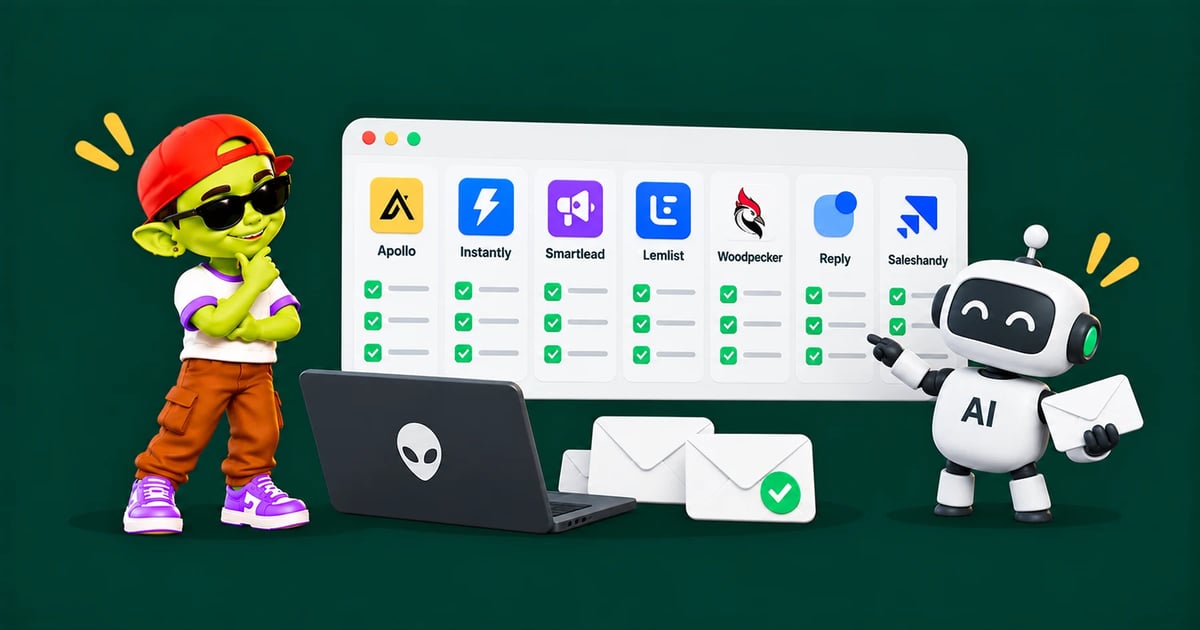
This guide compares 9 AI cold email tools by what the AI actually does: writing sequences, personalising each email, sorting replies and working through an agent or MCP.
Disclosure: we make Alien Mail, which is one of the tools below. Every other tool's features and prices come from its own pages.
The short answer: The best AI cold email tool depends on which job you want the AI to do. For writing and sending on a pay-per-email budget, Alien Mail. For high volume with AI agents, Instantly. For email plus LinkedIn with an MCP server, lemlist. For research before you write, Clay. For coaching your own writing, Lavender. Whatever you pick, a person should approve what gets sent.
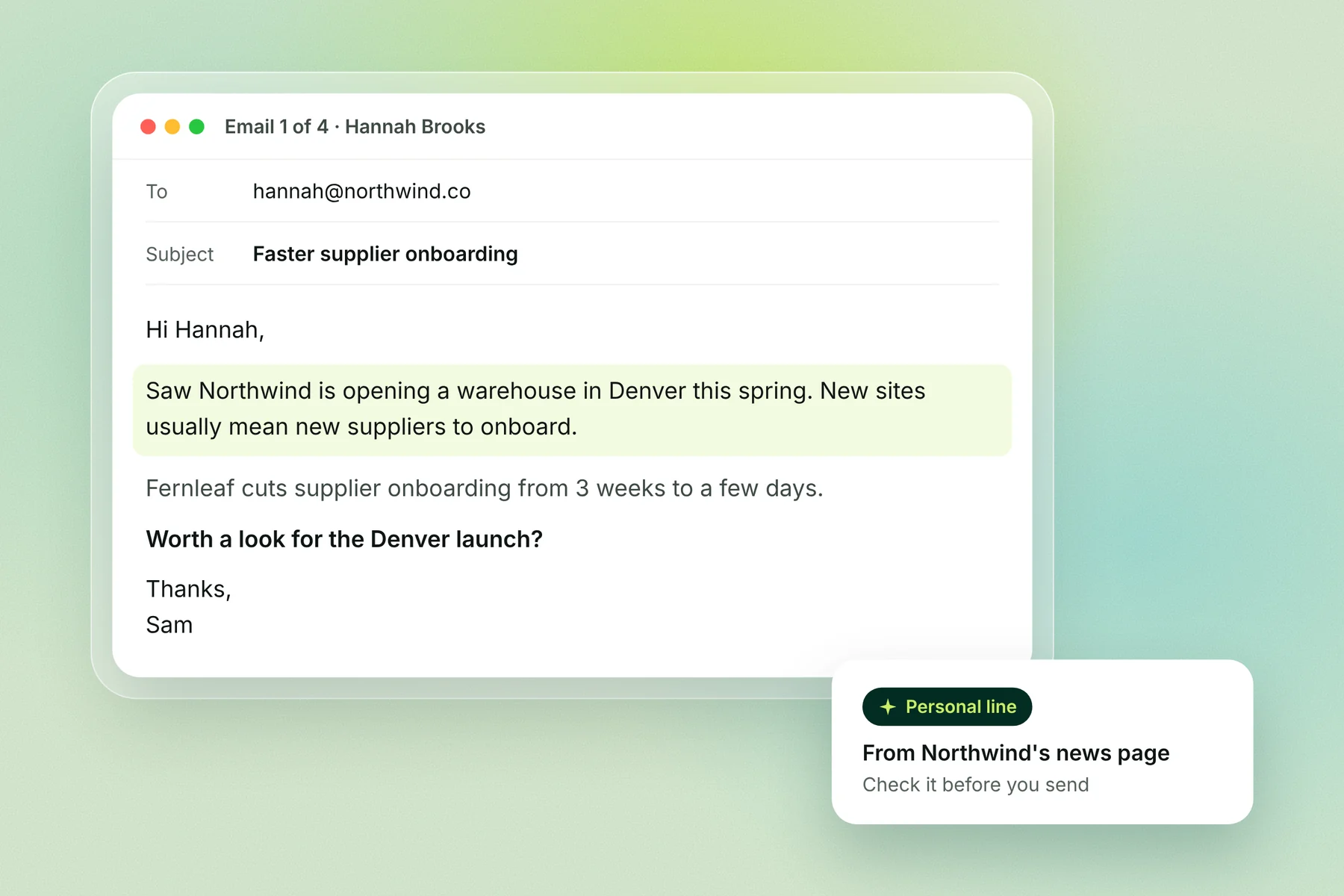
AI cold email tools compared
AI in cold email does four jobs: writing the sequence, personalising each email, sorting replies, and acting as an agent you can talk to. Tools differ most in which of these they include and what they charge for it.
Tool | Writes sequences | Personalises per lead | Sorts or answers replies | Agent or MCP | Starts at |
|---|---|---|---|---|---|
Alien Mail | Yes, from your business profile | Yes | Sorts replies by intent | MCP for Claude and ChatGPT | Pay per email: $12 for 5,000 emails; 100 free credits |
Instantly | AI Email Writer agent (Credits plans) | Web Researcher agent (Credits plans) | AI Reply Agent (Scale bundle) | AI Sales Agent (Starter bundle) | $47 sending; AI from $47 in Credits |
Smartlead | SmartAssistant sets up and runs outreach | Done-for-you copy in SmartServices | Not listed on its pricing page | SmartAgents | $39 |
lemlist | lemAgent | AI research and personalisation | Reply intent detection and AI-written replies | MCP server on all plans | $69 Email plan |
Saleshandy | AI Sequence Copilot | AI Variants | Not listed on its pricing page | Not listed on its pricing page | $41, with 100 one-time AI credits |
Reply.io | Jason AI writes sequences | Yes | Handles replies and books meetings | Jason AI SDR | Email plans from $59; AI SDR priced separately |
Apollo | AI features on Professional | AI research (uses credits) | Not listed on its pricing page | AI Assistant | Free plan; paid plans per user |
Clay | AI columns and agents | Claygent research and enrichment | Not listed on its pricing page | Claygent | Free: 500 actions a month; Launch $167 to $185 |
Lavender | Coaches your writing | Personalization assistant | No (not a sender) | No | $29; free: 5 emails a month |
Prices are monthly billing from each tool's pricing page, 2 Nov 2026. "Not listed on its pricing page" means the page doesn't mention it, not that the tool lacks it.
The 9 best AI cold email tools
1. Alien Mail: AI that learns your business, pay per email
You describe your business or paste your website, and Alien Mail's AI builds a business profile, then writes each email in a sequence from it. You pay only for emails sent: 4 credits per email, so 5,000 emails cost about $12, with warmup free on every inbox. It connects to Claude and ChatGPT through MCP, so you can build campaigns by chatting.
Best for: founders and small teams whose volume changes month to month
Watch out for: no built-in lead database; you bring your own list
2. Instantly: AI agents on top of high-volume sending
Instantly sells sending and AI separately. Outreach plans start at $47 for 5,000 emails a month; the AI Email Writer and Web Researcher agents come with Credits plans (Growth Credits, $47 a month for 1,500 credits). Its bundles add an AI Sales Agent (Starter, $94) or an AI Reply Agent (Scale, $194).
Best for: teams sending steady high volume who want agents to research and reply
Watch out for: the full AI setup is a second subscription on top of sending
3. Smartlead: an AI assistant for running outreach
Smartlead's SmartAssistant is described as an assistant to "set up, run, and fix your outreach", and SmartAgents build an "AI-powered GTM workforce". Its pricing page lists no price for either. Plans start at $39 for 6,000 emails, and done-for-you AI-personalised copy is sold as a service after a strategy call.
Best for: agencies running many clients from one account
Watch out for: what the AI features cost isn't published
4. lemlist: AI agents plus an MCP server
lemlist's pricing page lists lemAgent, AI reply intent detection, AI-generated replies and an MCP server on all plans. The Email plan is $69 a month ($55 yearly) for 50,000 emails; Multichannel is $109 per user. Data features such as enrichment use credits, from $20 a month.
Best for: teams combining email and LinkedIn who want to work through Claude or other AI tools
Watch out for: its FAQ says pricing depends on users, while the Email plan card says unlimited users; check before you buy
5. Saleshandy: an AI sequence copilot on a low-cost plan
Saleshandy's AI Sequence Copilot drafts sequences and AI Variants writes alternate versions. Credits power both: Starter ($41 a month, $34 yearly) comes with 100 one-time AI credits, Pro with 500 and Scale with 1,000. Every plan includes unlimited email accounts and warmup.
Best for: solo senders who want AI drafts without a second subscription
Watch out for: the credits are one-time, not monthly
6. Reply.io: an AI SDR that answers replies
Reply.io's Jason AI "creates sequences with the initial email, follow-ups, and social touches", reads replies, handles common questions and books meetings, according to its own page. Email plans started at $59 a month when we checked on 27 Oct 2026. Check its pricing page for the current AI SDR price.
Best for: teams that want AI to handle first replies, with a person reviewing
Watch out for: letting an AI answer prospects without review
7. Apollo: AI on top of a contact database
Apollo pairs a B2B contact database with sequences. Its pricing page names AI features on the Professional plan only, and AI-researched data uses credits. The free plan connects Gmail inboxes only. Paid plans are priced per user; check its pricing page for current prices.
Best for: teams that need contact data and sending in one place
Watch out for: per-user pricing and credit limits as the team grows
8. Clay: AI research before you write
Clay finds and enriches data with AI agents (Claygent) and can now send campaigns itself from the Launch plan up. The free plan gives 500 actions and 100 data credits a month for tables up to 200 rows. Launch shows two prices on the page, $167 and $185 a month.
Best for: teams that personalise every email from deep research
Watch out for: a learning curve; most teams still pair it with a dedicated sender
9. Lavender: an AI coach for emails you write yourself
Lavender scores and coaches emails as you write them in Gmail or Outlook, with a personalization assistant. Starter is $29 a month; the free plan analyses 5 emails a month. It doesn't send email.
Best for: reps who write their own cold emails and want them sharper
Watch out for: you still need a sending tool
What AI can and can't do in cold email
AI is good at the slow parts of cold email: research, first drafts and sorting replies. It's bad at deciding who to email and at sending unchecked. Use it for the first set and keep a person on the second.
AI does well | AI does badly |
|---|---|
Summarising a company's site, news and job posts | Choosing which companies and people to email |
Writing a first draft from your offer | Getting facts right without checking |
Writing many versions so emails don't look identical | Sounding like you without examples of your writing |
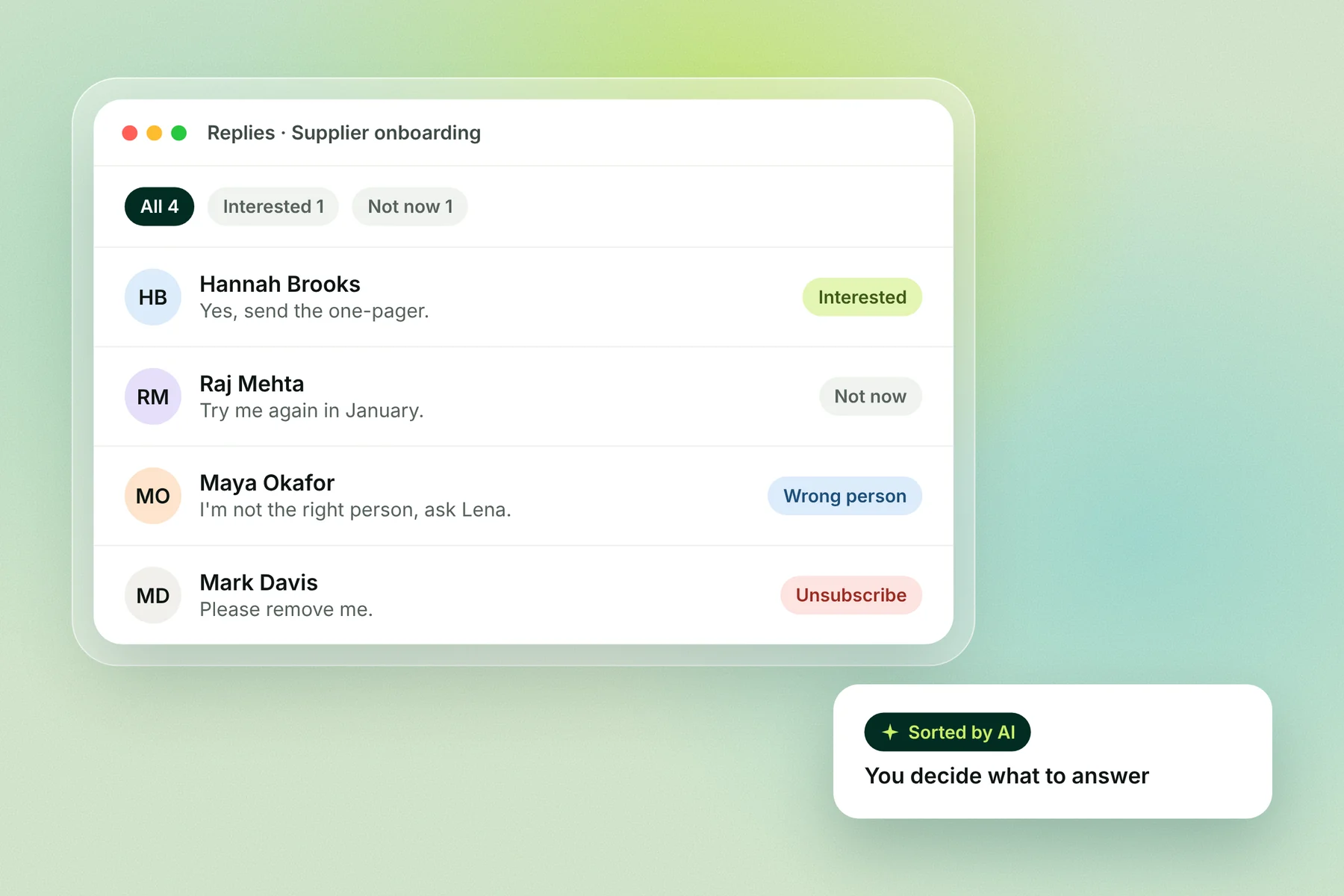
Sorting replies by intent | Knowing when a reply needs a human |
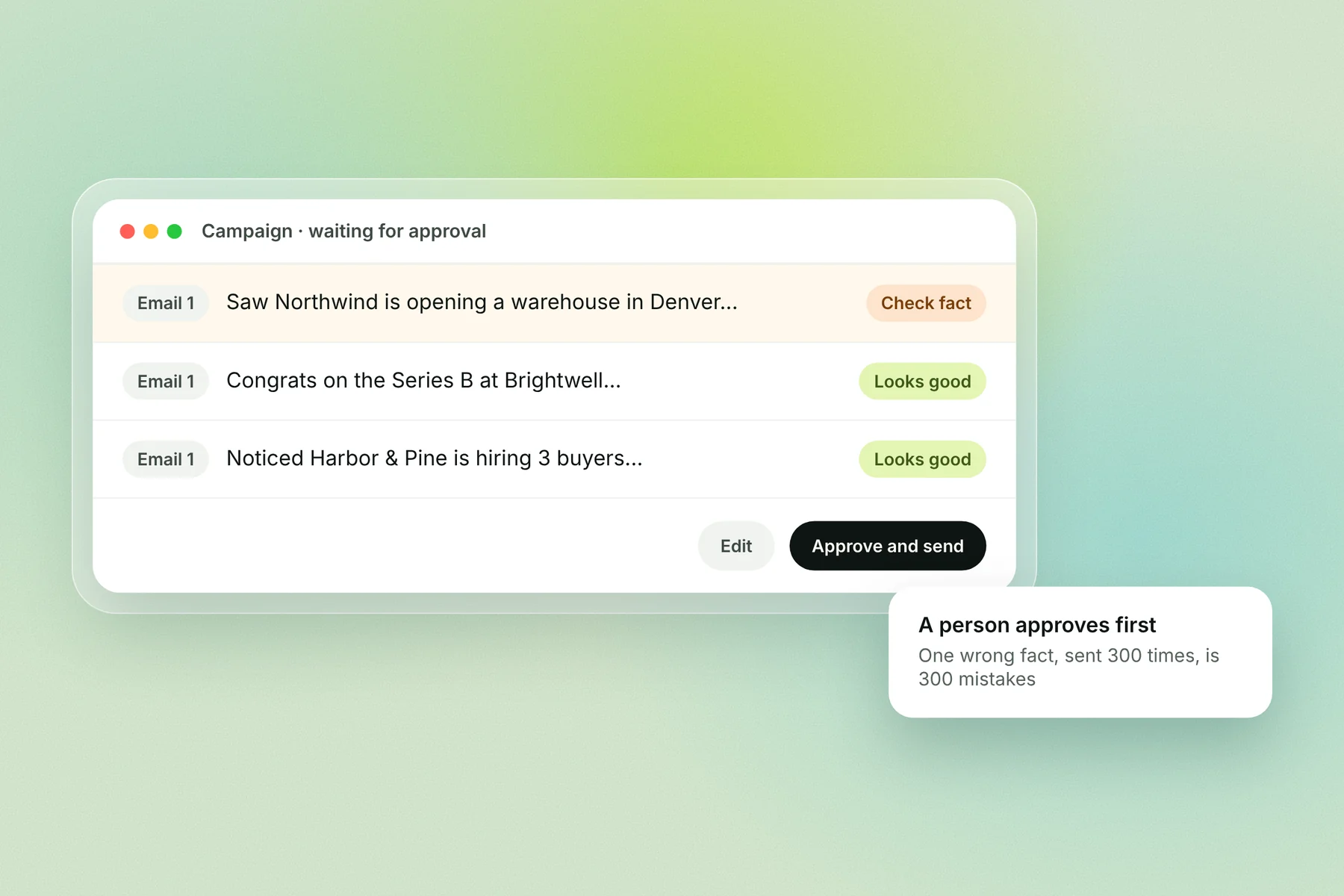
Keep a person in the loop. Review the first emails of every new campaign, and check any line that states a fact about the prospect. An AI that sends hundreds of unchecked emails a day repeats one mistake hundreds of times.
AI doesn't fix deliverability. Whether an AI-written email reaches the inbox depends on authentication, sender reputation, volume and complaints, the same as any email. See our deliverability checklist.
How to choose an AI cold email tool
Name the job. Writing, research, reply handling or an agent. Pick the tool that's strongest at that job.
Check deliverability first. Warmup, inbox rotation and list checks matter more than any AI feature.
Look for a review step. You should be able to read and edit every email before it sends.
Match pricing to your volume. Flat plans suit steady volume; pay-per-email suits volume that changes.
Test on 200 to 300 contacts. Judge by replies, not opens.
AI cold email in Alien Mail
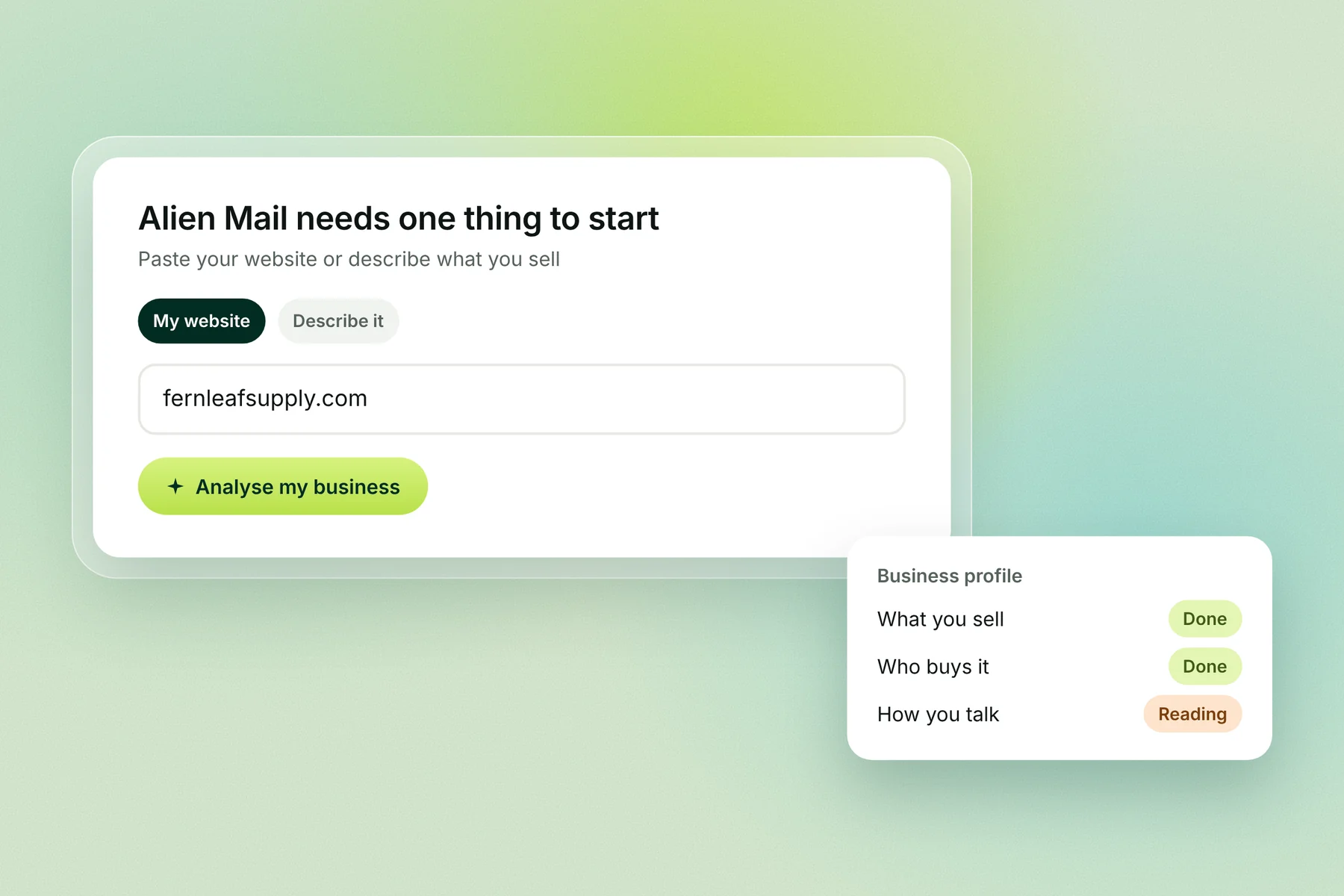
Alien Mail starts with your business, not a template. Paste your website or describe what you sell, and its AI builds a profile of your offer, your buyers and how you talk, then writes a sequence for each campaign. You can edit any line before it sends, and replies come back sorted by intent.
You can also run it from Claude or ChatGPT through MCP: ask for a campaign in a chat and it's built in your account.
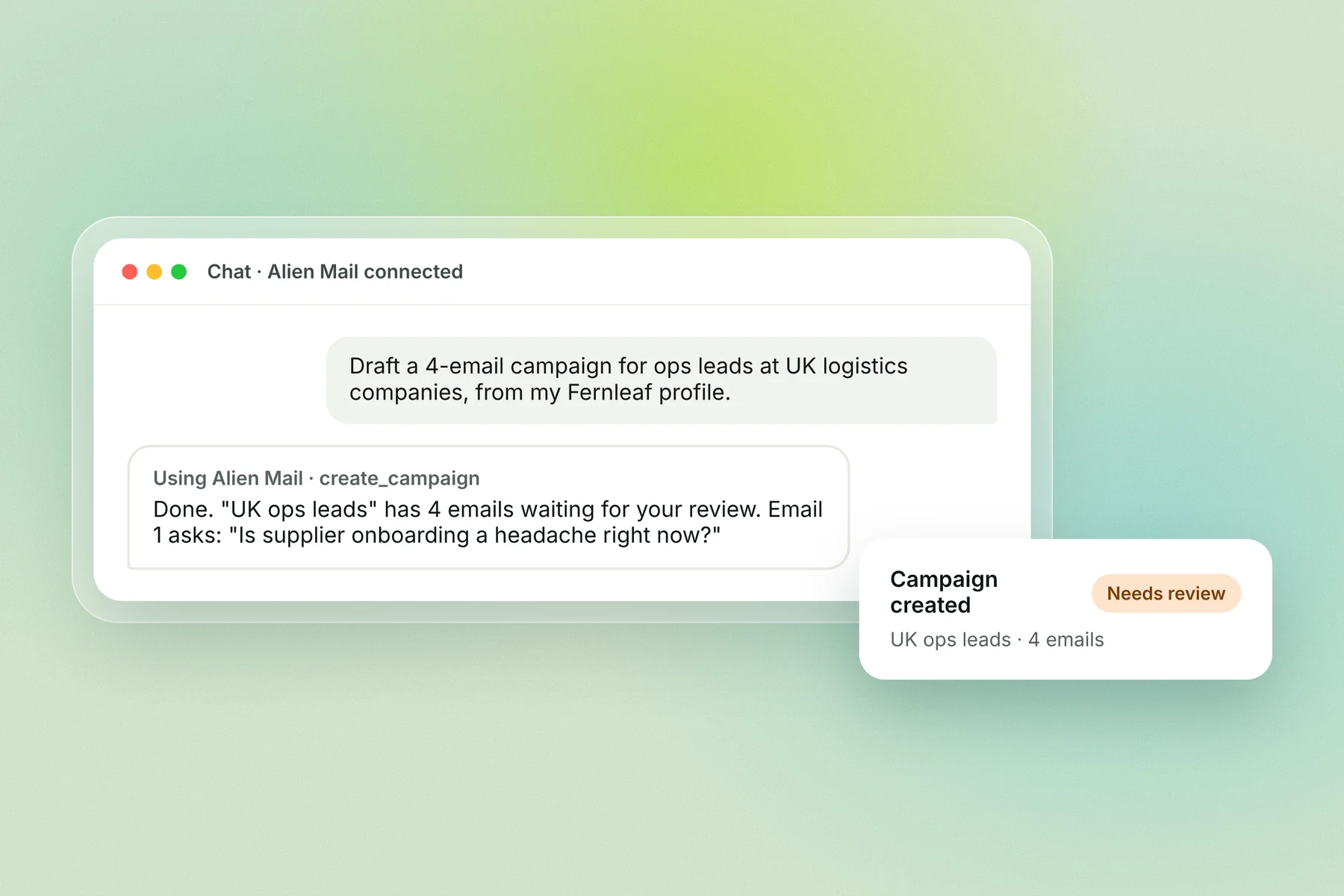
There's no monthly fee. You pay 4 credits per email sent, and new accounts get 100 free credits.
Generate my business profile → · See the AI email writer
Frequently asked questions
What is the best AI tool for cold email? It depends on the job. Alien Mail for pay-per-email writing and sending, Instantly for high volume with agents, lemlist for email plus LinkedIn with an MCP server, Clay for research, and Lavender for coaching your own writing.
Can AI write cold emails that get replies? Yes, when the draft is built on real research about the prospect and a person checks it. Short, specific emails with one question work best whoever writes them.
Do AI-written cold emails go to spam? Not because AI wrote them. Spam placement depends on authentication, sender reputation, volume and complaints.
Is there a free AI cold email tool? Lavender's free plan analyses 5 emails a month, Clay's free plan gives 500 actions a month, and Apollo has a free plan. Alien Mail gives 100 free credits with no card and no monthly fee.
Are AI SDRs worth it? For research, drafting and first replies they save time. Most teams still do better with a person approving what gets sent.
What is MCP in cold email tools? MCP (Model Context Protocol) lets an AI assistant such as Claude use a tool directly. With an MCP server, you can ask Claude to build or check a campaign and it acts in your account. lemlist lists one on all plans, and Alien Mail offers one for Claude and ChatGPT.
Should I let AI send without review? Not for a new campaign. Review the first batch and any line that states a fact about the prospect.
Key terms
AI cold email tool: software that uses AI to research leads, write or personalise emails, or handle replies.
AI SDR: an AI agent that runs parts of a sales rep's outreach, such as writing sequences and answering replies.
Personalisation: a line written for one specific prospect, based on something true about them.
Reply sorting: labelling replies by intent, such as interested, not now or wrong person.
MCP (Model Context Protocol): a standard that lets AI assistants like Claude use other tools directly.