Instantly vs Apollo: Which Is Better for Cold Email in 2026?
Instantly is built for sending, Apollo for finding leads. Prices, inbox limits and warmup side by side, checked on 18 Nov 2026, in plain words.


Instantly vs Apollo: both send cold email, but they are built for different jobs. Instantly is built to send a lot of email from many inboxes. Apollo is built to find people and their email addresses. This guide puts them side by side, in plain words.
Disclosure: we make Alienmail, a cold email tool. We don't earn anything from Instantly or Apollo. Every price below comes from their own pricing pages, checked on 18 Nov 2026.
The short answer: Pick Apollo if you need to find leads and only send a little email, by yourself. Pick Instantly if you already have leads and want to send a lot of cold email from many inboxes. Many teams use both: Apollo to find leads, a sending tool to send. Instantly costs $47 a month to send 5,000 emails. Apollo costs $65 a month for each person on your team.
Instantly vs Apollo at a glance
Instantly | Apollo | |
|---|---|---|
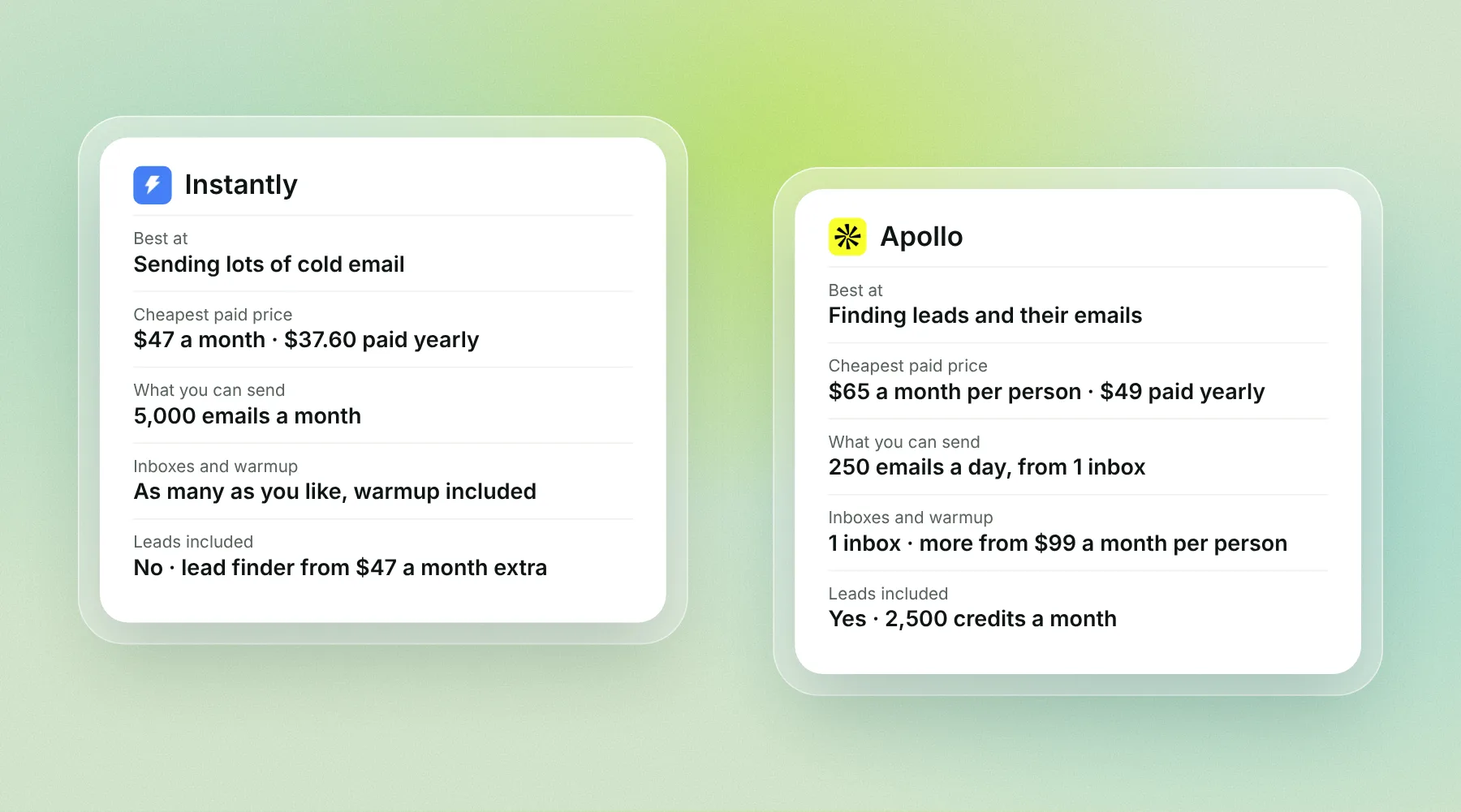
Best at | Sending lots of cold email | Finding leads and their emails |
Cheapest paid price, paid monthly | $47 a month | $65 a month per person |
Cheapest paid price, paid yearly | $37.60 a month | $49 a month per person |
Emails you can send on that price | 5,000 a month | 250 a day, from 1 inbox |
Leads included | No, from $47 a month extra | Yes |
Inboxes you can connect | As many as you like | 1 on the cheapest paid price; as many as you like from $99 a month per person |
Warmup | Included for every inbox | Included for 1 inbox; more inboxes use up lead credits |
Free plan | None on its pricing page | Yes: 75 credits a month and 250 emails a day, Gmail only |
What each tool is best at
Apollo: a big list of leads, with email on the side
Apollo started as a list of business contacts. It says it has more than 240 million contacts and 30 million companies. You search by job title, company size or industry, and Apollo gives you the person's email address and sometimes a phone number.
Apollo can also send emails in a set of steps, called a sequence. But on its cheaper prices you get 1 inbox and up to 250 emails a day. That's fine for one salesperson who emails a few people every day. It isn't built for sending thousands of cold emails from many inboxes.
Instantly: built for sending lots of cold email
Instantly is built for sending. You connect as many inboxes as you want, warm them all up for free, and Instantly spreads your emails across them. Its cheapest price sends 5,000 emails a month. The next one up sends 125,000.
Instantly also has a lead finder (450 million+ business leads), but it's a separate monthly price. You can also bring a list you found somewhere else, for example from Apollo.
Instantly vs Apollo pricing
The biggest difference: Apollo charges for each person on your team. Instantly's prices are not per person. Both sell a cheaper price if you pay for a year up front.
Instantly prices
What you get | Paid monthly | Paid yearly (per month) |
|---|---|---|
Send 5,000 emails a month to up to 1,000 contacts | $47 | $37.60 |
Send 125,000 emails a month to up to 25,000 contacts | $107 | $85.58 |
Send 500,000 emails a month to up to 100,000 contacts | $358 | $286.30 |
Lead finder (extra): 1,500 to 2,000 lead credits a month | from $47 | from $37.60 |
Every sending price includes as many inboxes and as much warmup as you want.
Apollo prices (per person)
What you get | Paid monthly | Paid yearly (per month) |
|---|---|---|
Free: 75 credits a month, 1 Gmail inbox, 250 emails a day | $0 | $0 |
2,500 credits a month, 1 inbox, 250 emails a day | $65 | $49 |
4,000 credits a month, as many Google and Microsoft inboxes as you want, no daily cap | $99 | $79 |
6,000 credits a month, for teams of 3 or more | Yearly only | $119 |
One credit gets you one email address. A phone number costs 8 credits. Unused credits don't carry over to the next month.
What it costs in real life
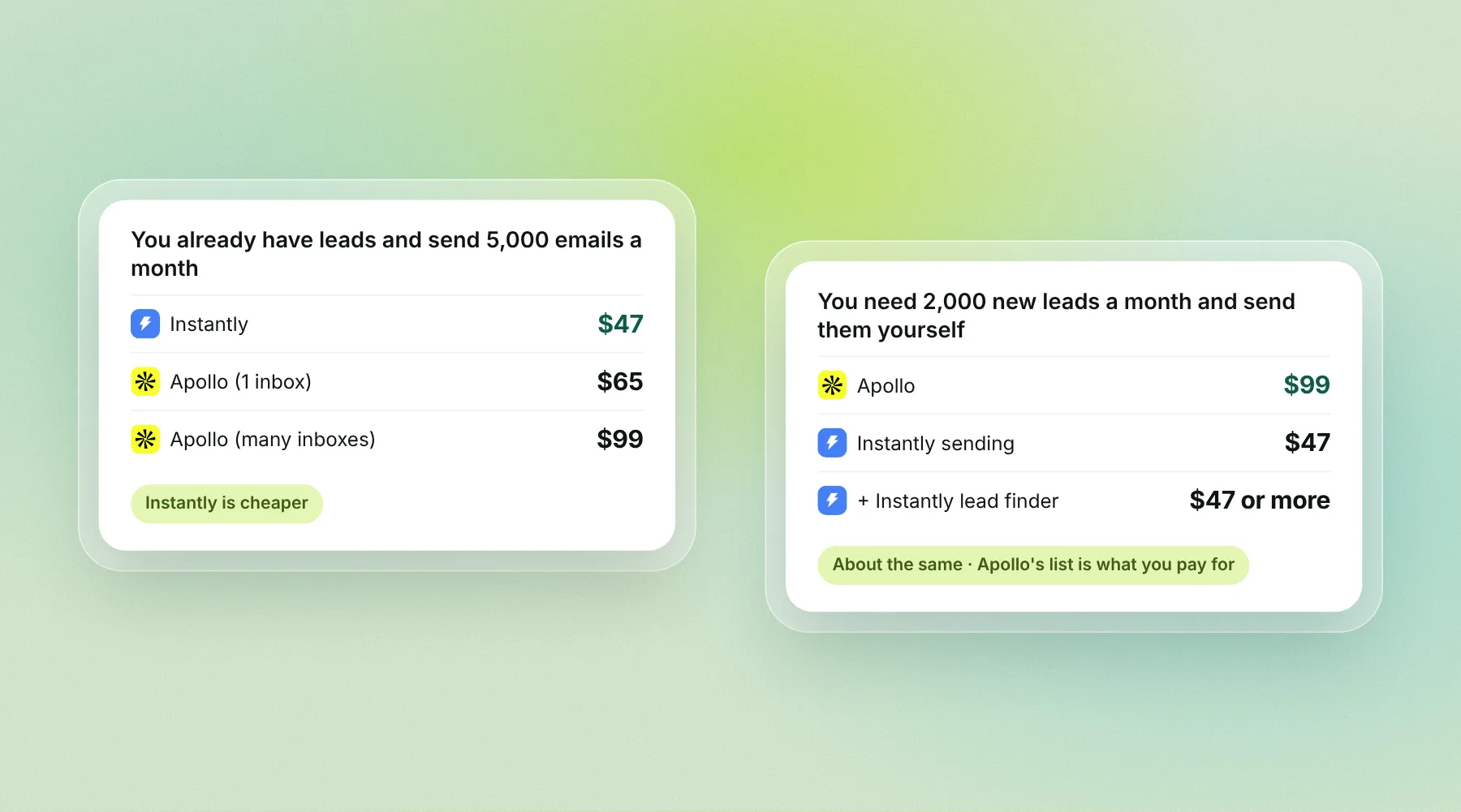
You already have leads and want to send 5,000 emails a month. Instantly costs $47. Apollo's $65 price lets you send 250 emails a day, but from only 1 inbox, and Apollo itself suggests 50 to 100 emails a day per inbox (Apollo). To spread 5,000 emails over several inboxes you'd need its $99 price. Instantly is cheaper.
You need 2,000 new leads a month and send to them yourself. Apollo's $99 price covers both the leads and many inboxes. Instantly costs $47 to send plus at least $47 for its lead finder, so $94 or more. The two cost about the same, and Apollo's list is the main thing you pay for.
In both cases you also pay for the inboxes themselves (Google Workspace or Microsoft 365), and for the domains they sit on.
Finding leads: Apollo's list vs Instantly's lead finder
This is where Apollo wins. Leads are what Apollo is built around, and every price includes some.
Apollo | Instantly | |
|---|---|---|
Size of the list | 240 million+ contacts, 30 million companies | 450 million+ business leads |
Included in the price | Yes: 75 to 6,000 credits a month per person | No: from $47 a month extra |
Cost of one email address | 1 credit | Uses Instantly lead credits |
Both lists are big enough for most small teams. What matters more is how fresh the emails are. Always check a new list with an email checker before you send. Emails that bounce hurt your sender reputation, whichever tool you use. See how to lower your bounce rate.
Sending, warmup and inbox limits
This is where Instantly wins. Cold email works best when you spread it over many inboxes, each sending a small amount every day. Instantly is built for that. Apollo only allows it on its more expensive prices.
Instantly | Apollo | |
|---|---|---|
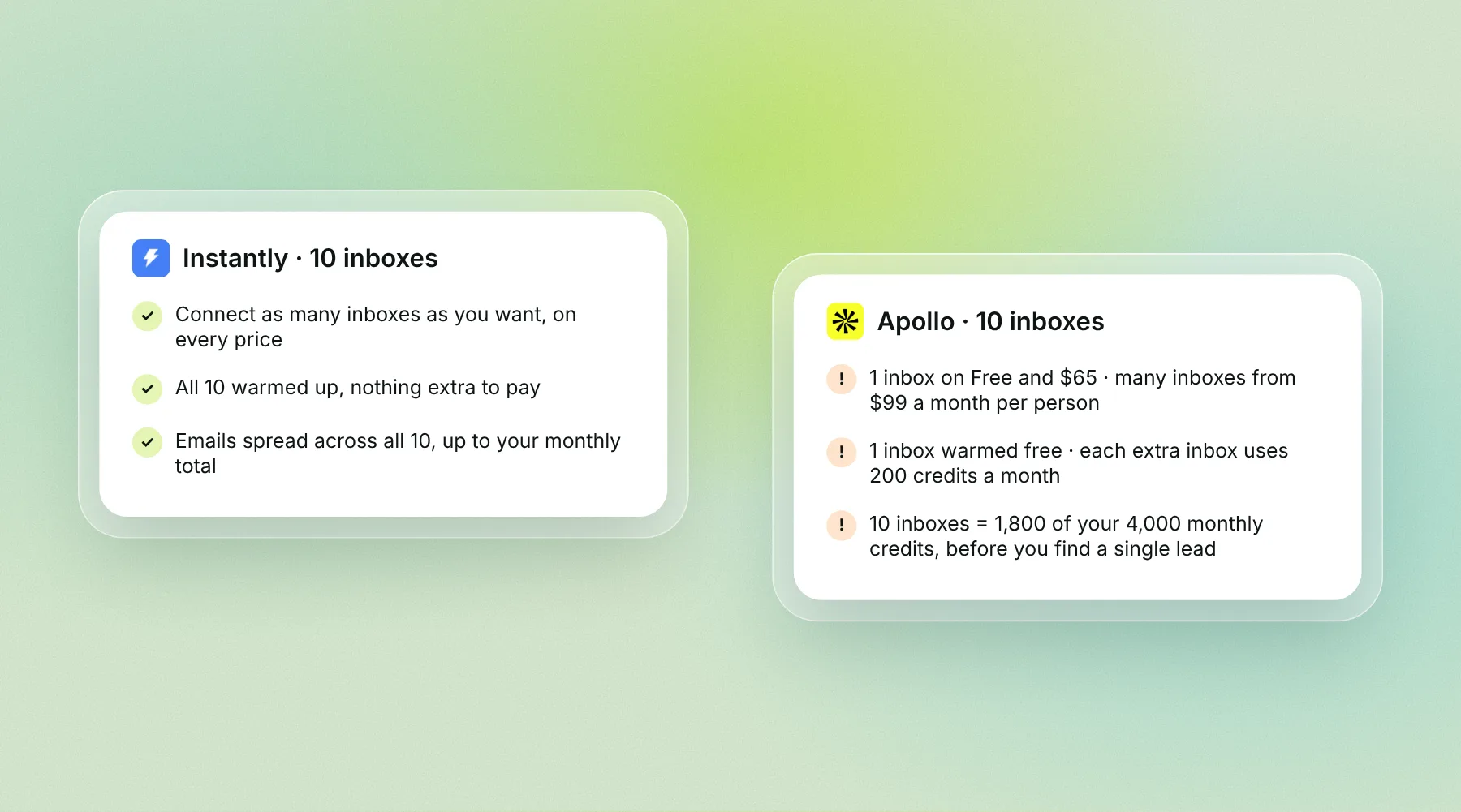
Inboxes you can connect | As many as you want, on every price | 1 on Free and $65; as many Google and Microsoft inboxes as you want from $99 |
Emails a day | Spread across all your inboxes, up to your monthly total | 250 a day on Free and $65; no daily cap from $99 |
Warmup | Included for every inbox | Included for 1 inbox per person; each extra inbox uses 200 credits a month |
Warmup on the free plan | No free plan | Each inbox uses 200 credits a month, more than the 75 you get |
What this means:
With 10 inboxes, Instantly warms all 10 at no extra cost. On Apollo's $99 price, warming 10 inboxes uses 1,800 of your 4,000 monthly credits (9 extra inboxes × 200), so you have fewer left for leads.
Apollo keeps warmup gentle: 10 to 40 warmup emails a day per inbox, for at least 2 weeks.
Instantly has a stronger warmup pool you can pay extra for. We explain it in how Instantly and Smartlead warmup works.
Whichever you pick, never send cold email from your main company domain. Use secondary domains with 2 to 3 inboxes each.
Instantly or Apollo: which should you pick?
Pick Apollo if:
You don't have a list of leads yet, and finding them is the hard part.
You're one person sending up to about 100 emails a day.
You also want phone numbers and want to call people.
Pick Instantly if:
You already have leads, or get them from somewhere else.
You want to send thousands of emails a month from many inboxes.
You want every inbox warmed up without counting credits.
Use both if: you need a big list of leads and high sending volume. Find leads in Apollo, check the emails, then send from a tool built for sending. That's a common setup, but it means paying two bills every month.
A third option: Alienmail
If you mainly need to send, Alienmail works like Instantly but without a monthly bill. You pay only for the emails you send.
5,000 emails cost $10. 10,000 cost $20. A top-up lasts 12 months, so a quiet month costs nothing.
Warmup is free for every inbox you connect, with no inbox limit.
Need inboxes? Alienmail sells ready-made Google and Outlook inboxes for $3.25 a month, with the DNS set up for you.
For 5,000 emails a month, that's $10 on Alienmail, $47 on Instantly, and $65 or more on Apollo.
Alienmail doesn't replace Apollo's list of leads. You can find leads in Apollo (even on its free plan), check the emails, and send from Alienmail.
See the full side-by-side pages: Alienmail vs Instantly and Alienmail vs Apollo.
Start free with 25 emails, no card → · How Alienmail warmup works
Frequently asked questions
Is Instantly better than Apollo? For sending lots of cold email, yes: you can connect as many inboxes as you want and warm them all up at no extra cost. For finding leads, Apollo is better, because its list is included in every price.
Is Apollo cheaper than Instantly? Not for sending. Instantly costs $47 a month to send 5,000 emails. Apollo costs $65 a month for each person, and its $65 price allows only 1 inbox. Apollo is good value if you also need its leads.
Can I use Apollo and Instantly together? Yes. You can find leads in Apollo, export them as a file, and upload them to a sending tool such as Instantly.
Does Apollo have email warmup? Yes, on paid prices. It warms 1 inbox per person for free. Each extra inbox uses 200 credits a month.
Does Instantly have a list of leads? Yes. Its lead finder has 450 million+ business leads, but it costs extra, from $47 a month.
Is Apollo free? Apollo has a free plan with 75 credits a month, 1 Gmail inbox and up to 250 emails a day. It's enough to try Apollo, not to run cold email.
Does Instantly have a free plan? Its pricing page shows no free plan. The cheapest price is $47 a month, or $37.60 a month if you pay for a year.
Key terms
Lead: a person you might sell to, with their name, company and email address.
Credit: Apollo's way of counting what you use. One email address costs 1 credit.
Inbox (mailbox): one email address you send from, like sam@yourcompany.co.
Warmup: sending a few friendly emails from a new inbox every day, so email providers learn to trust it.
Sequence: a set of emails sent one after another, like a first email and two follow-ups.