Secondary Domains for Cold Email: How Many You Need and How to Set Them Up
Sending cold email from your main domain puts your whole company's mail at risk. Here's how to pick, set up and warm secondary domains the right way.
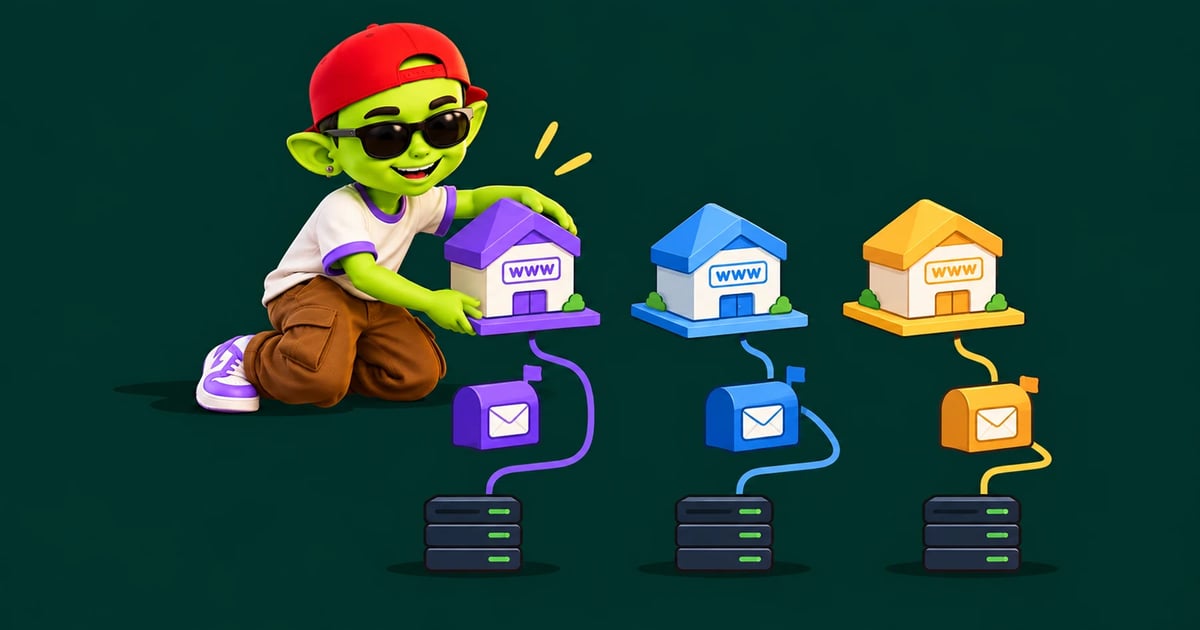

Secondary domains for cold email protect your main brand. A secondary domain is a separate domain you buy only for outreach, such as getacme.com instead of acme.com. If cold campaigns damage its reputation, your main domain keeps working. Invoices, support replies and team email stay in the inbox. It's the single cheapest piece of insurance in outbound.
Why not send from your main domain?
Domain reputation is shared. Every email sent from acme.com adds to or takes from the same score. Cold email carries more risk than normal business mail. Bounces, spam complaints and low engagement are part of the game. When those add up, filters push all mail from the domain toward spam.
That includes your CEO's emails to investors and your billing system. Rebuilding a damaged primary domain can take months. Our domain reputation guide explains how that score is built and lost.
How to name secondary domains
Prospects will see the domain. It should look clearly connected to your brand. Common patterns:
Pattern | Example | Notes |
|---|---|---|
Prefix | getacme.com, tryacme.com | Most common and easy to read |
Suffix | acmehq.com, acmeteam.com | Looks natural in a signature |
Alternate TLD | acme.co, acme.io | Fine if the TLD fits your industry |
Avoid look-alike spellings such as acmme.com. They read as phishing. Also skip unusual cheap TLDs. Some carry poor reputations by default. A plain .com is the safest choice.
How many domains do you need?
Start from your daily volume. A warmed inbox should send about 30–50 cold emails a day. Most teams keep only a few inboxes on each domain, so a single domain problem doesn't take out too much capacity.
Target cold emails per day | Inboxes (~35/day each) | Domains (3 inboxes each) |
|---|---|---|
100 | 3 | 1–2 |
300 | 9 | 3 |
1,000 | 29 | 10 |
3,000 | 86 | 29 |
There's no official per-domain inbox limit. Three is a common, cautious default. Teams with strong domains sometimes run more. Keep at least two domains in rotation, though, so one issue never stops all sending.
Setup checklist
Buy the domain from a mainstream registrar. Older domains help, so buy early.
Redirect the root to your main website. A 301 redirect means anyone who checks the domain lands on your real company.
Create mailboxes with Google Workspace or Microsoft 365. Use real names, such as
[email protected]. Add a profile photo.Publish SPF, DKIM and DMARC. All three, aligned to the new domain. Google's DMARC setup guide explains the alignment rules. Our DMARC record guide walks through the record.
Set up a custom tracking domain, or turn open tracking off.
Warm every inbox before sending. Plan on about three to four weeks. Follow our 30-day warm-up schedule.
Monitor each domain separately. Watch placement, bounces and blocklists per domain, using a routine like our domain health checklist.
Mistakes that undo the whole setup
Skipping warm-up because the domain is "just for cold email." New domains have no reputation to spend.
Pointing the domain nowhere. A domain with no website looks throwaway.
Using the secondary domain to hide bad practice. Scraped lists will burn secondary domains just as fast. Verify every list first.
Linking to your main domain heavily. Links are fine, but a broken or listed link still hurts the sending domain.
Keeping the cost under control
Domains are cheap. Mailboxes add up. The bigger cost is often your sending platform. Per-inbox pricing makes every new domain more expensive, which pushes teams to overload fewer inboxes. That is the exact pattern that hurts deliverability.
AlienMail doesn't charge per inbox or per domain. You can connect as many as you need. Warm-up is free on all of them, and you only pay for the emails you send, starting at $5 for 5,000 emails. See the pricing calculator to estimate your monthly cost.
When to retire a domain
Sometimes a domain is better replaced than repaired. Signs it's time:
Inbox placement stays low after two to three weeks of warm-up-only sending.
It's listed on a major blocklist and delisting keeps failing.
Spam complaints spiked and the domain hasn't recovered.
Before you swap it out, fix the cause. Was it a bad list, too much volume or broken DNS? A new domain with the same habits will burn just as fast. Our blacklist removal guide helps you decide whether a listing is worth fighting.
This is why it pays to buy and warm a spare domain or two before you need them. When one domain needs a rest, a warmed replacement can take over the same day, and your campaigns keep running.
Bottom line
Never run cold email on your main domain. Buy a few branded secondary domains, redirect them to your site, authenticate them fully and warm every inbox. Then spread volume across them so no single domain carries too much.
Related guides: cold email infrastructure cost, domain reputation, DMARC record guide and email warmup schedule.
Frequently asked questions
Can I use a subdomain like mail.acme.com instead?
It's safer than the root domain, but not fully separate. Mailbox providers can link subdomain reputation back to the parent domain. A separate domain gives cleaner isolation.
How long should I wait before sending from a new domain?
Plan on at least three to four weeks of warm-up before full cold volume. Start real outreach slowly, around day 10 to 14, at low daily numbers.
How many inboxes should I put on one domain?
There's no official limit. Many teams use about three per domain so that a single domain issue doesn't take out a large share of their sending.
Should secondary domains have a website?
Yes. At minimum, redirect them to your main site. A domain that resolves to nothing looks suspicious to prospects and to filters.
More from the blog


Your next campaign is six minutes away
Connect your business and let Alien AI handle the writing, structuring, and optimizing.
Generate my Business DNA — free