Spam Traps: What They Are, 7 Types and How to Avoid Them
Spam traps are hidden addresses that catch bad list habits. The 7 types Spamhaus names, why no checker can find them, and how to avoid or fix a hit.

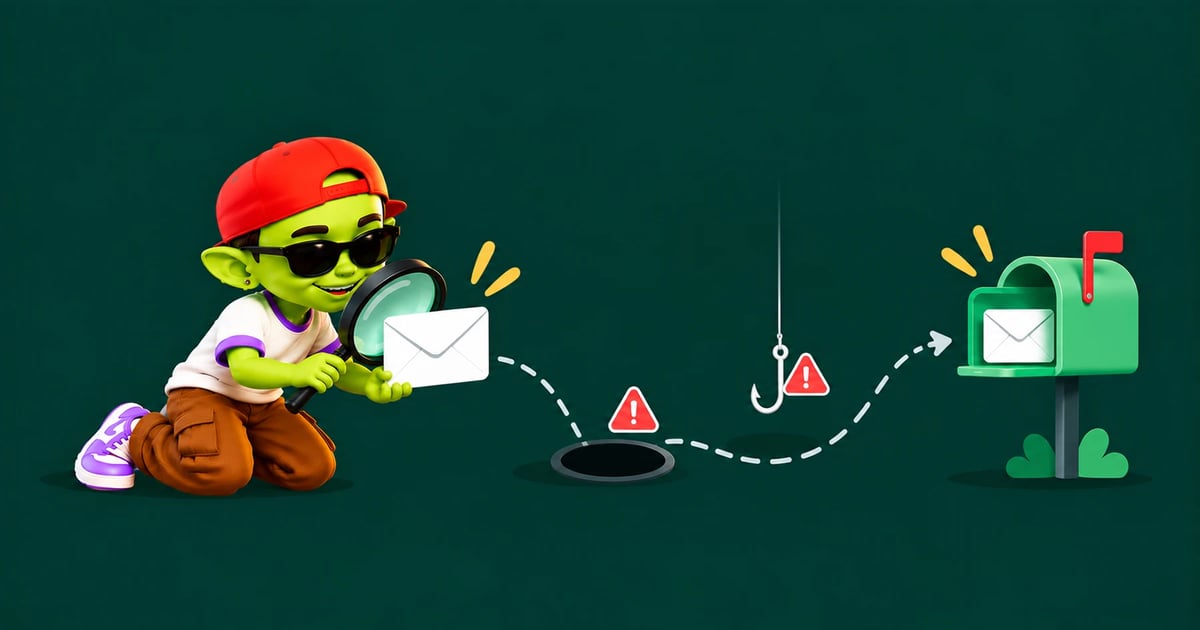
The short answer: A spam trap is an email address used to expose senders who mail people without permission. Nobody signs up with it or replies from it, so mail sent to one points to a bought, scraped or outdated list. Trap owners never reveal them, so no checker can find them. You avoid them by never buying or scraping lists, verifying every list, and removing bounces at once.
What is a spam trap?
Spamhaus defines a spamtrap as "an email address traditionally used to expose illegitimate senders". Mailbox providers and blocklist operators run them to spot senders with weak permission and list habits. An active trap accepts your email and never replies, so the send looks normal in your reports and you can keep hitting it without noticing.
One hit tells the trap owner your list came from somewhere it shouldn't have. Enough hits can put your domain or sending IP on a blocklist, and mail from a listed domain is often blocked or sent to spam.
The 7 types of spam traps
Spamhaus describes 7 kinds of trap. Here's how each works and how a cold email sender usually hits it.
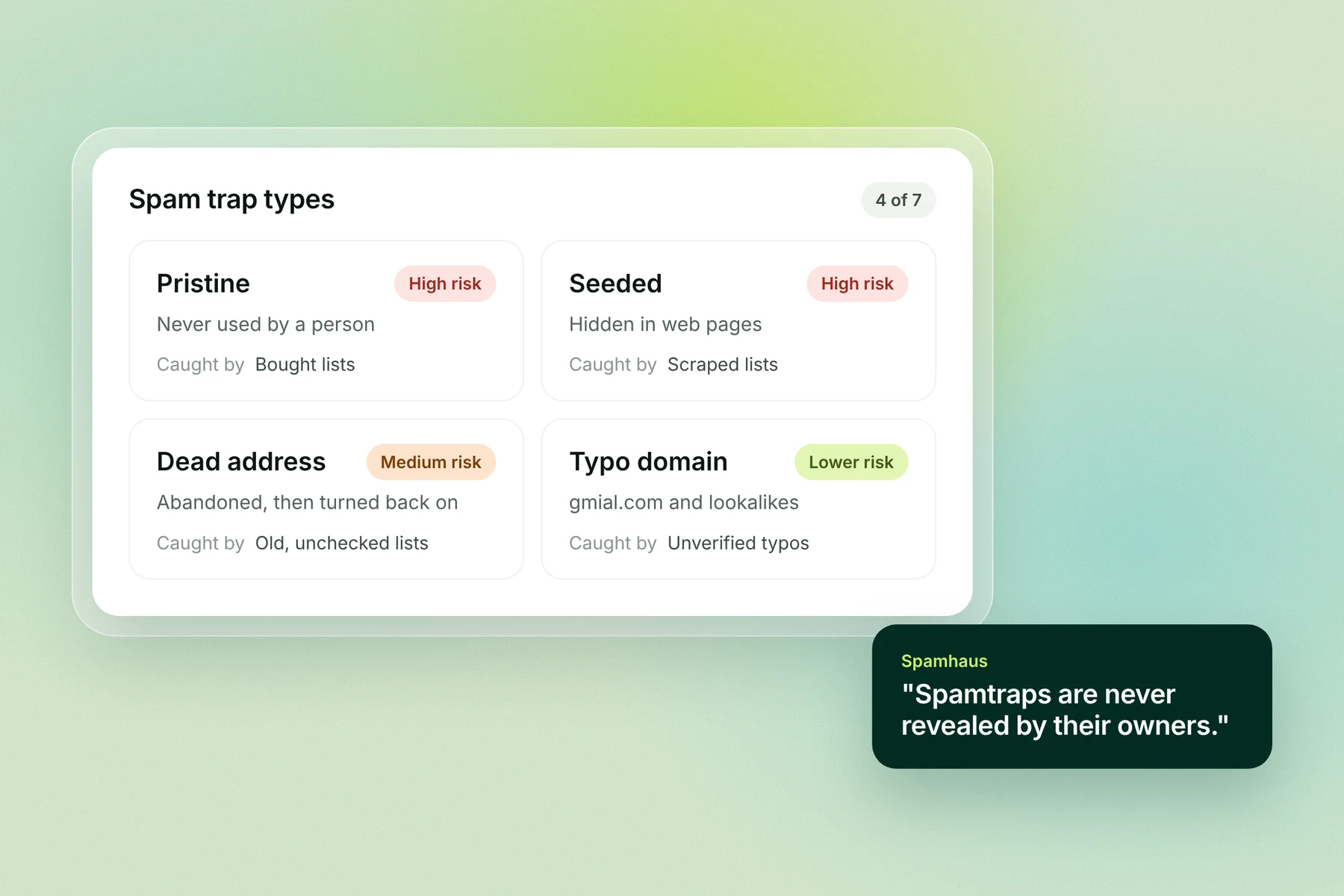
Type | What it is | How cold emailers hit it | How serious |
|---|---|---|---|
Classic (pristine) | An address never given to a person or shown on a website | Bought lists, or lists built by guessing addresses | High: it can only be on your list if the list wasn't built with permission |
Seeded | An address hidden in web pages, such as in the page code, to catch scrapers | Scraping tools and lists built from scraped sites | High |
Dead address | A real address that was abandoned, hard-bounced for a set period (Spamhaus: "often 12 months or more") and then turned back on as a trap | Old lists that haven't been re-verified | Medium: it shows poor list upkeep |
Dead domain | An expired domain bought by a trap owner and set up to receive mail | Old lists with contacts at companies that closed | Medium |
Typo domain | A lookalike domain such as gmial.com | Addresses typed wrong, never verified | Lower: Spamhaus notes these get real mail too and are weighted accordingly |
Role address | Addresses like postmaster@ or abuse@ published in domain records | Scraped lists that pick up role addresses | High: Spamhaus says these "should almost NEVER be on a marketing mailing list" |
Live | Real people's mailboxes whose owners also use them to make blocking decisions | Emailing people without a clear reason to contact them | Varies: these people read and report mail |
Many guides list only 3 types: pristine, recycled (dead address) and typo. For cold email, the other types matter too: seeded and role-address traps are built to catch scraped lists, which is how many cold email lists are made.
How a dead address becomes a spam trap
A dead-address trap starts as a real inbox. Its owner leaves, the address bounces every email for a long period, and then the provider switches it back on to catch anyone still mailing it.
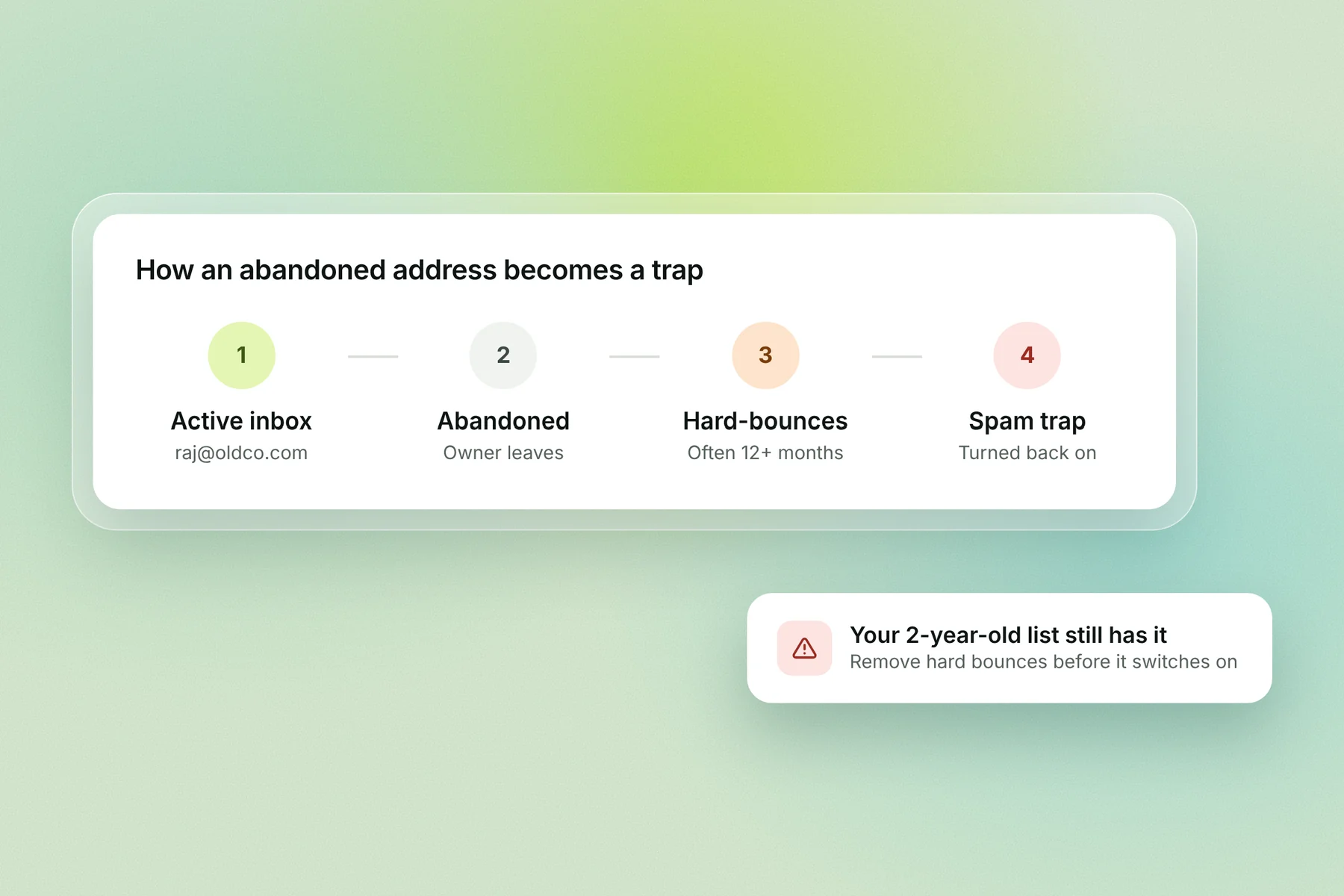
The bounce period is your warning. A sender who removes hard bounces stops mailing the address long before it becomes a trap. A sender who keeps mailing an old list without checking it hits the trap the day it switches on.
Why spam traps matter more for cold email
Cold email lists are built from sources the recipient never chose, such as databases, scraped pages and lists that have changed hands. Those are exactly the sources traps are designed to catch. A list built from people's own sign-ups is far less likely to contain pristine or seeded traps than a bought or scraped one.
AWS's messaging team notes that a trap hit can lead to an immediate, public blocklist listing, after which "a significant portion" of a sender's mail is blocked. Recycled traps can catch you even if every address was valid when you got it.
Signs you've hit a spam trap
No one tells you when you hit a trap. These are the signs to watch for:
Your domain or sending IP appears on a blocklist, such as one of the Spamhaus lists.
Bounce messages name a blocklist, often with a link to its lookup page.
Replies and opens drop suddenly across every mailbox on a domain, with no change to your emails.
Your inbox placement tests fall at one or more providers at the same time.
The quickest check is a free lookup of your domain and sending IPs at check.spamhaus.org.
Is there a spam trap checker?
No. Spamhaus says "spamtraps are never revealed by their owners", so no public tool or database can tell you which addresses are traps. Tools sold as spam trap checkers do something else: they check whether your domain is on a blocklist, or flag addresses that look risky.
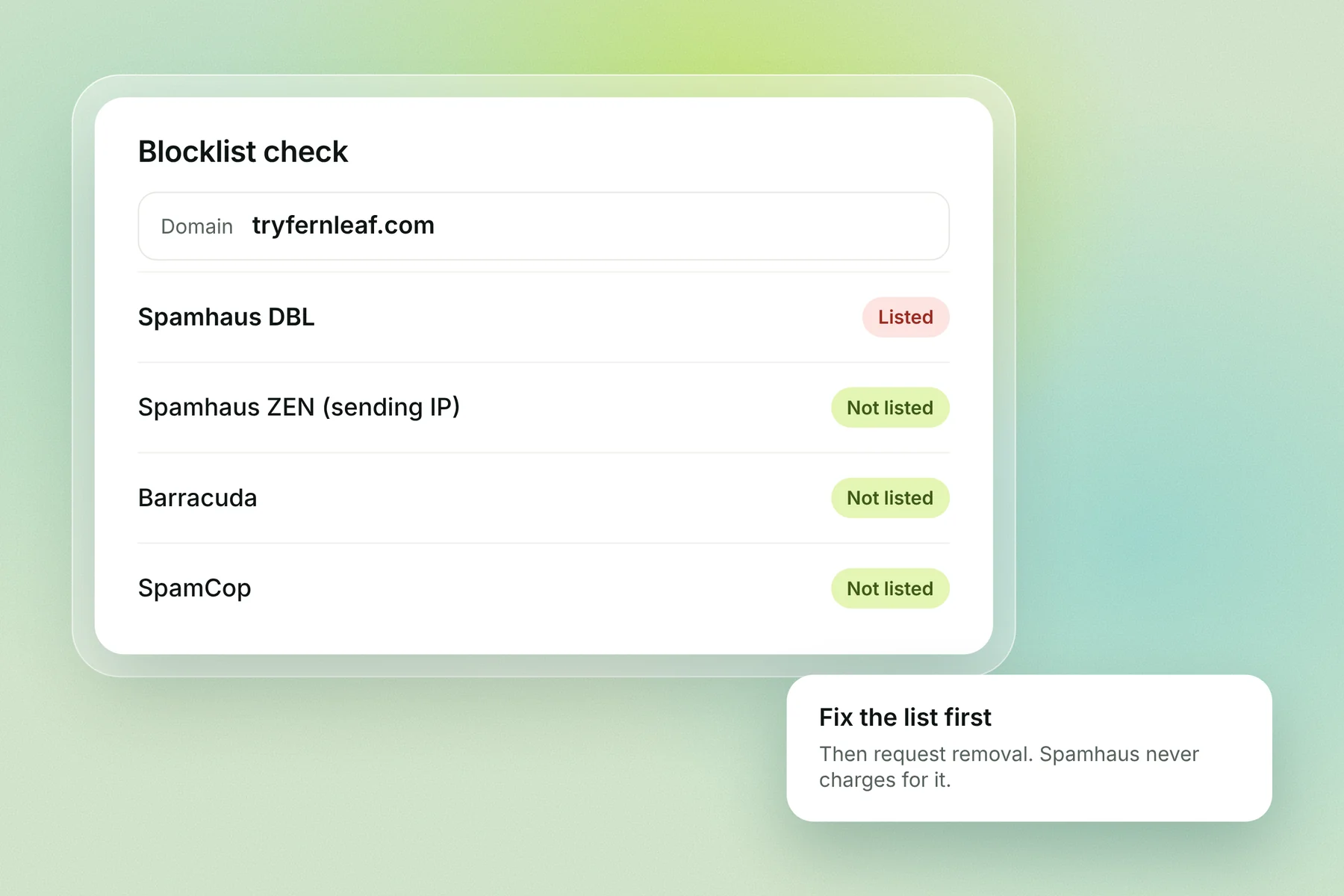
What you can check:
Check | What it tells you | Where |
|---|---|---|
Blocklist lookup | Whether your domain or sending IP is listed | check.spamhaus.org and other blocklist lookups |
Email verification | Which addresses are invalid, mistyped or role addresses | An email verifier, such as Alien Mail's |
List source and age | Whether the list was bought, scraped or left unused for months | Your own records |
Spamhaus also warns against "a hunt for spamtraps". Deleting the one address you think was a trap leaves the list problem that put it there.
Can email verification remove spam traps?
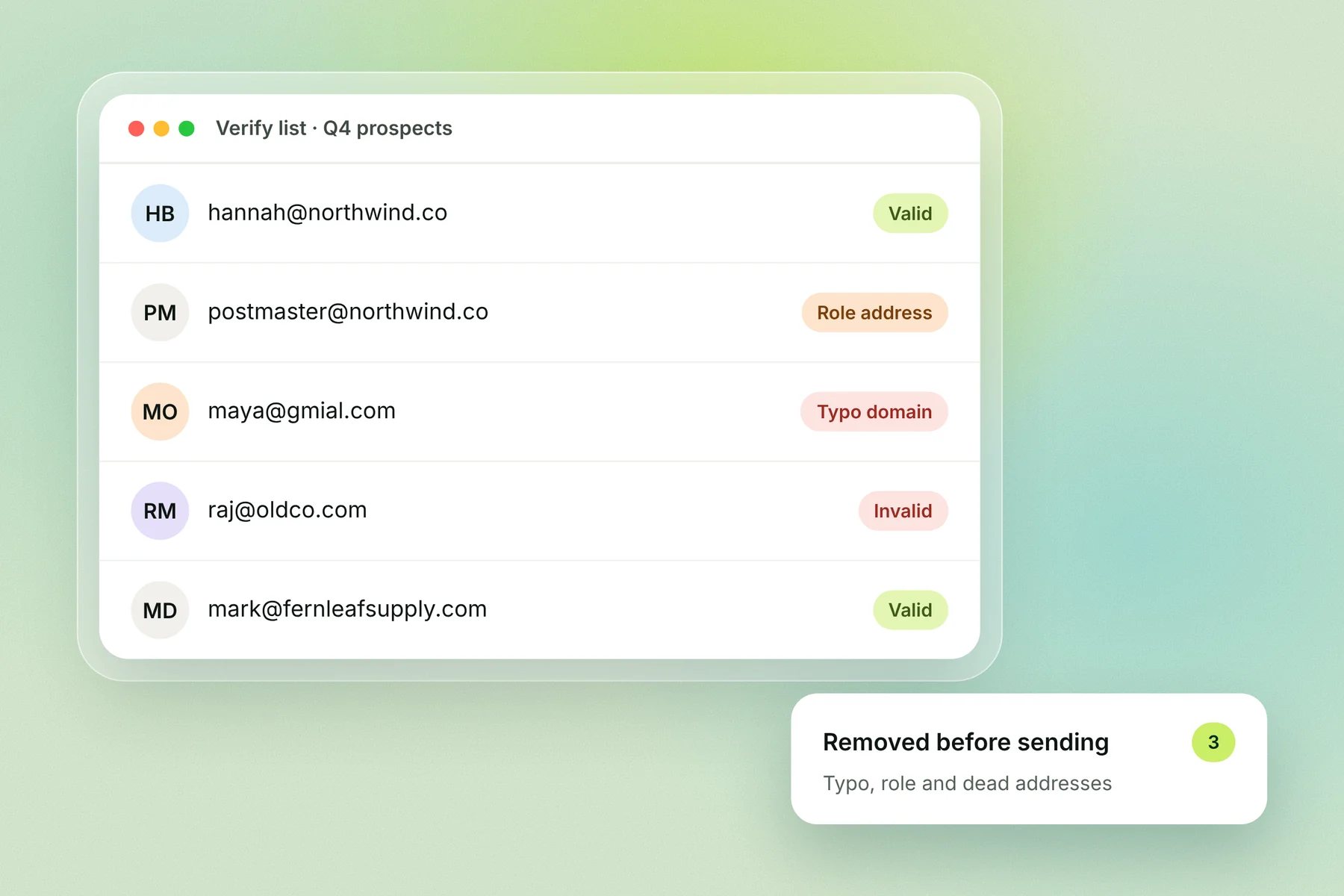
Partly. Verification removes addresses that are invalid, mistyped or role-based, which covers typo traps and many role addresses. It can't reliably find pristine, seeded or dead-address traps, because they accept mail like a real inbox.
Trap type | Does verification help? |
|---|---|
Typo domain | Yes, mistyped domains usually fail verification |
Role address | Mostly; many verifiers flag postmaster@, abuse@ and similar |
Dead address, still bouncing | Yes, it shows as invalid during the bounce period |
Dead address, already a trap | No, it accepts mail |
Classic, seeded or dead domain | No, they accept mail |
Verification is necessary but not enough. The real protection is where the list came from.
How to avoid spam traps
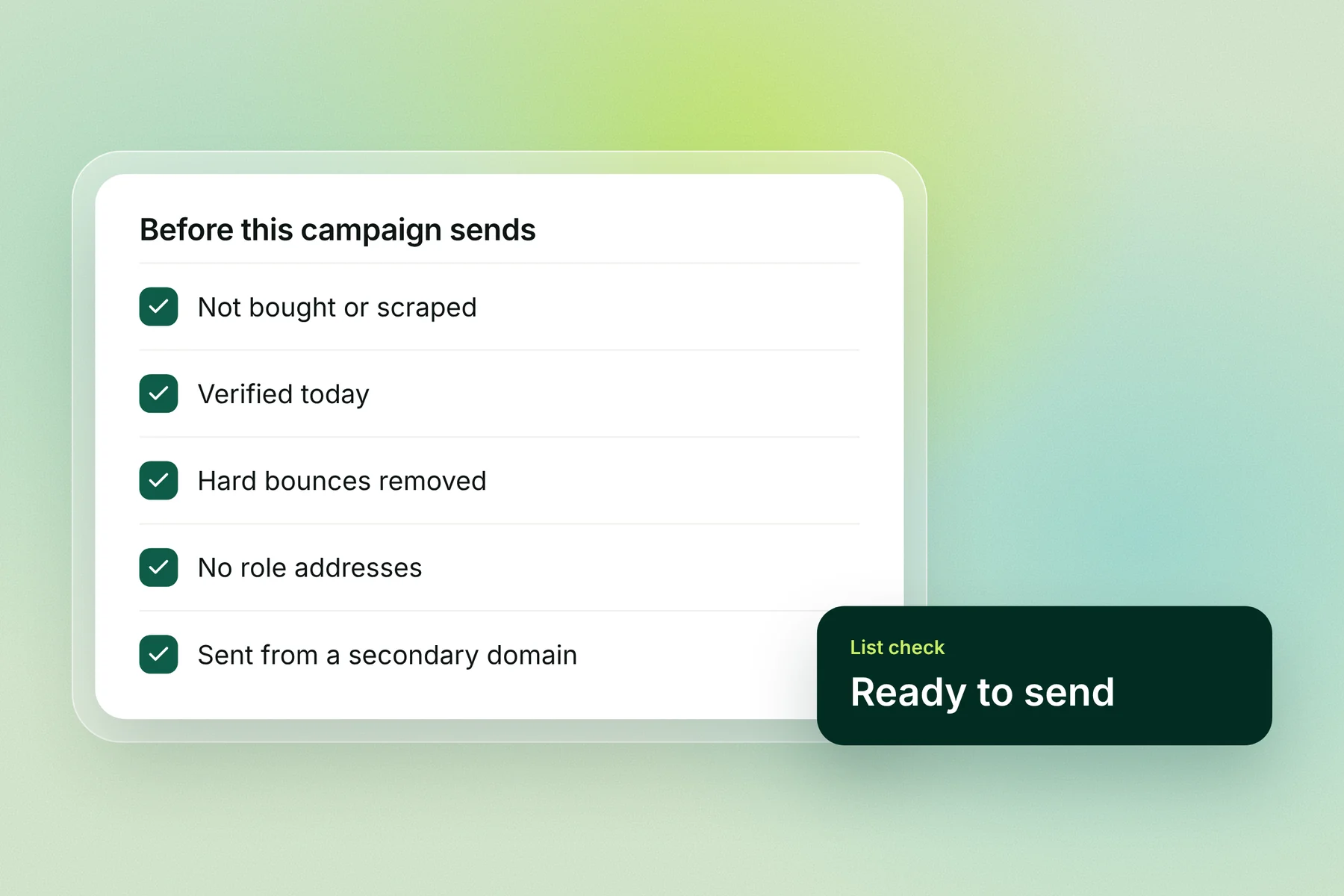
Never buy or scrape lists. Classic and seeded traps exist to catch both.
Verify every list before a campaign, even one you verified before, because addresses go bad over time.
Remove hard bounces after the first one. A dead address hard-bounces for months before it becomes a trap, so removing bounces keeps you off it.
Leave out role addresses such as postmaster@, abuse@ and admin@.
Re-check old lists before reusing them. A list that sat unused for months can include addresses that have since died.
Stop emailing people who never engage once your sequence ends, instead of starting them on a new one.
Send cold email from secondary domains, so a listing can't touch your main company domain. See secondary domains for cold email.
What to do if you hit a spam trap
Spamhaus's advice is to "fix the problem, not the symptom". Find out how the trap got on your list and fix that, rather than hunting for the one address.
Pause sending from the affected domain.
Check every domain and sending IP at check.spamhaus.org and other blocklist lookups.
Find the list you sent from just before the problem began.
Stop using that list or re-verify it, and remove anything bought or scraped.
Fix how you build lists, so the same thing doesn't happen next month.
Request removal. Spamhaus says "there is never any charge or fee associated with removing any Spamhaus listing", but a request "does not guarantee removal", and listings expire once the domain stops matching what caused them.
Restart slowly, with warmup running and a small, verified list.
For each blocklist's removal steps, see our blacklist removal guide.
Cleaner lists with Alien Mail
Alien Mail verifies your list before every send, so invalid addresses come off before they bounce, and keeps warmup running free on every mailbox. You pay only for emails you send, starting with 100 free credits and no card.
Start free → · See email verification
Frequently asked questions
What is a spam trap? An email address used to expose senders who mail people without permission. Nobody signs up with it or reads it, so mail to it points to a bought, scraped or outdated list.
What are the types of spam traps? Spamhaus describes 7: classic (pristine), seeded, dead address, dead domain, typo domain, role addresses and live addresses. Many guides group them as pristine, recycled and typo traps.
Is there a spam trap checker or list? No. Spamhaus says trap owners never reveal them. Tools called spam trap checkers check blocklists or flag risky addresses; they can't confirm which addresses are traps.
How do I know if I hit a spam trap? You won't be told. Look for a blocklist listing on your domain or IP, bounce messages that name a blocklist, or a sudden drop in replies across a whole domain.
Can email verification find spam traps? It catches typo traps, many role addresses and dead addresses that are still bouncing. It can't find pristine, seeded or dead-address traps that already accept mail.
Will one spam trap hit get me blacklisted? It can. AWS notes a trap hit can lead to an immediate, public blocklist listing. How much one hit counts depends on the trap and the blocklist; the criteria aren't published.
How do I remove my domain from a blocklist after a trap hit? Fix the list problem first, then use the blocklist's removal form. Spamhaus removal is free but not guaranteed, and listings expire once the cause stops.
Key terms
Spam trap: an address used to expose senders who mail people without permission.
Pristine (classic) trap: an address never given to a person or published anywhere.
Recycled (dead address) trap: a once-real address turned back on as a trap after a long bounce period.
Blocklist: a list of domains or IPs with poor reputation that mail servers use to block or filter email.
Hard bounce: a permanent delivery failure, such as an address that doesn't exist.