Email Blacklist Removal: How to Get Delisted Fast
Email blacklist removal step by step: how to check if you are listed, which blacklists matter, how to fix the cause and get delisted for free.

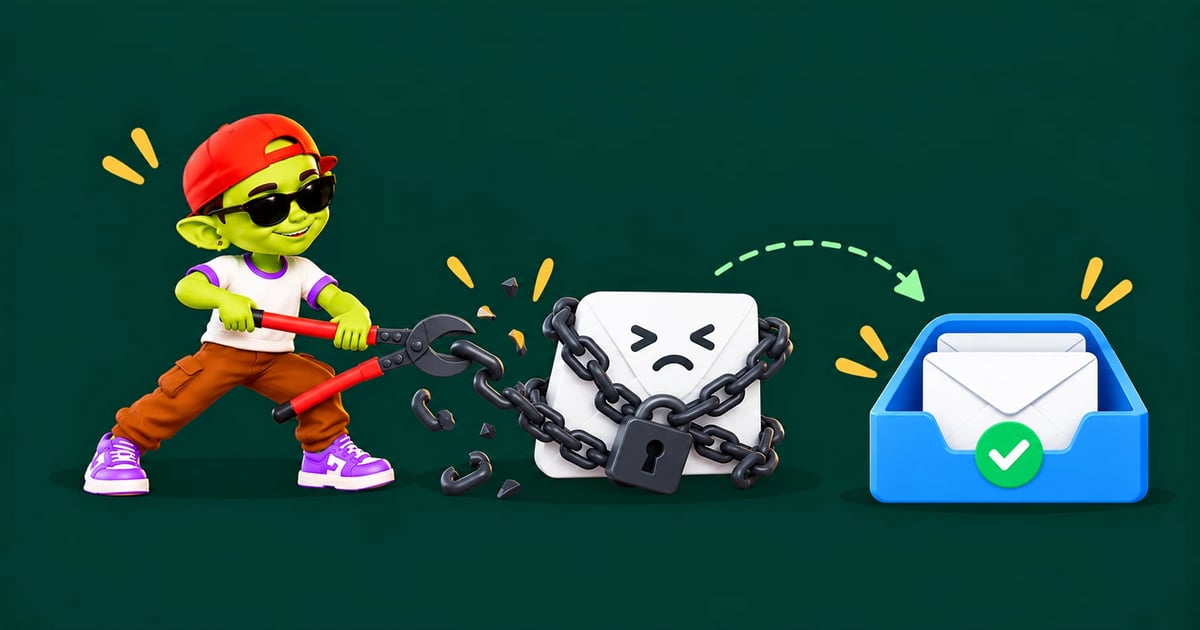
The short answer: email blacklist removal takes four steps. Check which lists your domain or IP is on (MXToolbox is free), fix the cause (usually a bad list, spam traps, complaints or a hacked account), request delisting on each blacklist's own website (it's free for the major ones), and send less, more carefully afterwards. Some lists, such as SpamCop, remove you automatically once the problem stops. Never pay for "express" removal.
Step 1: Check if you're blacklisted
Domain check: run your sending domain through the MXToolbox blacklist check. It tests dozens of lists at once.
IP check: if you send from your own server or a dedicated IP, check the IP too. If you use Google Workspace or Microsoft 365, IP listings belong to them, not you.
Spamhaus directly: use the Spamhaus reputation checker, because Spamhaus lists matter most.
Bounce messages: rejections often name the list, for example "blocked using zen.spamhaus.org".
Which blacklists matter
Blacklist | Lists | Impact | How to get removed |
|---|---|---|---|
Spamhaus (ZEN, DBL) | IPs and domains | Very high, used by many providers | Fix the cause, then request removal on the Spamhaus checker. Free |
Barracuda (BRBL) | IPs | High in businesses using Barracuda filters | Removal request form on Barracuda's site. Free |
SpamCop | IPs | Medium | Expires automatically about 24 hours after reports stop |
URIBL / SURBL | Domains found in email links | Medium to high | Removal request on their sites once the cause is fixed |
Invaluement | IPs and domains | Medium, used by some business filters | Removal request on their site |
UCEPROTECT | IPs and whole IP ranges | Low; few major providers use it | Level 1 expires automatically after about 7 days. Don't pay for express delisting |
Microsoft (Outlook.com) | IPs blocked by Outlook | High for Outlook.com recipients | Request through Microsoft's sender support delist portal |
SORBS, once a common list, was shut down in 2024, so you can ignore old SORBS results in outdated tools.
Step 2: Fix the cause before asking for removal
Blacklists remove you quickly if the problem is fixed, and list you again (often for longer) if it isn't. Common causes:
Cause | Fix |
|---|---|
Spam traps on your list | Stop using old, bought or scraped lists. Verify every list. See spam traps explained |
High bounce rate | Remove hard bounces and verify before sending. See email bounce rate |
Spam complaints | Tighten targeting, add an easy opt-out, lower volume |
Volume spikes | Send fewer emails per inbox and ramp up slowly |
Hacked account or server | Change passwords, turn on 2-step verification, check for unknown sending |
Shared IP (on a cheap host or SMTP relay) | Move to a reputable provider or a dedicated IP |
Step 3: Request delisting
Go to the blacklist's own site, not a third-party "removal service".
Find your listing and read the reason. Many lists tell you exactly what they saw.
Submit the removal request with a short, honest note on what happened and what you changed.
Wait. Most major lists act within 24–48 hours once the cause has stopped.
Check again with MXToolbox to confirm you're off every list.
Step 4: Restart sending safely
Keep warmup running and restart cold sends at a low volume, about 10–20 a day per inbox.
Send only to verified, well-targeted contacts.
Raise volume gradually over 2–3 weeks. See the email warmup schedule.
Check blacklists weekly for the next month.
Domain listing vs IP listing
An IP listing is about the server that sent the email. If you send through Google Workspace or Microsoft 365, a listed IP is their problem to fix, and it rarely affects you for long. A domain listing (such as Spamhaus DBL or URIBL) follows your domain everywhere, whichever server you send from. Domain listings need the full fix-and-delist process, and on a badly damaged secondary domain it can be faster to retire it and warm up a new one. Read domain reputation explained for more.
How to stay off blacklists
Send cold email from separate sending domains, never your main domain.
Set up SPF, DKIM and DMARC on every domain.
Verify every list right before sending.
Keep each inbox to about 30 cold emails a day.
Check blacklists weekly. See email deliverability testing tools.
The full list is in our cold email deliverability checklist.
Prevent listings with Alien Mail
Alien Mail helps you avoid blacklists in the first place: built-in email verification keeps dead addresses and risky contacts off your lists, free email warmup builds reputation, and sending is spread across inboxes to keep volume safe. You pay only per email sent, and new accounts get 100 free credits.
FAQ
How do I know if my domain is blacklisted?
Run your domain through a free blacklist checker such as MXToolbox, and check Spamhaus directly. Rejection messages that mention a list name are another sign.
How long does it take to get removed from a blacklist?
Most major lists remove you within 24–48 hours of a successful request, once the cause has stopped. SpamCop removes listings automatically about a day after reports stop, and UCEPROTECT level 1 after about a week.
Should I pay to be removed from a blacklist?
No. Spamhaus, Barracuda and the other major lists delist for free. Paid "express" options on minor lists aren't worth it, and third-party removal services can't do anything you can't do yourself.
Will I be blacklisted again?
Only if the cause comes back. Fix the list, volume or security problem first, or the next listing usually lasts longer.
Does a blacklist affect Gmail delivery?
Gmail mostly uses its own filtering rather than public blacklists, but a Spamhaus or URIBL listing is a strong sign your reputation has problems that Gmail will also notice.