Does Email Warmup Work? Do Warmup Tools Really Work in 2026?
Does email warmup work? A slow ramp does, per Google. Warmup tools are unproven, so here are 6 myths, a 14-day test and when to skip warmup.

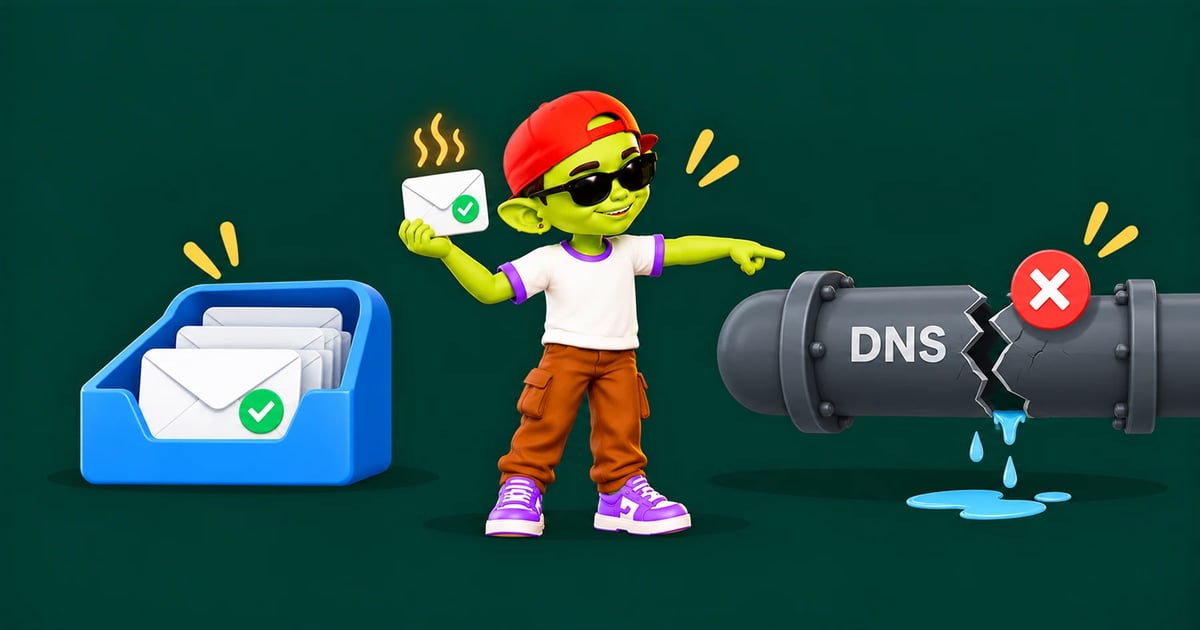
Does email warmup work, and do email warmup tools really work? Yes, for what they're built to do. This guide explains what warmup fixes, what it can't fix and how to test it on your own inbox.
Disclosure: we make Alienmail, which includes free email warmup.
The short answer: Yes, for one job. Raising your sending volume slowly works, and Google's own sender guidance says to do it. Automated warmup tools help a new inbox build that history, but we found no independent study measuring them, so results depend on the tool's network. Warmup can't fix broken DNS records, a bad list or emails people report as spam.
Two things people mean by "email warmup"
People argue about whether warmup works because they mean two different things. One is a slow ramp in volume, which every mailbox provider expects. The other is an automated tool that swaps emails with a network of inboxes, and that's where the doubt lies.
Slow volume ramp | Automated warmup tool | |
|---|---|---|
What it is | Sending a few emails a day, then more each week | Software that sends, opens, replies and rescues emails from spam within a network of inboxes |
Who backs it | Google's sender guidance | The tool vendors |
Proof it works | Providers say a sudden jump causes delivery problems | Vendor case studies only |
Main risk | Too slow is only tiresome | A small or fake-looking network can be spotted and ignored |
What the evidence actually says
The slow ramp has the provider's own backing. Google's guide to common Gmail sender issues says "increasing your sending volume too quickly can result in delivery issues". It adds that "a consistent sending volume is particularly important for new domains as they establish their sending reputation" (Google, Top 10 Gmail sender issues). When Gmail starts deferring mail, the same page suggests holding volume for 24 hours and then raising it by about 25% to 100% a day.
The tools have weaker proof. We couldn't find an independent, controlled study of warmup tools. The pages that rank for this question support their answer with customer stories from the vendor's own tool. And Google has pushed back on one kind of warmup: in fall 2022 it told GMass to switch off its warmup system or lose access to the Gmail API, and GMass shut it down (GMass).
So the honest answer is this. The idea behind warmup is sound and endorsed by Google. How much a given tool adds on top of a slow ramp is unmeasured, which is why you should test it on your own domain (below).
What warmup fixes, and what it can't
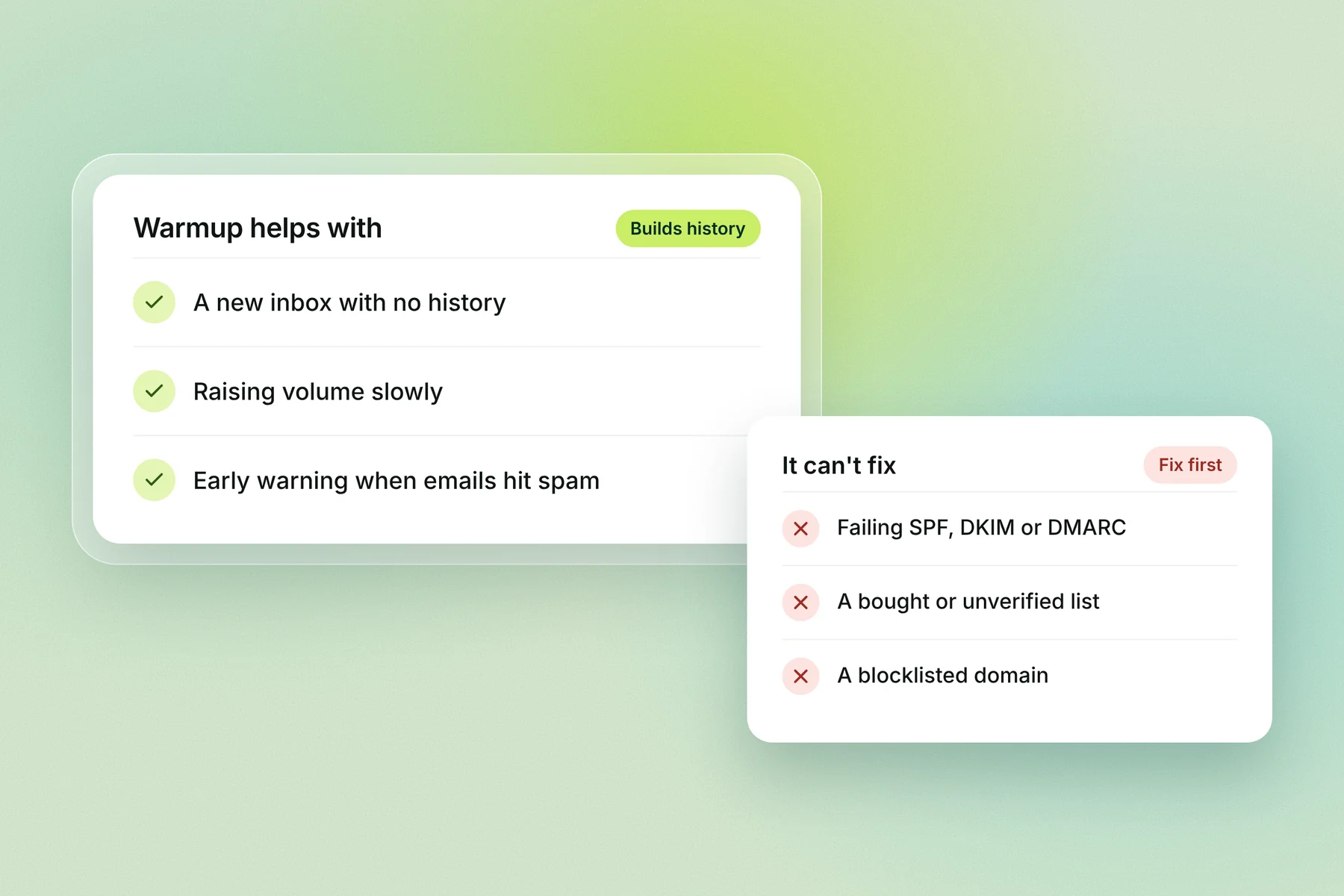
Warmup builds history for a sender with none. It can't override the signals that matter most to Gmail and Outlook: authentication, bounces and complaints.
Warmup helps with | Warmup can't fix |
|---|---|
A new domain or inbox with no sending history | Missing or failing SPF, DKIM or DMARC |
Raising volume gradually instead of in one jump | A bought, scraped or unverified list |
Steady positive activity while cold campaigns run | A high bounce rate or spam traps |
An early warning when warmup emails start landing in spam | Spam complaints from poor targeting |
A slow recovery after a short placement dip | A domain on a major blocklist |
Sending far more than an inbox's history supports |
6 email warmup myths
Most "warmup doesn't work" stories come from expecting it to do a job it was never built for.
Myth | What's true |
|---|---|
"Warmup gets my emails into the inbox." | Warmup builds history. Inbox placement still depends on your list, your content and how recipients react. |
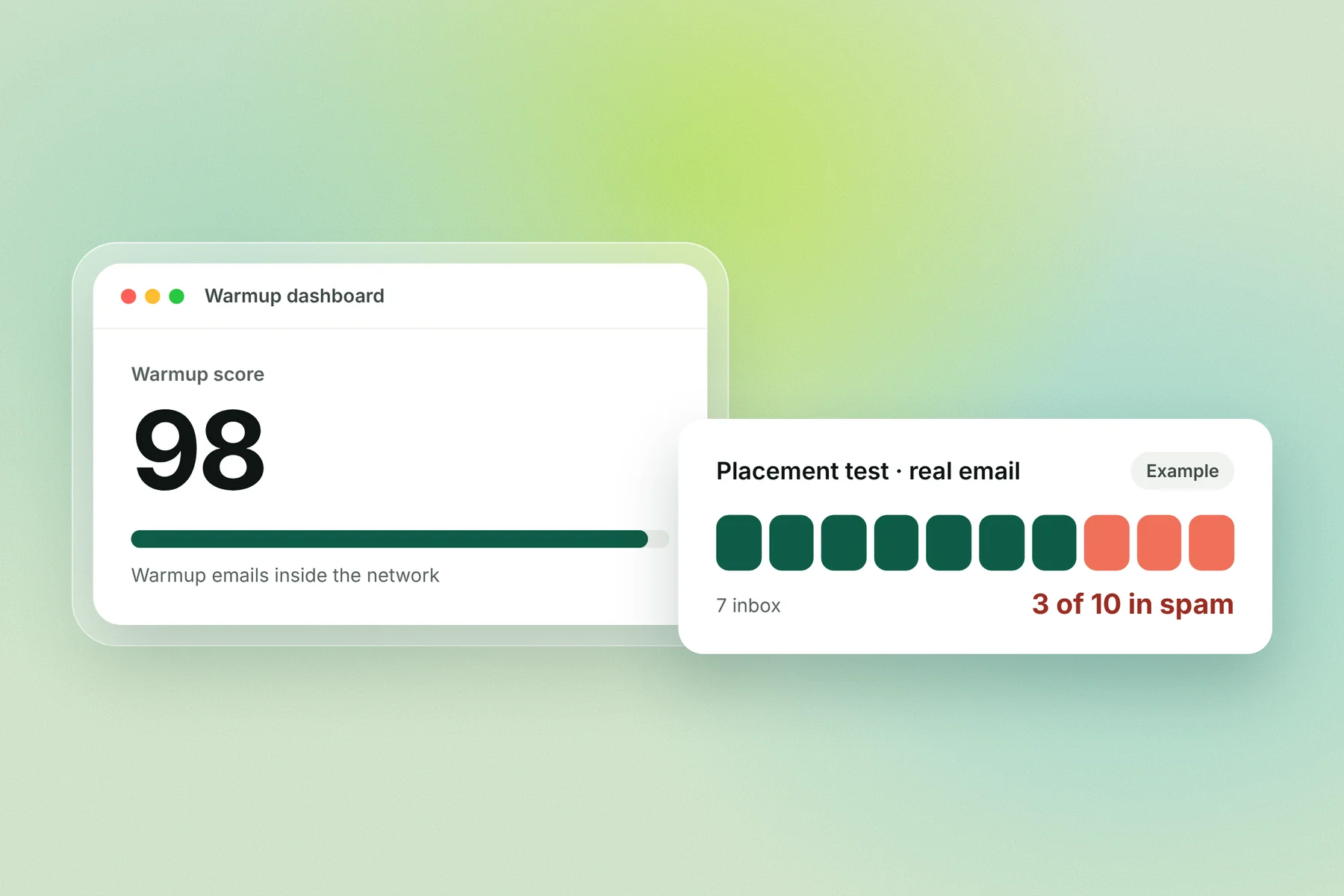
"A high warmup score means my campaign will land well." | The score measures warmup emails inside a friendly network. Only a placement test with real campaign copy shows where your emails land. |
"Google bans warmup." | Google made GMass shut down warmup that used the Gmail API in 2022. Google's own guidance still tells new senders to raise volume slowly. |
"Warmup can rescue a blocklisted domain." | Get delisted and fix the cause first. Warmup on a listed domain just builds history for a domain providers already distrust. |
"Once an inbox is warm, I can switch warmup off." | Reputation reflects what you send now, so it can cool again. Many senders keep a low level of warmup running alongside campaigns. |
"More warmup emails a day means faster results." | A fast jump is exactly what Google warns causes delivery problems. Slow and steady is the point. |
How to test whether warmup works on your domain
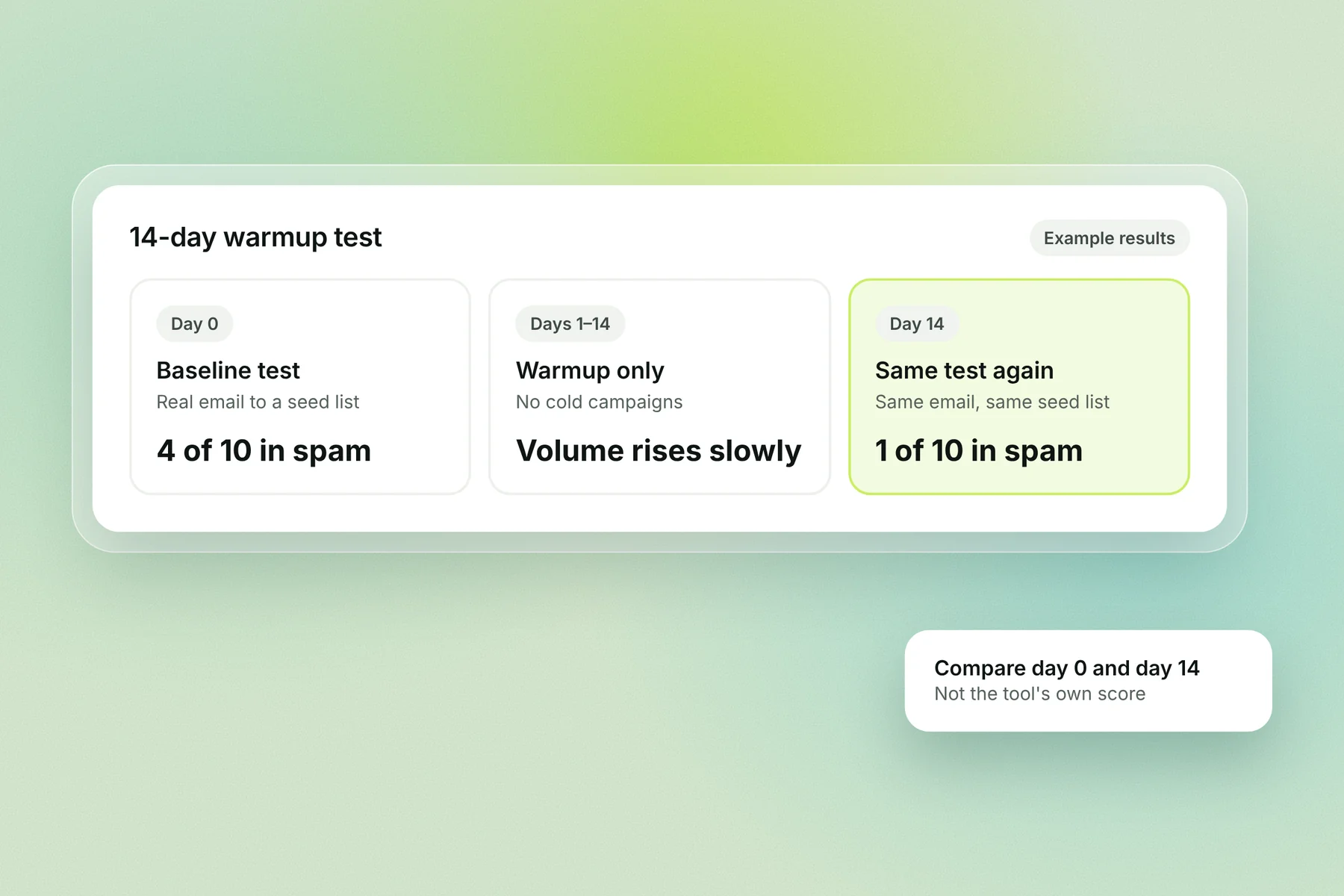
With no independent study to lean on, measure it yourself. This 14-day check compares where your real emails land before and after warmup, so you're not relying on the tool's own score.
Day 0: set up and get a baseline. Add SPF, DKIM and DMARC, then send your real campaign email to a seed-list placement test (such as GlockApps) and note how many land in spam at Gmail and Outlook.
Days 1 to 14: warm up only. Turn warmup on and send no cold campaigns. Raise volume slowly, as Google advises.
Day 7: check the warmup dashboard. Look for warmup emails landing in spam. A rising spam share this early points to a DNS or network problem.
Day 14: run the same placement test again. Use the same email and the same seed list, and compare the spam count with day 0.
Day 15 onward: send a small real campaign. Start with a verified list and watch bounces, replies and the spam rate in Google Postmaster Tools, which Google says to keep below 0.1%.
Signs warmup is working, and signs it isn't
Working | Not working |
|---|---|
Placement tests show fewer emails in spam than at the start | Warmup emails keep landing in spam after week 2 |
Postmaster Tools spam rate stays under 0.1% | Spam rate climbs once campaigns start |
Bounces stay low as volume rises | Deferrals or "rate limited" errors appear |
Replies come in from real campaigns | Warmup dashboard looks perfect, but campaigns get no opens or replies |
If you see the right-hand column, stop raising volume and check your DNS records, list and copy before blaming the warmup tool.
When you can skip warmup
You can skip a long warmup when the domain already has a steady, healthy sending history. A brand-new domain or inbox always needs a ramp.
Skip or shorten it: an older domain that has sent normal business email for months with no spam problems, at a volume close to what you plan to send.
Don't skip it: a new domain or inbox; a domain that has been idle for months; a jump from a few emails a day to hundreds; a domain recovering from a spam or blocklist problem.
Email warmup risks: when warmup can do harm
Warmup does harm when it sends unnatural signals or hides real problems.
A small, low-quality network. The same few inboxes trading near-identical emails is a pattern filters can spot.
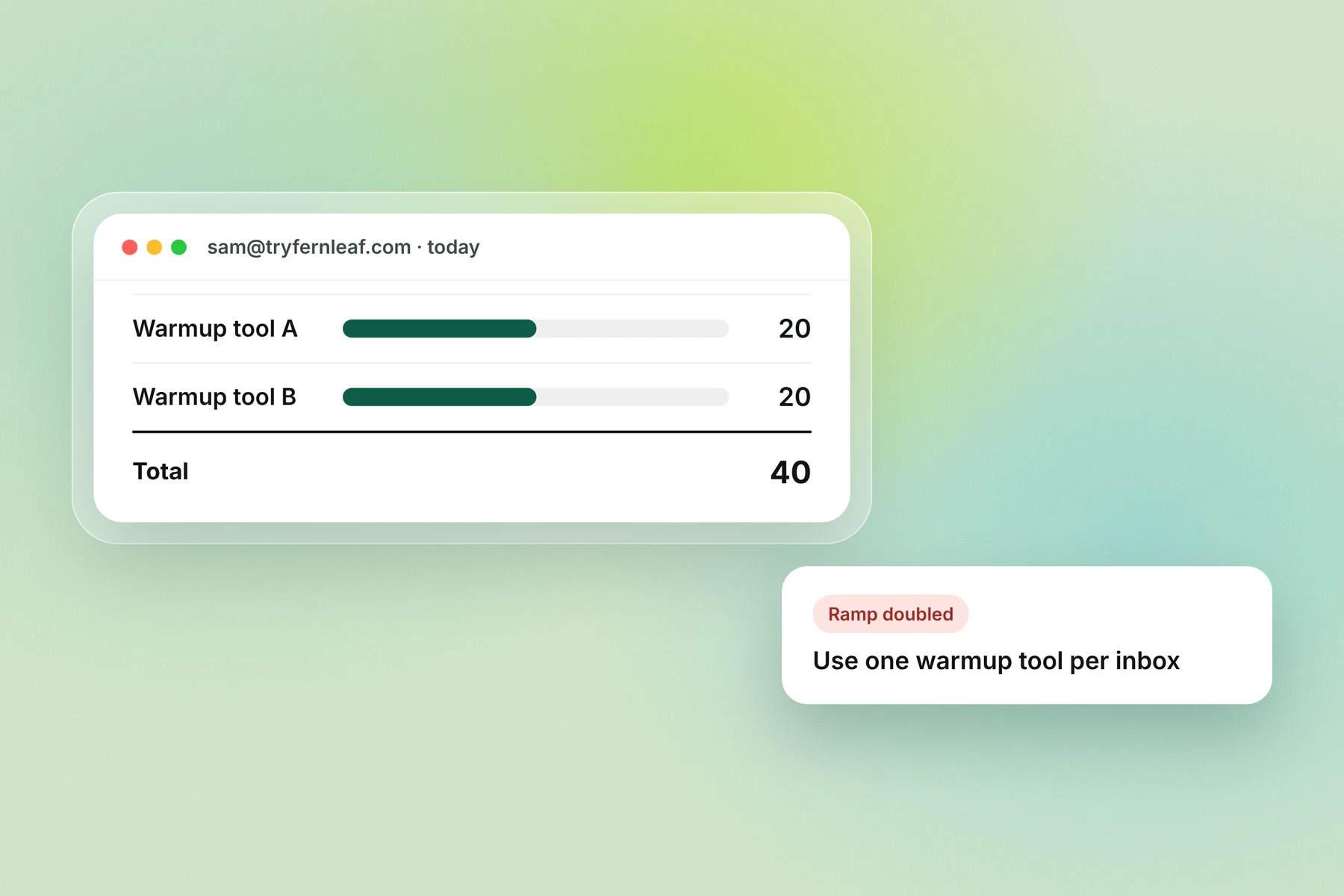
Two warmup tools on one inbox. That can double the daily volume and break the slow ramp.
Jumping volume because the dashboard looks good. Google warns that raising volume too fast causes delivery problems.
Warming up over a bad list. Warmup looks healthy while real campaigns bounce, and bounces are the signal that counts.
How Alienmail runs warmup
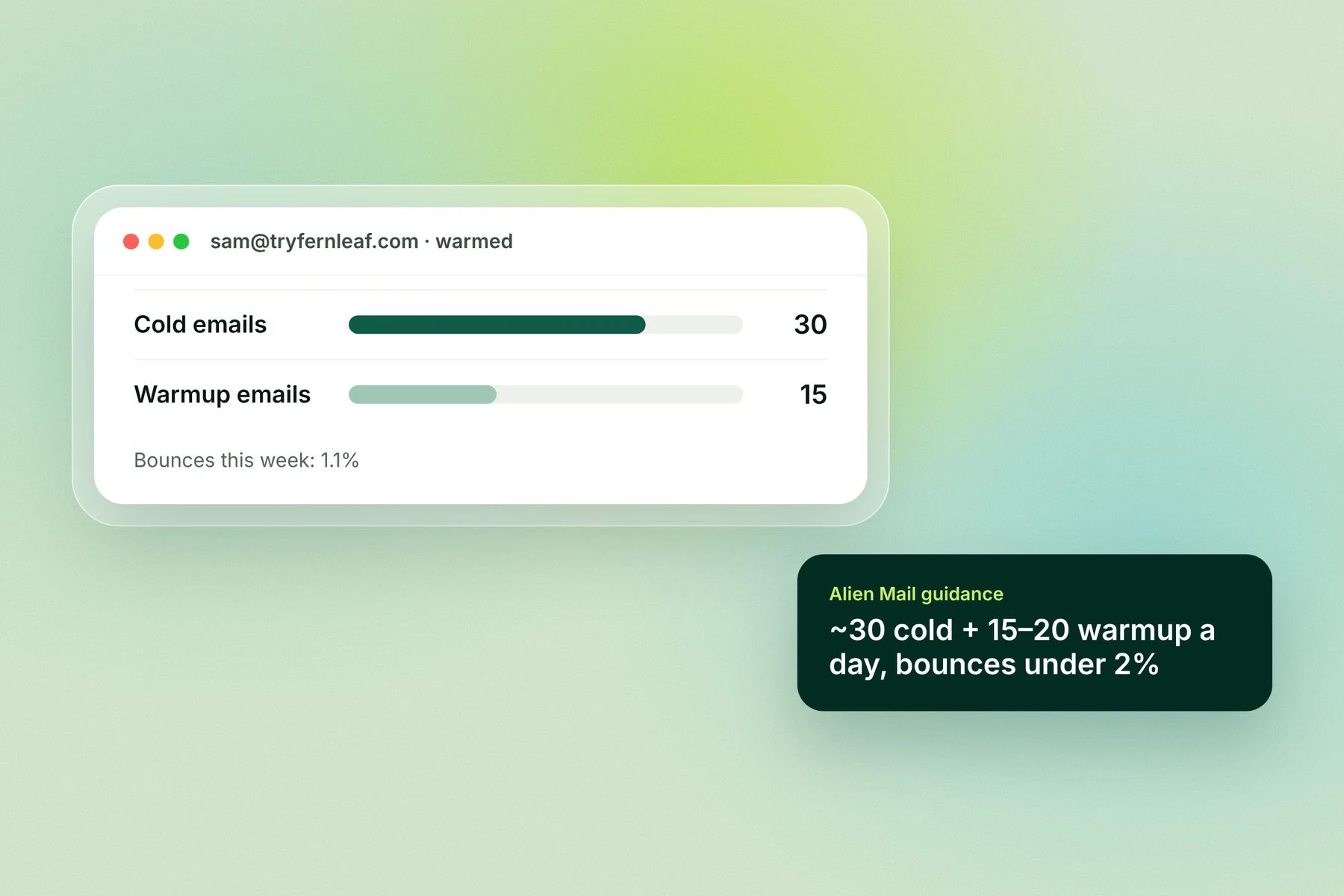
Alienmail warms every inbox you connect for free and raises each inbox's volume as it earns trust. Our own guidance, not a provider rule, is to keep cold email to about 30 a day per inbox once warm, keep bounces under 2%, and keep warmup running alongside your campaigns.
Start free warmup → · How Alienmail warmup works
Frequently asked questions
Do email warmup tools really work? A slow volume ramp works, and Google's sender guidance recommends it for new domains. Automated warmup tools help build that history, but we found no independent study measuring them, so test the result on your own domain.
Is email warmup worth it for cold email? For a new domain or inbox, yes: cold email from an inbox with no history is the riskiest kind. For an older domain with steady, healthy sending, a short ramp is usually enough.
How long does email warmup take to work? Usually 3 to 4 weeks for a new domain. Check with a placement test before and after, not only the tool's score.
Can Gmail detect warmup emails? Gmail doesn't say. Google did make GMass shut down warmup that used the Gmail API in 2022. Varied, natural emails at modest volume look like normal mail; small, repetitive networks are riskier.
Does a high warmup score mean good deliverability? No. The score measures warmup emails within the tool's network. Only a placement test with your real campaign email shows where it lands.
Should I keep warmup on after I start sending? It's common to keep a low level running alongside campaigns, because reputation reflects what you send now.
Why do some people say warmup doesn't work? Usually because warmup was asked to fix something it can't: failing DNS records, a bad list, spam complaints or too much volume.
Key terms
Email warmup: raising an inbox's sending volume slowly, often with a tool that exchanges emails with other inboxes.
Warmup network (pool): the inboxes a warmup tool uses to send, open, reply to and rescue your emails.
Placement test: sending an email to seed inboxes at Gmail, Outlook and others to see where it lands.
Deferral: a provider temporarily refusing mail, often because volume rose too fast.
Spam rate: the share of delivered emails recipients mark as spam; Google says to keep it below 0.1% in Postmaster Tools.