What Is Email Warmup? A 2026 Guide
Email warmup builds sender reputation so cold emails land in the inbox. Learn how it works, how long it takes, and a week-by-week warmup schedule.


What is email warmup?
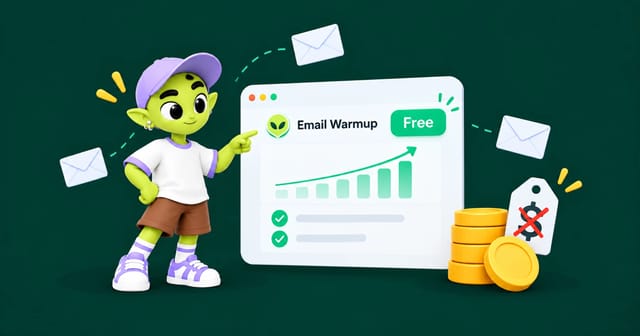
Email warmup (also written “email warm-up” or “inbox warming”) is a controlled ramp-up of sending volume paired with real engagement. Instead of sending your full cold outreach volume on day one, you send a few emails a day that get opened and replied to, then increase that number over several weeks.
Mailbox providers like Google Workspace, Microsoft 365 and Yahoo don’t publish their filtering algorithms, but their sender guidelines make the main inputs clear:
Sending volume and how fast it changes. Going from zero to hundreds of emails a day overnight is the loudest spam signal there is.
Engagement. Replies and emails moved out of spam raise your reputation. Deleting without reading and spam complaints lower it.
Authentication. Whether SPF, DKIM and DMARC pass and align on every message.
Complaint rate. Google asks bulk senders to stay under a 0.3% spam complaint rate, and recommends staying below 0.1%.
Bounce rate. Lots of invalid addresses suggests a bought or scraped list.
A new domain has no history for providers to judge. Warmup gives them good data on volume, engagement and authentication before your real campaigns start.
How email warmup works, step by step
An automated warmup tool connects your inbox (by OAuth or SMTP/IMAP) to a network of other real, monitored inboxes. Then four things happen on a loop.
1. Your inbox sends on a ramp
It starts with a handful of emails a day to inboxes in the network, and the number rises on a set schedule. The emails read like normal business conversation, not marketing.
2. Recipients open and reply
Inboxes in the network open the message, wait a realistic amount of time, and reply. Reply threads are the strongest positive signal you can send, because real back-and-forth conversation is the hardest thing for spammers to fake at scale.
3. Emails get rescued from spam
If a warmup email lands in spam, the receiving inbox marks it “not spam” and moves it to the inbox. Repeated across many inboxes, this teaches the filter that your domain is safe.
4. Placement gets measured
The tool tracks what share of warmup emails land in the inbox, promotions or spam, and turns that into a health score. That score, not the calendar, tells you when warmup is done.
How long does email warmup take?
It depends on where you start. A new inbox on a domain with years of good sending history needs far less time than a domain registered last week.
Your starting point | Warmup before cold outreach | Notes |
|---|---|---|
Brand-new domain, new inbox | 3–4 weeks | The most common cold email setup |
New inbox on a domain with good sending history | 1–2 weeks | The domain’s reputation carries over partly |
Older domain that never sent much email | 2–3 weeks | Domain age helps, but it isn’t sending history |
Domain recovering from spam problems or a blocklist | 4–8+ weeks | Fix the cause first. Some domains never fully recover |
In every case, keep warmup running in the background after your campaigns go live. Reputation fades if you stop.
Week-by-week schedule for a new domain
Week | Warmup emails / day | Cold emails / day | Goal |
|---|---|---|---|
Week 1 | 5 → 10 | 0 | Build first activity, confirm authentication passes |
Week 2 | 10 → 20 | 0–10 | Start very small real sends to your best-fit contacts |
Week 3 | 20 → 30 | 10–20 | Scale slowly while watching replies and bounces |
Week 4+ | 30–40 (ongoing) | 20–40 | Steady state. Keep total sends under about 50/day per inbox |
Sending limits you can’t go over
Every provider caps how much one account can send per day. These are hard limits, not targets. For cold email, stay far below them.
Account type | Daily limit |
|---|---|
Free Gmail | About 500 recipients |
Google Workspace | About 2,000 messages (lower on trial accounts) |
Microsoft 365 (Exchange Online) | About 10,000 recipients |
Hitting these limits gets the account temporarily blocked. For cold outreach, the safe ceiling is about 40–50 emails a day per inbox, which is why teams spread volume across several inboxes. More on this in our Gmail sending limits guide.
The 2026 rules your warmup has to follow
Since 2024, Google and Yahoo require bulk senders to authenticate with SPF and DKIM, publish a DMARC record, offer one-click unsubscribe in marketing email, and keep spam complaints low. In 2025 Microsoft added similar requirements for high-volume senders to Outlook.com, Hotmail and Live addresses.
These rules mean an unauthenticated domain can’t be warmed up at all. Which brings us to the most common mistake.
Warmup can’t fix a broken DNS setup
Warmup builds reputation. It can’t prove who you are. Before you start, these must be set up correctly on the sending domain:
SPF: a TXT record listing which servers can send email for your domain.
DKIM: a cryptographic signature showing the message wasn’t changed in transit.
DMARC: a policy telling receivers what to do when SPF or DKIM fails, and where to send reports.
Custom tracking domain: so your open and click tracking links don’t use a shared domain other senders have already burned.
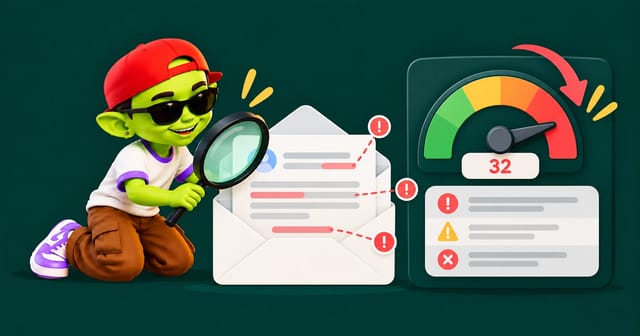
If DKIM isn’t signing, every warmup email teaches providers to distrust you. Fix authentication first. Our SPF, DKIM and DMARC guide walks through each record with copy-ready examples.
Manual warmup vs automated warmup
You can warm an inbox by hand: email colleagues and friends, ask them to reply, and slowly send more. For one inbox, it works and costs nothing but time.
The problem is scale. Getting 30 real reply threads a day, per inbox, forever, isn’t something a team can keep up, and most cold email setups run 5 to 20 inboxes.
Manual warmup | Automated warmup | |
|---|---|---|
Cost | Free, but takes staff hours | Free to about $50/inbox/month, depending on the tool |
Reply volume | Limited by your contacts’ patience | Hundreds of threads across a large network |
Spam-folder rescue | Only if you ask people to check spam | Automatic and continuous |
Works for 10+ inboxes | No | Yes |
Reporting | Guesswork | Measured inbox placement |
Is automated warmup safe?
It depends on the network, not the price. Warmup works because the engagement comes from real, monitored inboxes on reputable providers. A network full of throwaway or burned addresses can hurt you instead.
Before you pick a tool, check three things: whether the network inboxes are real accounts on Google and Microsoft, whether the warmup emails read like normal conversation, and whether the tool shows you inbox placement rather than just “emails sent.” For a deeper look, see does email warmup actually work?
How to tell when warmup is finished
Don’t go by the calendar. Go by these four signals:
Inbox placement above 95%. Your warmup dashboard should show nearly all emails landing in the primary inbox.
Spam rate near zero for at least five days in a row, not just one good day.
Authentication passing on every message. Send a test to your own address, open the raw headers, and check that SPF, DKIM and DMARC all say
pass.Not on any major blocklist. Check Spamhaus (including the Spamhaus DBL for domains) and SpamCop before your first real campaign.
When all four hold, start real outreach at about half your warmup volume and increase from there.
Common warmup mistakes
Stopping warmup once campaigns start. Reputation fades. Keep warmup running in the background permanently.
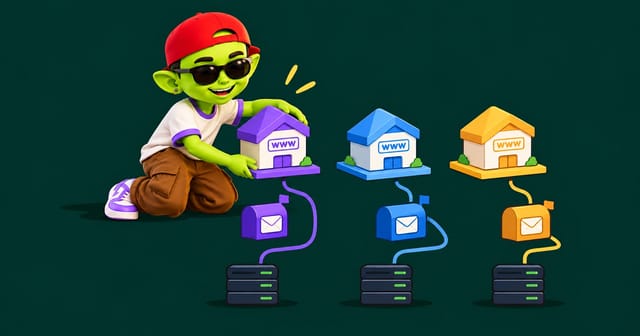
Warming your main company domain. Send cold email from a separate lookalike domain so a problem can’t take down your business email. Here’s how many secondary domains you need.
Sending to an unverified list. A 12% bounce rate can undo weeks of warmup in one day. Run every list through email verification first.
Too much volume per inbox. Several inboxes at 30 a day beat one inbox at 150 a day, every time.
Ignoring spam traps. One old or scraped list can hit spam traps and wipe out your reputation.
Ignoring reply rates on real campaigns. A campaign nobody replies to slowly undoes what warmup built. Deliverability and copy are the same problem.
Warm up your inboxes free with Alien Mail
Alien Mail includes unlimited email warmup on every account at no cost. Warmup emails never use your sending credits, and there’s no limit on inboxes. Connect Gmail, Outlook or custom SMTP, and warmup starts the moment the inbox is connected. Alien Mail checks your SPF, DKIM and DMARC setup, tracks sender health, and tells you when an inbox is ready, so you aren’t guessing.
Because Alien Mail is pay-as-you-go instead of a subscription, there’s no monthly fee to keep warmup running on spare domains you aren’t sending from yet.
Try the free email warmup tool, compare free email warmup tools, or see how Alien Mail compares with Instantly and Smartlead.
Frequently asked questions
Does email warmup actually work?
Yes, with limits. Warmup reliably improves inbox placement for new and recovering domains because it gives providers the volume and engagement history they use to judge senders. It can’t make up for broken authentication, a bought list, or copy that gets spam complaints.
How many emails per day should I send during warmup?
Start at about 5 a day in week one and build to 30–40 a day per inbox by week four. Going above 50 a day per inbox adds risk without improving reputation.
Do I need to warm up an old domain?
If it has never sent much email, yes. Domain age helps, but it doesn’t replace sending history. If the domain already has a good sending reputation, 1–2 weeks is usually enough.
Is free email warmup safe?
It depends on the network, not the price. What matters is whether the inboxes in the network are real, monitored accounts on reputable providers. A free tool with a clean network is safer than a paid one using burned addresses.
Can I send cold emails while still warming up?
After the first week, yes, at low volume, to a tightly targeted list, and only if authentication passes. Keep warmup and real sends combined within your schedule for that week.
Should I keep warmup on after my campaigns start?
Yes. Keep it running permanently in the background. It keeps a steady flow of positive engagement on the inbox and balances out the weaker engagement cold emails usually get.