Email Deliverability Testing Tools: 8 Free and Paid Options (2026)
Test email deliverability free with mail-tester, MXToolbox and Google Postmaster Tools, then add a placement test. 8 tools with real prices.

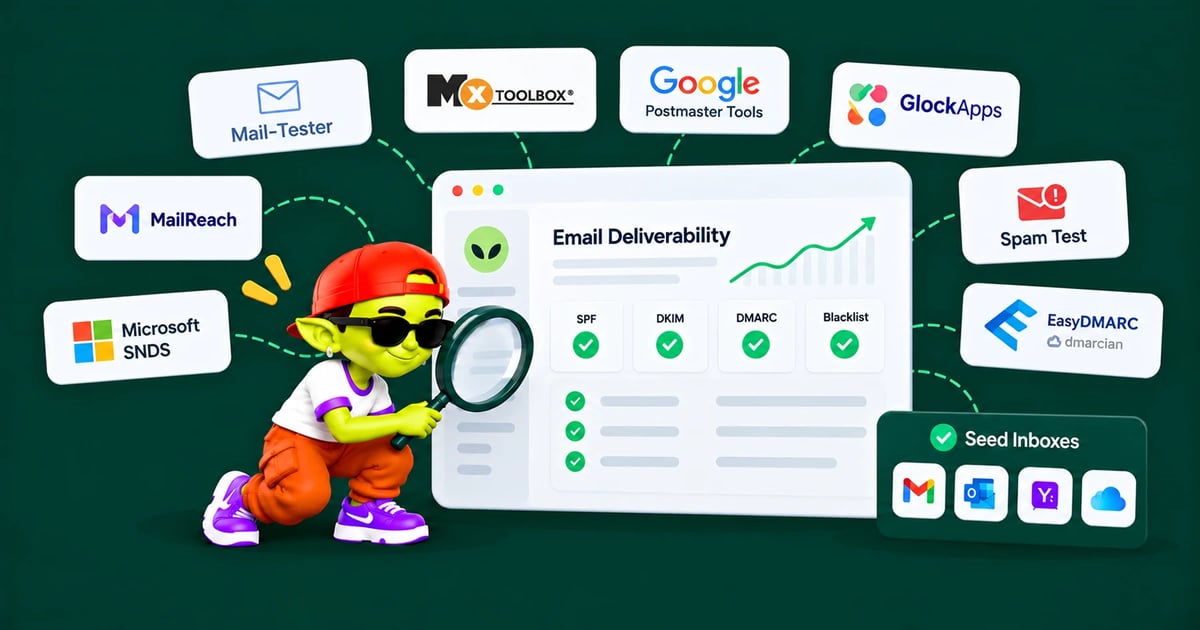
These 8 email deliverability tools test spam scores, inbox placement, DNS records and reputation. Here is what each one checks, what's free and when to use it.
Disclosure: we make Alien Mail, a cold email tool. None of the 8 testing tools below is ours, and we earn nothing from them.
The short answer: For a free test, send one email to mail-tester (3 free tests a day) and look up your domain on MXToolbox. Add Google Postmaster Tools to watch your Gmail spam rate. Before a big campaign, run an inbox placement test with MailReach (3 free a day) or GlockApps (2 free credits) to see whether you land in the inbox at Gmail, Outlook and Yahoo.
The 4 kinds of deliverability test
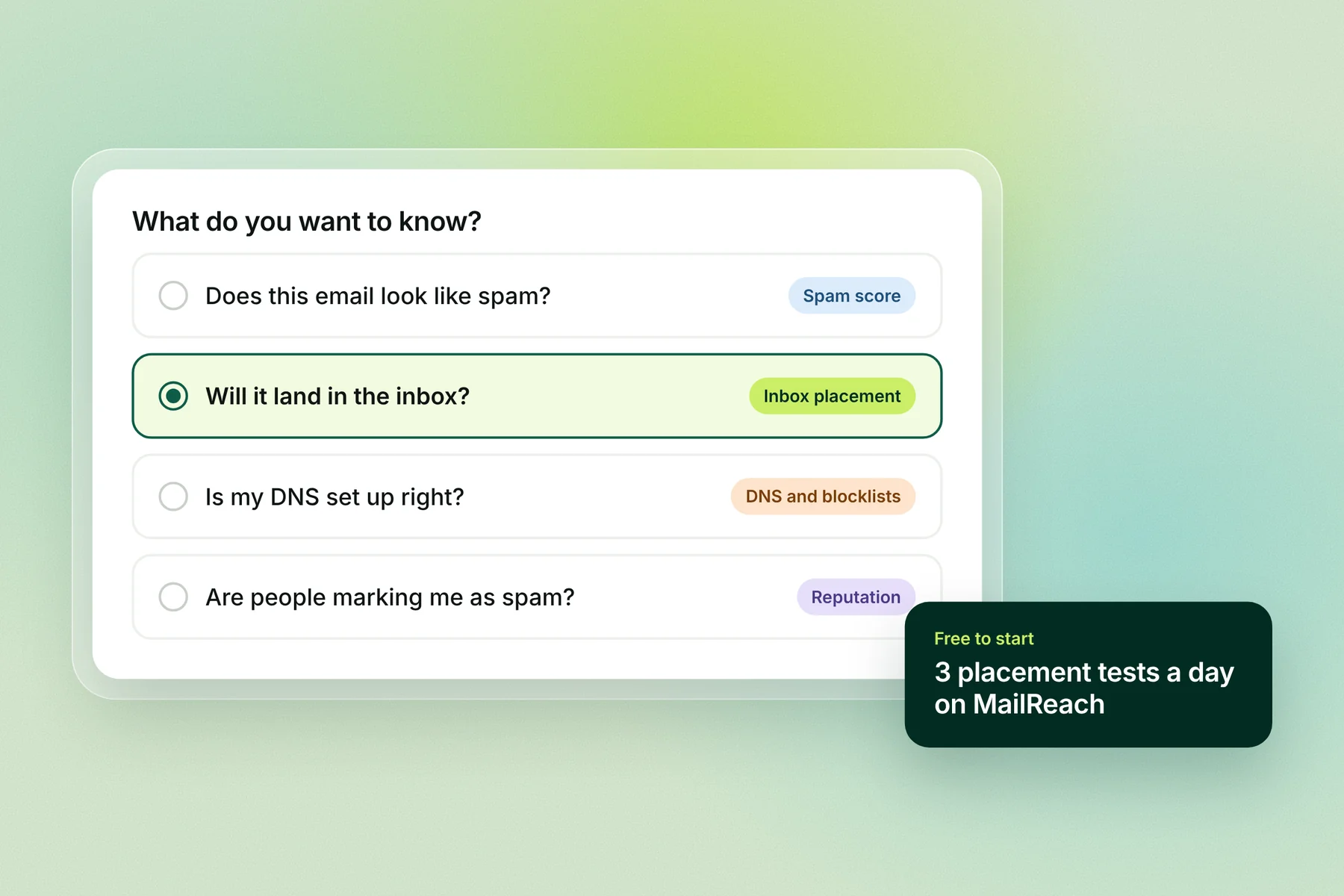
No single tool tells you everything. Each kind of test answers a different question, so pick by the question you have.
Kind of test | The question it answers | What it can't tell you | Tools |
|---|---|---|---|
Spam score | Does this one email look like spam to a filter? | Where it lands at Gmail or Outlook | mail-tester, MailReach |
Inbox placement | Does it land in the inbox, the spam folder or a tab at each provider? | Why your reputation is what it is | GlockApps, MailReach, MXToolbox (paid), your own seed list |
DNS and blocklists | Are SPF, DKIM, DMARC and MX set up right, and is the domain or IP blocklisted? | Whether people want your email | MXToolbox, dmarcian, EasyDMARC |
Reputation over time | Are recipients marking you as spam? | How one new email will do | Google Postmaster Tools, Microsoft SNDS, DMARC reports |
The 8 tools compared
Tool | Kind of test | Free | Paid from | Best for |
|---|---|---|---|---|
mail-tester | Spam score | 3 tests per 24 hours | Test packs | A quick check of one email |
MailReach spam test | Placement + spam score | 3 tests per 24 hours | Credits or a monthly plan | Free placement checks at Google, Microsoft and Yahoo |
GlockApps | Placement + DMARC | Free plan: 2 test credits | $59 a month billed yearly ($708), 360 credits | Regular placement testing by provider |
MXToolbox | DNS + blocklists | Free plan: weekly blacklist monitoring for 1 domain | Delivery Center $129 a month | Blocklist and DNS lookups |
Google Postmaster Tools | Reputation | Free | — | Your Gmail spam rate |
Microsoft SNDS | Reputation (per IP) | Free | — | Senders with their own IPs |
dmarcian | DMARC reports | Personal plan: 2 domains, 1,250 messages a month, non-business use | $19.99 a month billed yearly | Reading DMARC reports |
EasyDMARC | DMARC reports | Free trial, no card | $35.99 a month billed yearly | DMARC reports with more support |
Prices from each tool's pricing page, 2 Nov 2026. "Free" means what the tool's own page offers without paying.
The 8 tools, one by one
1. mail-tester: a free spam score for one email
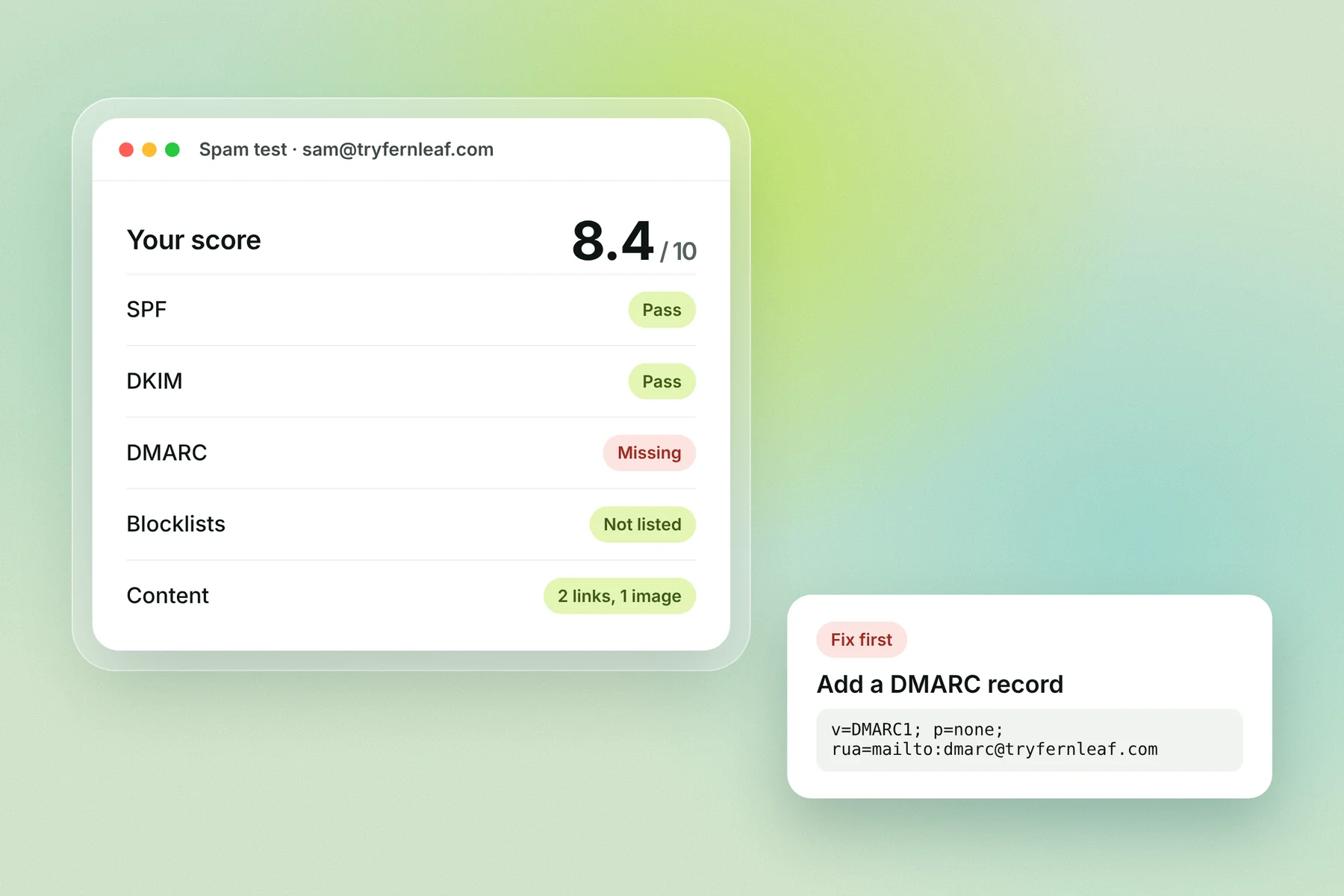
Send an email to the one-time address mail-tester gives you, and it returns a score out of 10. The score is SpamAssassin's score turned around, so higher is better and the goal is 10/10. You get 3 free tests in any 24 hours, and can buy a pack of extra tests.
Use it for: checking a new template or a new domain's setup before you send
Limit: it tests one email in a lab, not where your campaign lands at Gmail or Outlook. For what the points mean, see our SpamAssassin score guide.
2. MailReach spam test: free placement at Google, Microsoft and Yahoo
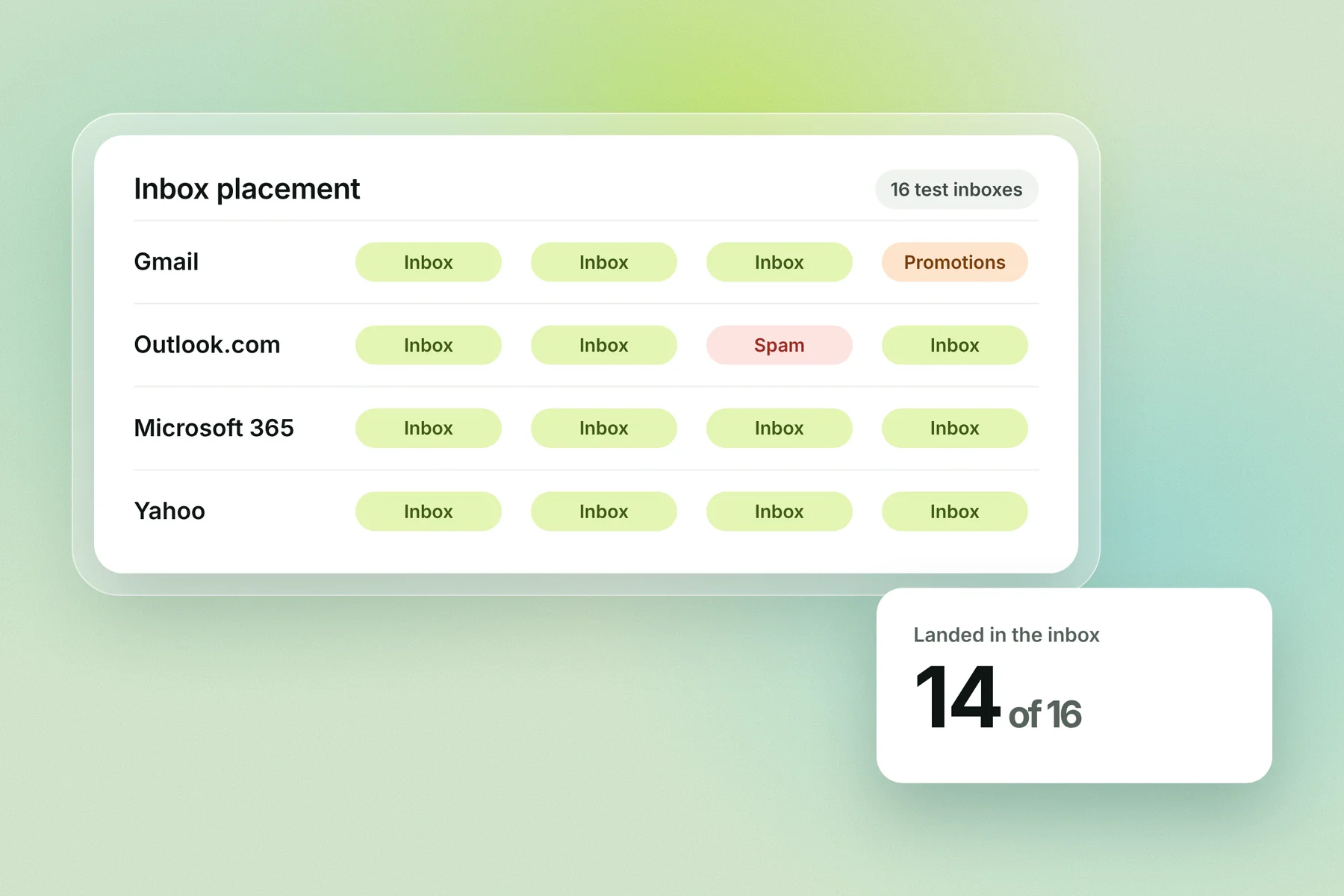
MailReach's spam test shows where your email lands at Google, Microsoft and Yahoo mailboxes. It also checks blocklists, content, links and your SPF, DKIM, DMARC and MX records. It's free for up to 3 tests per 24 hours, then you buy credits or a monthly plan; 1 credit is 1 placement test.
Use it for: a free placement check before a campaign
Limit: a seed test is a sample; real campaigns can land differently
3. GlockApps: placement testing by provider
GlockApps sends your email to its test inboxes and reports inbox, spam or tab placement by provider, plus DMARC report analytics. The Free plan includes 2 spam test credits. Essential is $59 a month billed yearly ($708) with 360 credits, and Growth is $99 a month billed yearly with 1,080.
Use it for: teams that test every campaign and want history
Limit: the free plan covers 2 tests, enough to try it, not to rely on it
4. MXToolbox: blocklists and DNS
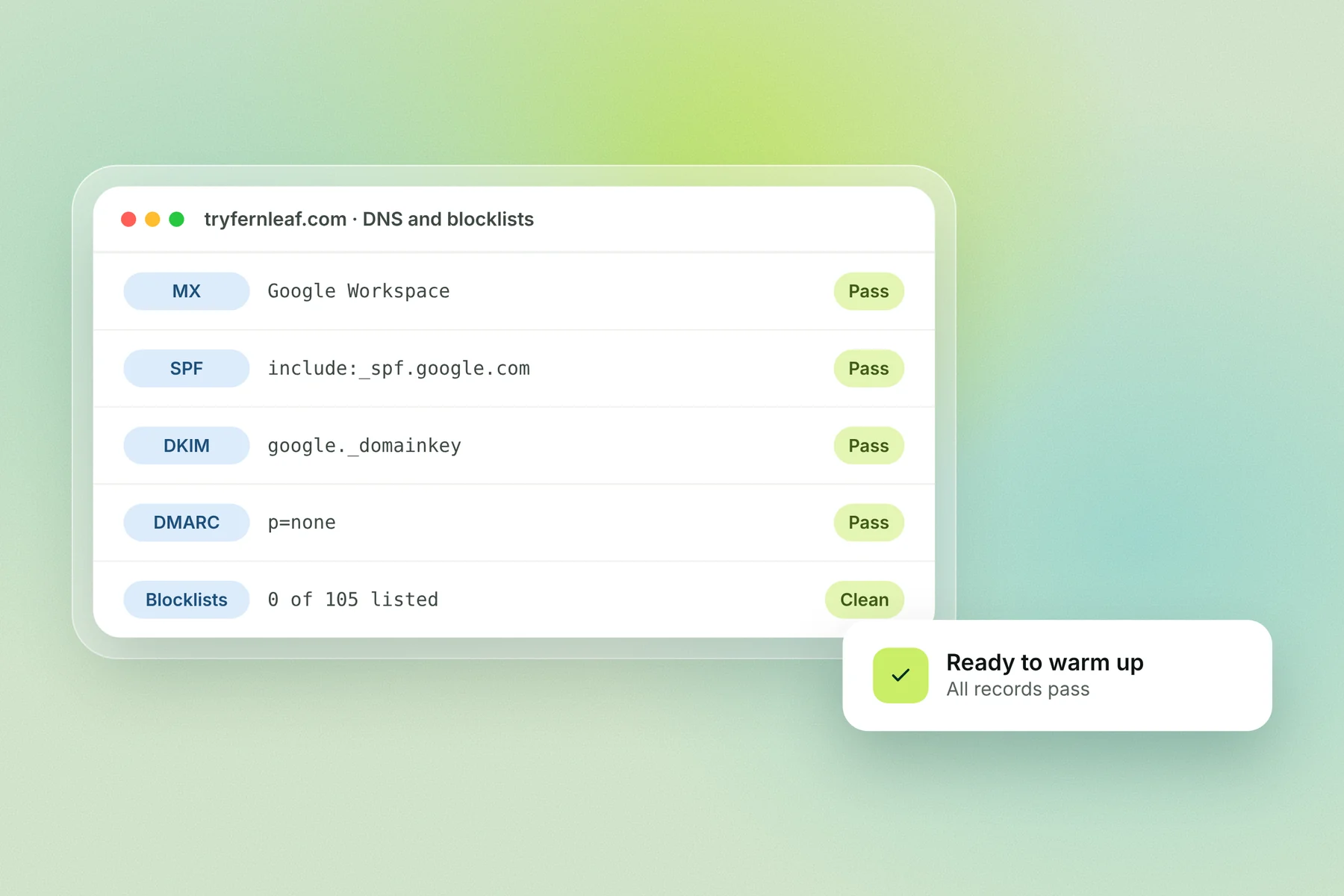
MXToolbox looks up your MX records and checks your mail server's IP against 105 blocklists, from its homepage. Its Free plan adds weekly blacklist monitoring for 1 domain. Delivery Center ($129 a month) adds inbox placement analyses and a DMARC, SPF and DKIM configuration report.
Use it for: the first check on any new domain, and a weekly blocklist check
Limit: the free tools show setup and listings, not placement
5. Google Postmaster Tools: your Gmail spam rate
Postmaster Tools is Google's free dashboard for senders. Its dashboards page lists Compliance status, Spam rate, IP reputation, Domain reputation, Feedback loop, Authentication, Encryption and Delivery errors. Keep the spam rate under 0.1% and never reach 0.3%, per Google's sender guidelines.
Use it for: watching how Gmail users react to your email, week by week
Limit: Google may leave out data on days when your volume to Gmail is low, so small senders often see little
6. Microsoft SNDS: Outlook.com data for your IPs
SNDS shows how Outlook.com sees individual IP addresses and includes Microsoft's junk email reporting program. You request access to the IPs you're responsible for, and access expires 10 months after approval unless you reattest.
Use it for: senders with their own dedicated IPs
Limit: if you send from Google Workspace or Microsoft 365, you share IPs you don't control, so SNDS tells you little
7. dmarcian: free DMARC reports for small senders
DMARC reports arrive as XML files; dmarcian turns them into charts that show who is sending as your domain and whether it passes. The Personal plan is $0 for 2 domains and 1,250 messages a month, for non-business use. Basic is $19.99 a month billed yearly ($24 monthly) for 100,000 messages.
8. EasyDMARC: DMARC reports with more hand-holding
EasyDMARC also turns DMARC reports into dashboards and offers free checkers such as a DMARC record checker. Its pricing page lists a free trial with no card, not a free plan. DMARC Plus is $35.99 a month billed yearly, or $44.99 monthly.
Your own seed list: free, and closest to real life
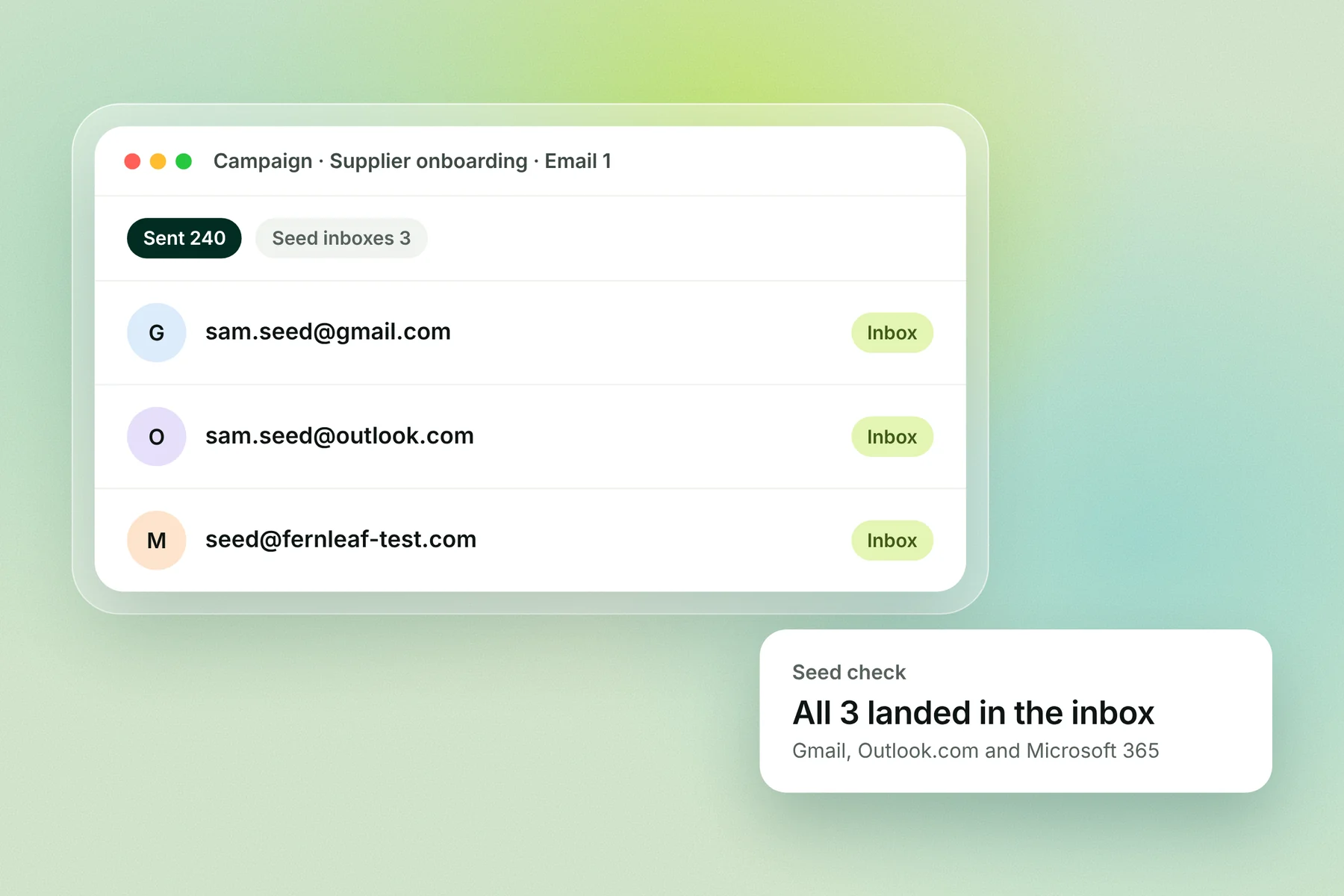
Add a personal Gmail, an Outlook.com and a Microsoft 365 address you control to every campaign. You'll see where real campaign emails land, at no cost. It's 3 inboxes, not a statistical sample, so pair it with a placement test before big sends.
Why Sender Score isn't on the list
Validity's Sender Score looks up the reputation of an IP address or domain. If you send cold email from Google Workspace or Microsoft 365, your email goes out from shared IPs you don't control, so an IP score says more about the provider than about you.
How to test email deliverability, step by step
Run the free checks on every new domain, then a placement test before each big campaign. The whole routine costs nothing until you need regular placement tests.
For a new domain or mailbox:
Check DNS and blocklists on MXToolbox. Fix any missing SPF, DKIM, DMARC or MX record, and any listing, before sending. See our DMARC record guide.
Send your real template to mail-tester. Fix anything that costs points until you score 9/10 or higher.
Warm up the mailbox. A new mailbox needs 3 to 4 weeks before cold sending; see our email warmup schedule.
Set up Google Postmaster Tools and DMARC reports (dmarcian's free plan covers 2 domains) so data starts building.
Before each campaign:
Run an inbox placement test with MailReach (3 free a day) or GlockApps, using the exact email you'll send.
Add your seed list to the campaign, and check where those 3 emails land after the first send.
Every week: check your Gmail spam rate in Postmaster Tools and run a blocklist check.
What to do with your test results
Result | Likely cause | Fix |
|---|---|---|
mail-tester below 9/10 | Missing DMARC, broken DKIM or spam-like content | Fix the records first; then trim links, images and sales words |
Spam folder at Gmail, inbox at Outlook | Gmail reputation or spam complaints | Check Postmaster Tools spam rate; slow down and clean your list |
Spam everywhere | New or damaged domain, or a blocklist listing | Check MXToolbox; warm up longer; see our blacklist removal guide |
Promotions tab | Marketing-style content | Plain text, one link at most, a personal tone |
Clean tests but few replies | Placement is fine; the email isn't | Rework the copy and targeting, not the setup |
Keep deliverability healthy with Alien Mail
Alien Mail warms every mailbox you connect for free, checks your list before it sends, and spreads sending across your inboxes. You pay only for emails you send, starting with 100 free credits and no card. Testing tells you what's wrong; these keep it from going wrong.
Start free → · How Alien Mail warmup works
Frequently asked questions
How do I test email deliverability for free? Send one email to mail-tester for a spam score (3 free tests a day), look up your domain on MXToolbox for DNS and blocklists, and run a free placement test on MailReach (3 a day). Add your own Gmail and Outlook addresses to each campaign.
What is the best email deliverability tool? It depends on your question. mail-tester is best for one email's spam score, MailReach or GlockApps for inbox placement, MXToolbox for DNS and blocklists, and Google Postmaster Tools for your Gmail spam rate over time.
What's the difference between a spam test and an inbox placement test? A spam test scores one email's setup and content in a lab. An inbox placement test sends to real test inboxes at Gmail, Outlook and Yahoo and reports whether each landed in the inbox, spam or a tab.
What is a good mail-tester score? 9/10 or higher. mail-tester's score is SpamAssassin's score turned around, so 10/10 means no points against you.
Does MXToolbox have an email deliverability test? Its free tools check MX records, DNS and 105 blocklists. Inbox placement testing is part of its paid Delivery Center plan, from $129 a month.
Does Google Postmaster Tools still show domain reputation? Google's dashboards page, checked 2 Nov 2026, still lists Domain reputation and IP reputation. Some sites report these were removed in a 2025 update, so check what your own account shows.
How often should I test deliverability? Test every new domain and template before sending, run a placement test before big campaigns, and check blocklists and your Gmail spam rate weekly.
Key terms
Email deliverability: whether your email reaches the inbox, not just the server.
Inbox placement test: sending to test inboxes at each provider to see where the email lands.
Spam score: points a filter such as SpamAssassin adds up for spam-like signals.
Seed list: inboxes you control, added to a campaign to see where it lands.
Blocklist: a list of domains or IPs that mailbox providers use to block or filter email.